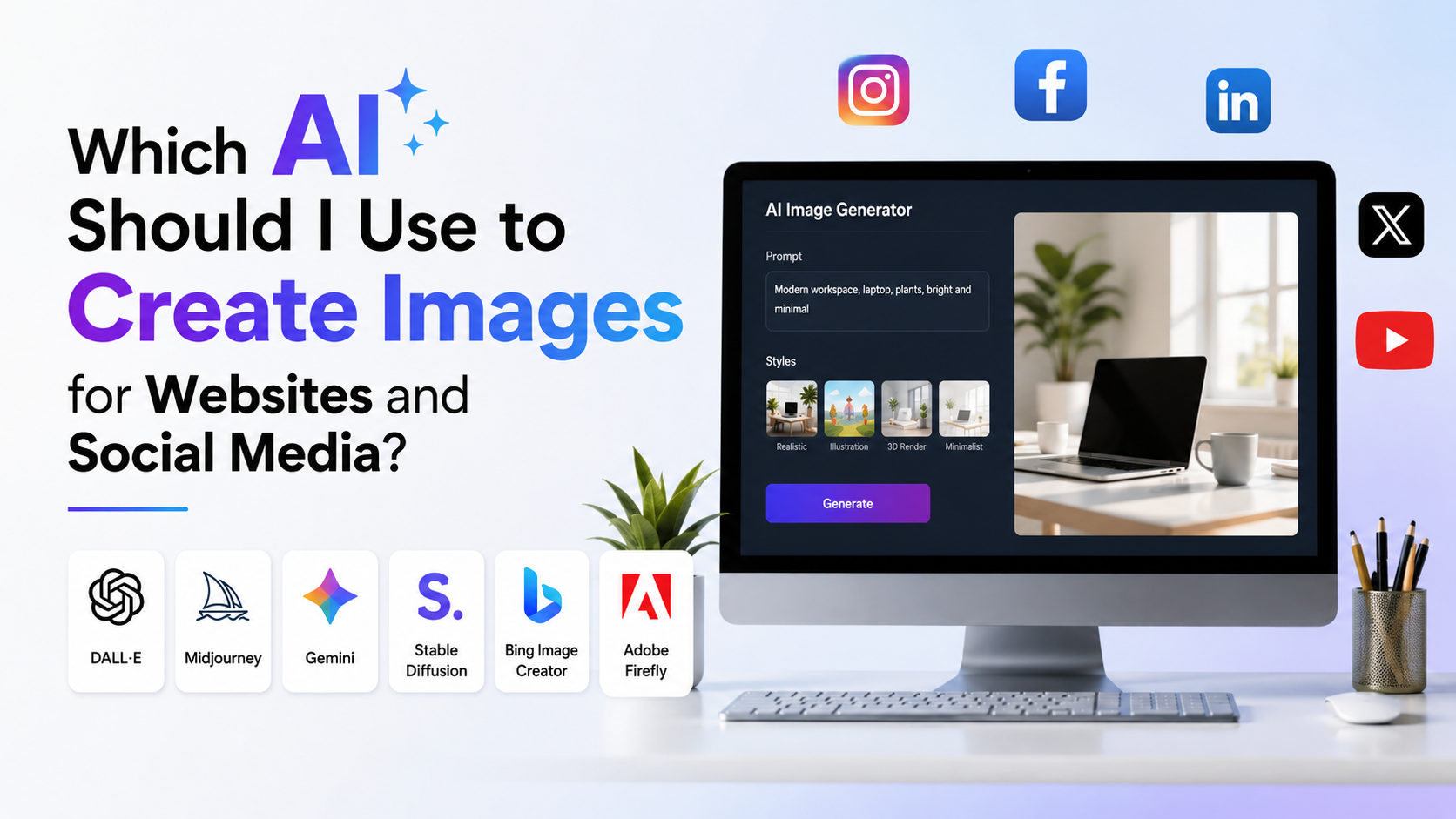
If you are asking, "which AI should I use to create images" for a website, Instagram post, LinkedIn creative, product banner or ad concept, the best answer depends on the job—not on a single "best" generator.
For most Indian small businesses, marketers and creators, Canva Magic Media is the practical starting point because generation and layout sit in one design workspace. Choose Adobe Firefly when commercial-use confidence and Adobe-based workflows matter. Choose ChatGPT Images when you need conversational iteration, image edits or help turning a rough brief into a visual. Choose Midjourney when distinctive, art-directed visuals are the priority.
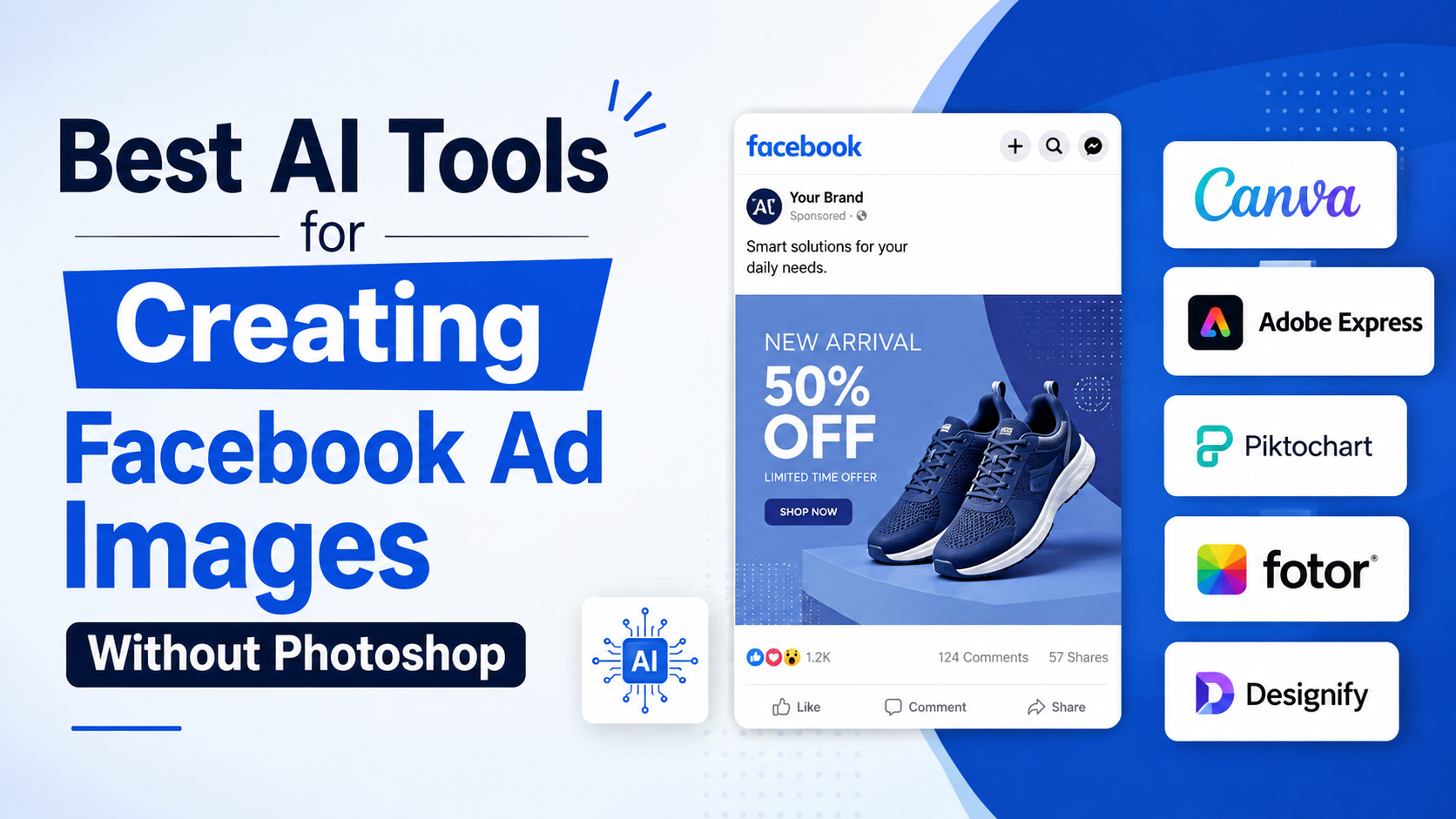
The right workflow is usually: generate the visual with AI, then add final brand text, prices, offers and calls to action in a design editor.
Key Takeaways
- Use Canva for fast social-media designs and simple website graphics in one workspace.
- Use Adobe Firefly for commercial projects that benefit from Adobe's approach to licensed and public-domain training data.
- Use ChatGPT Images for detailed creative direction, edits and transparent-background requests.
- Use Midjourney for highly stylised concepts, campaign mood boards and visually expressive imagery.
- Do not rely on an AI-generated image for critical text, product claims, prices or legal disclosures.
- Review every image for brand accuracy, cultural fit, anatomy errors and unintended copyrighted or trademarked elements.
Start With the Outcome You Need
Choosing an AI image generator becomes easier when you define the asset first. "Create an image for social media" is too broad. A product mock-up, blog hero image and Instagram carousel cover have different production needs.
| Your goal | Best starting option | Why |
|---|---|---|
| Instagram post, story or simple promotional graphic | Canva Magic Media | Generate and place the image inside a ready-to-edit design |
| Website hero, blog image or transparent cut-out | ChatGPT Images | Conversational briefing and iterative editing are useful |
| Adobe Photoshop or Creative Cloud workflow | Adobe Firefly | Fits naturally into Adobe's generative-creative ecosystem |
| Premium-looking campaign concept or editorial artwork | Midjourney | Strong option for expressive, stylised image exploration |
| Quick visual idea for Meta platforms | Meta AI | Image generation is available within Meta AI surfaces, subject to availability |
| Image variations based on uploaded references | Gemini Apps or ChatGPT Images | Useful for conversational image generation and edits |
Do not select a tool solely because it creates attractive samples. Evaluate whether it can produce the correct composition, aspect ratio, editable output and repeatable style for your content calendar.
The Best AI Tools for Website and Social Media Images
Canva Magic Media: Best for fast, ready-to-publish designs
Canva's Magic Media lets you describe an image, select a style and choose a size within Canva's editor. You can also upload a reference image. This makes it a sensible choice for entrepreneurs, agencies and in-house teams that need to move from an idea to a finished social creative without switching tools.
Use it for:
- Festival and seasonal social posts
- Blog-feature illustrations
- Simple product-background concepts
- Quote cards and carousel covers
- Local business promotions
Its main advantage is workflow speed. Generate the background or illustration, then use Canva's layout tools for your logo, typography, offer details and CTA. Keep the final text editable rather than asking the image model to render a full advertisement.
Adobe Firefly: Best for commercial design workflows
Adobe Firefly is a strong choice for brands, designers and teams already using Adobe tools. Adobe states that outputs from Firefly features without a beta label can be used in commercial projects. It also says its current Firefly generative AI models are trained on licensed content, including Adobe Stock, and public-domain content.
That does not eliminate the need for review, but it is a useful consideration for client work, retail catalogues and brand campaigns.
Use Firefly when you need:
- Product-image background variations
- Branded artwork developed alongside Adobe creative tools
- Generative visual concepts for presentations or landing pages
- More formal creative-production processes
Check the feature's status and applicable terms before using an output in a high-stakes campaign. "Commercially usable" does not mean an image is automatically suitable for every trademark, likeness or regulated advertising use.
ChatGPT Images: Best for collaborative prompting and edits
ChatGPT Images can create new images and edit uploaded or generated images. OpenAI documents support for adding details, transparent backgrounds, aspect-ratio selection and selecting part of an image for a targeted edit.
This is particularly helpful when your brief changes during production. For example, you can begin with "a clean flat-lay image of Indian stationery for a student productivity blog," then request a warmer colour palette, more empty space on the left, and a transparent background for a separate product object.
Use it for:
- Website visuals requiring clear copy space
- Iterative revision of a concept
- Isolated objects for banners and product pages
- Visuals based on a written marketing brief
- Turning an existing image into a new variation
Be specific about what must not change when editing: "Keep the notebook, hand position and camera angle unchanged; replace only the background."
Midjourney: Best for visual style and creative exploration
Midjourney is often valuable when the image itself is the campaign's visual hook: editorial-style artwork, imaginative scenes, premium mood boards or unusual textures. Its official documentation lets you set an aspect ratio using --ar; for example, --ar 1:1, --ar 16:9 or --ar 9:16. It also supports reframing through its web tools and editor. See its aspect-ratio guide.
Use it for:
- High-concept campaign imagery
- Creative social-media covers
- Travel, fashion, food and lifestyle mood boards
- Backgrounds where typography will be added later
Midjourney is not the first pick for exact layouts, accurate product packaging or images that must contain reliable written information. Treat it as an art-direction tool, then complete the design elsewhere.
Match the Image to the Platform Before You Generate
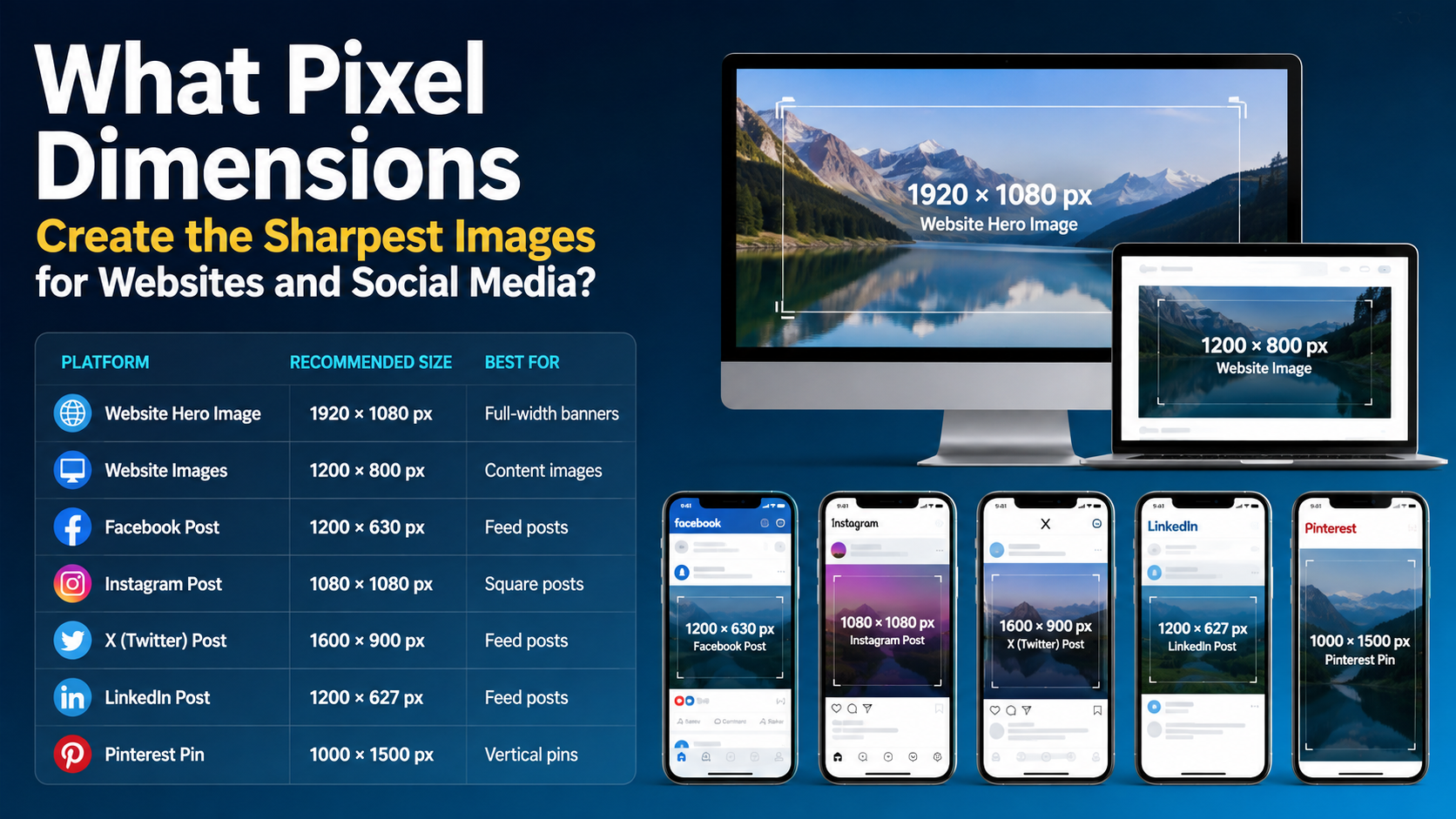
A good AI image can still perform poorly if it is composed for the wrong placement. Decide the canvas orientation before writing the prompt.
| Placement | Composition guidance |
|---|---|
| Website hero | Use a wide composition and reserve clear space for headline text |
| Blog featured image | Use a landscape frame with one clear subject |
| Feed post | Use a square or portrait-friendly composition with a strong central focal point |
| Story or vertical short-form content | Use a tall composition and keep essential elements away from screen edges |
| LinkedIn banner or post visual | Prefer clean, credible composition with restrained styling |
| Product listing | Use accurate product details and uncluttered backgrounds; do not fabricate product features |
Ask for "negative space on the left for headline text" or "subject positioned on the right third" rather than hoping to crop later. For Midjourney, choose the aspect ratio in the prompt; for other tools, use their size or aspect-ratio controls where available.
A Practical AI Image Workflow for Indian Brands
The fastest dependable process is not one prompt followed by immediate publishing. It is a short production loop.
1. Write a compact creative brief
Include:
- Audience: for example, first-time homebuyers in Pune or college students in Bengaluru
- Objective: awareness, clicks, enquiries or education
- Message: one main idea only
- Brand cues: colours, mood, visual style
- Placement: website banner, Instagram post or vertical story
- Constraints: leave copy space, avoid logos, no text in the image
Avoid using sensitive personal details, customer documents or unpublished client material as reference uploads unless your organisation has approved that use.
2. Generate several directions
Create a small set of genuinely different concepts rather than tiny variations of the same prompt. Compare composition, subject, brand fit and usefulness for your intended crop.
For a financial-services website, generate one clean editorial illustration, one realistic workplace scene and one abstract trust-and-security concept. The best image is the one that supports the page message—not necessarily the most visually dramatic one.
3. Select, edit and add human-controlled text
Choose the image with the strongest visual hierarchy. Then add final copy, pricing, legal language, logos and CTA buttons in Canva, Adobe Express, Figma or another design tool.
This avoids a common AI-image failure: polished artwork containing misspelled, distorted or misleading text.
4. Review before publishing
Check:
- Is the product, logo or packaging accurate?
- Are hands, faces, jewellery, clothing and objects believable?
- Does the image reflect the audience respectfully and avoid stereotypes?
- Are there accidental logos, signage or trademarked characters?
- Does every price, offer, claim and disclaimer match the approved copy?
- Does the crop work on the actual website or social placement?
How to Write Prompts That Produce Usable Marketing Images
A prompt should operate like a mini design brief. Include subject, setting, style, composition, lighting, colours and restrictions.
Use this template:
Create a [style] image of [subject] in [setting] for [platform/use]. Use [composition], [colour palette] and [lighting]. Leave [location] clear for text. Avoid [unwanted elements].
Example for a website:
Create a realistic, warm editorial image of a small business owner in India packing sustainable products at a bright workspace, for a website hero banner. Wide composition, subject on the right, soft natural daylight, muted green and cream palette, clean space on the left for a headline. No visible logos, no written text, no watermarks.
Example for social media:
Create a vibrant illustrated scene of friends planning a weekend trip by train in India, for a vertical social-media story. Modern flat illustration, energetic but uncluttered composition, orange and deep blue palette, leave the top quarter clear for a headline. No text inside the artwork.
If the first image is close, do not rewrite everything. Give a precise revision: "Keep the scene and palette. Make the workspace less cluttered, move the subject farther right and remove all visible labels."
Important Copyright, Brand and Trust Considerations
AI image tools can accelerate design, but they do not replace judgement or approvals.
Do not prompt an AI to imitate a living artist's style for commercial brand work. Avoid using celebrity likenesses, customer faces or competitor logos without a clear right to do so. Never let generated imagery imply a real testimonial, medical result, financial outcome or product capability that cannot be substantiated.
For commercial projects, preserve your prompt, source references, chosen output and final edited asset. This creates a useful internal record of how the visual was made and reviewed.
If your business uses AI-generated imagery in advertising, align it with your organisation's legal, brand, privacy and platform policies. For regulated categories such as finance, healthcare, alcohol, real estate or education, have the approved marketing and compliance teams review the final creative.
Frequently Asked Questions
Which AI should I use to create images if I am a beginner?
Start with Canva Magic Media if you want to create and assemble social-media graphics in the same workspace. Start with ChatGPT Images if you prefer describing your idea in a conversation and refining it through follow-up instructions.
Is AI-generated imagery suitable for a business website?
Yes, particularly for conceptual illustrations, backgrounds, blog graphics and campaign visuals. It is less suitable without careful review for exact product images, technical diagrams, price-led creatives or anything that could be mistaken for a factual photograph.
Can I use AI images for commercial work?
The answer depends on the tool, feature and terms that apply to your account and use case. Adobe states that Firefly outputs from non-beta features can be used commercially, while also requiring users to follow applicable terms. Regardless of tool, check for trademarks, likenesses, misleading claims and brand-policy issues before publication.
Should I generate text and offers inside the image?
Usually no. Generate the visual separately and add final copy in a design editor. You retain control over spelling, language, accessibility, last-minute offer changes and compliance text.
How can I make AI images look relevant to an Indian audience?
Use accurate context rather than vague labels. Specify the city or setting when relevant, local business environments, appropriate clothing, real use cases and a respectful visual tone. Review the result closely to ensure it does not rely on stereotypes or include culturally inaccurate details.
Conclusion
The best answer to "which AI should I use to create images" is based on the work you need to publish. Choose Canva for speed and finished social layouts, Adobe Firefly for Adobe-centred commercial workflows, ChatGPT Images for conversational generation and targeted edits, and Midjourney for art-led visual exploration.
Start with one clear content objective, generate multiple directions, add final copy manually and review every asset before it goes live. That workflow will produce more consistent website and social-media visuals than chasing a single AI tool.