Creating a professional Facebook ad image no longer requires Photoshop expertise, a designer on call, or a lengthy production cycle. Modern AI design platforms can generate concepts, remove backgrounds, extend images for new placements, apply brand colours and turn a rough idea into several ad-ready variations.
For Indian small businesses, D2C brands, local service providers and agencies, the practical advantage is speed: you can create a product offer for Bengaluru, a festive creative for Diwali, and a Hindi-English lead-generation visual without rebuilding every asset from scratch. The best ai tools for facebook ad images do not replace marketing judgement; they make it easier to test that judgement with polished creative.
Key Takeaways
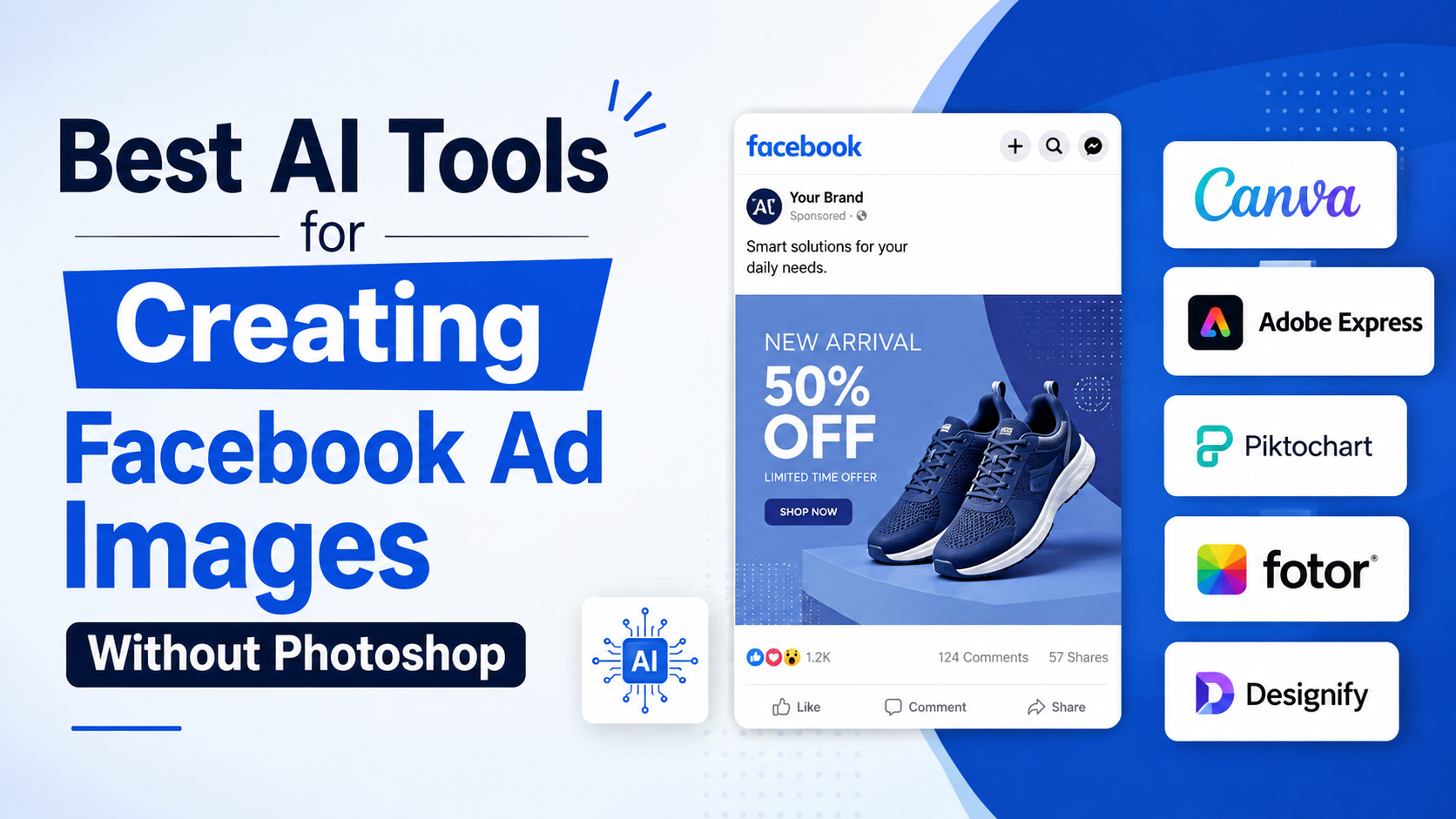
- Canva is a strong all-round choice for template-led creation, brand consistency and quick AI-assisted edits.
- Adobe Express is especially useful when you need polished layouts, AI resizing and brand assets in one workflow.
- Picsart offers flexible AI image generation and editing when you need original visual concepts or product-focused scenes.
- Meta's own Advantage+ creative tools can adapt approved creative for placements, but they should complement—not replace—careful design.
- Keep the image focused on one message, one visual priority and one clear action.
- Review AI-generated text, people, product details and claims before publishing; the advertiser remains responsible for the final ad.
Why AI Image Tools Work Well for Facebook Advertising
A Facebook ad image has a narrow job: stop the scroll, communicate the offer quickly and support the action you want people to take. Photoshop is powerful, but it is often excessive for routine campaign work such as:
- Launching a sale creative from an existing product photo
- Removing a cluttered background
- Producing square, portrait and vertical variants
- Adding a price, offer, logo and call to action
- Creating multiple visual directions for an A/B test
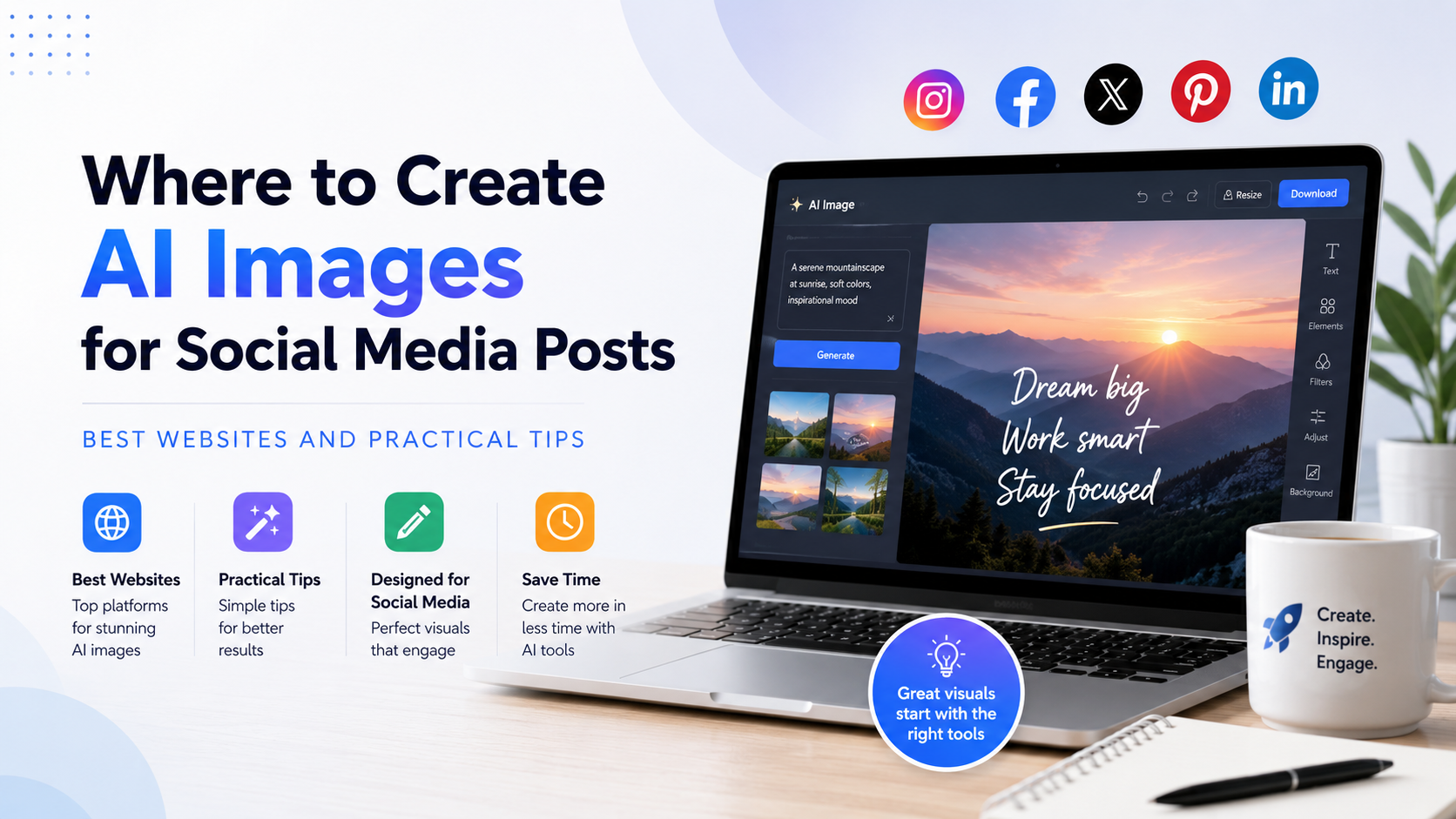
AI tools shorten the production stage by handling repetitive tasks. For example, they can suggest layouts, generate a background, isolate a product, extend an image beyond its original crop or apply a saved brand style.
That convenience does not guarantee a good ad. Meta's own guidance for photo ads recommends a single focal point, high-resolution imagery, limited text and visual consistency across a campaign. It also advises advertisers to test visuals and preview ads before they run. Meta's photo-ad guidance is a useful creative benchmark regardless of which software you choose.
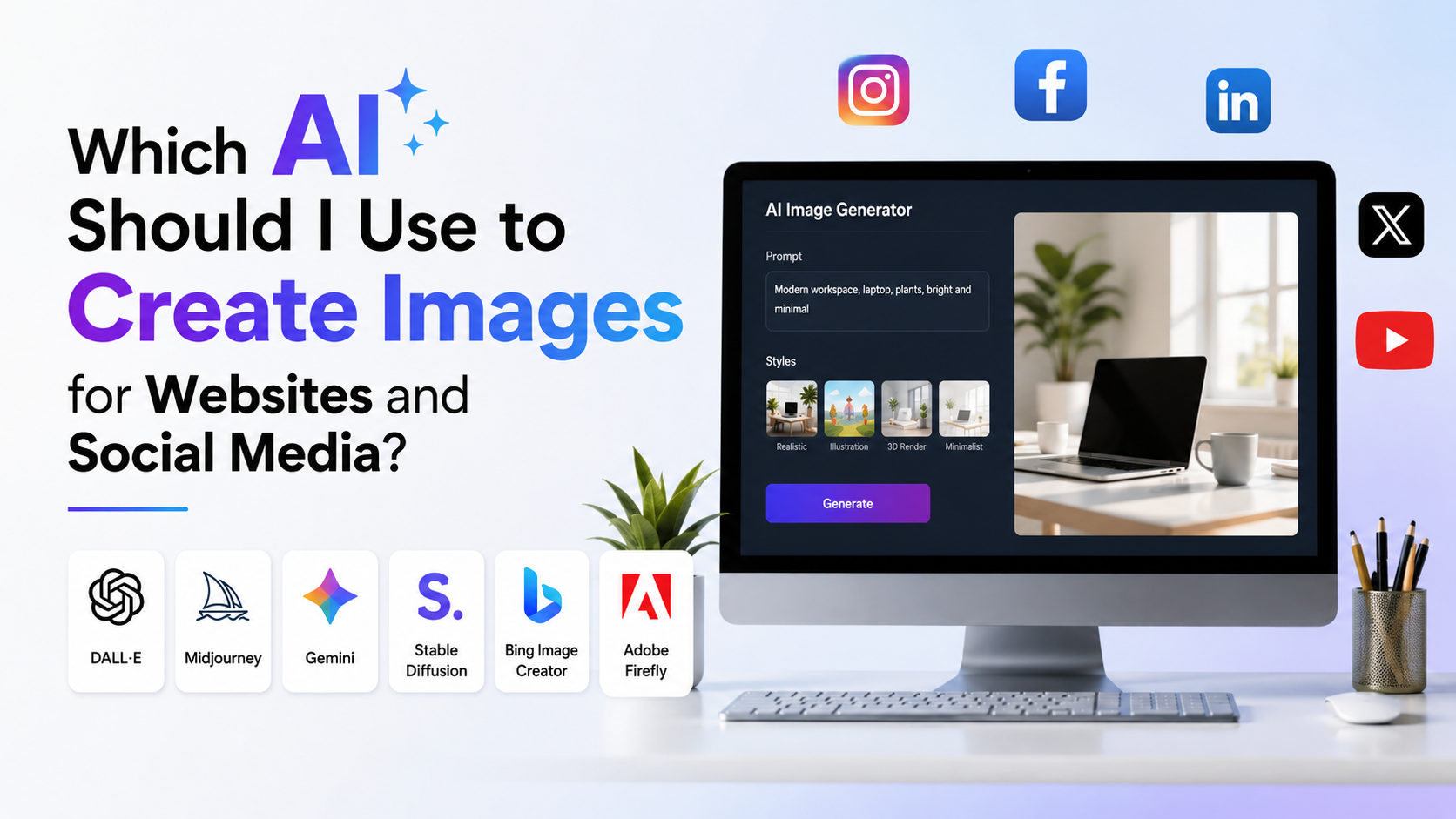
The Best AI Tools for Facebook Ad Images
The right tool depends on whether you start with a product photograph, a blank idea, a template or an existing brand system.
| Tool | Best for | Useful verified capabilities | Watch-out |
|---|---|---|---|
| Canva | Fast, template-led social creatives | Magic Studio tools, AI image generation, background and object edits, brand assets | Some AI and brand features depend on plan access |
| Adobe Express | Brand-led campaigns and repurposing | AI Facebook post templates, brand kits, resize and generative image expansion | Resize and certain AI capabilities are Premium features |
| Picsart | Original concepts and hands-on mobile editing | Text-to-image, model/style selection, background replacement and AI editing | Check output rights and plan terms for the model used |
| Meta Advantage+ creative | Placement adaptation after creative is built | Automatic image sizing, image expansion and creative variations within Meta's ad workflow | It cannot fix a weak offer, misleading claim or poor base image |
Canva: Best for Speed and Everyday Campaign Production
Canva Magic Studio brings together tools such as Magic Media, Magic Edit, Magic Grab and Magic Write. In practical Facebook-ad work, this means you can begin with a template or product photo, create a new background, reposition a subject and add headline copy without switching applications.
Canva is a sensible choice when a small business needs a repeatable process. Save your logo, colours, typefaces and approved product images in a brand kit, then create a small collection of master templates: offer, testimonial, new arrival, lead magnet and festive promotion.
Use AI for the visual base, but add offer text manually. This reduces the risk of distorted letters, incorrect prices or awkward Hindi and regional-language typography.
Adobe Express: Best for Clean Brand Design and Resizing
Adobe Express's AI Facebook post generator can create template directions from a written description. Its brand-kit workflow is useful for teams that need controlled colours, logos, fonts and approved assets. Adobe states that Brand Kits and Resize are included with its Premium plan, while the application itself has a free offering. Adobe's feature overview provides the current plan-level distinction.
Its Resize feature is particularly helpful when one campaign needs more than one placement. Adobe Express supports preset or custom dimensions; its generative expansion option can create extra background rather than merely stretching the image. Adobe's resize documentation notes that this feature is available on Premium plans.
Use Adobe Express when brand polish matters more than producing highly experimental AI artwork.
Picsart: Best for Generating Fresh Visual Concepts
Picsart's AI Image Generator supports prompt-led generation, model selection, style controls, reference-image uploads and built-in editing tools such as AI Background and AI Replace. It can be useful for a café that needs a lifestyle backdrop, a skincare brand that wants a clean editorial scene, or a travel company exploring campaign concepts before commissioning a shoot.
A sensible workflow is to generate the scene first, then add actual product photos, logo, price and copy in the editor. That keeps important commercial information under your control.
Do not assume every output has identical commercial-use rights. Picsart states that usage rights can depend on the model and plan, so check the applicable licensing details before using a specific image in paid advertising.
Meta Advantage+ Creative: Best as the Final Placement Layer
Meta Advantage+ creative includes tools for automatic image sizing, text generation and creative variations. Meta also describes image expansion for adapting creative to different aspect ratios, including vertical placements.
This is valuable after you have built a strong master image in Canva, Adobe Express or another editor. Upload your cleanest approved version, inspect each placement preview and ensure that the product, headline and offer remain visible. Automation can help with format adaptation, but it should not be treated as final approval.
A Practical Workflow for Creating an Ad Image
1. Define One Audience, Offer and Action
Before opening an AI tool, write a short creative brief:
- Audience: "Working professionals in Pune interested in home fitness"
- Offer: "15% off adjustable dumbbell set until 30 September"
- Action: "Shop now"
- Visual idea: "Product in a bright compact apartment, with one person using it"
- Brand rules: logo position, two colours, preferred font and prohibited claims
If the brief cannot fit into a few lines, the ad image is likely trying to say too much.
2. Generate Three Different Concepts
Avoid generating ten near-identical images. Instead, test distinct visual ideas:
- Product-first: clean product photo, offer and CTA
- Lifestyle-first: a person using or benefiting from the product
- Problem-solution: a clear before/after situation without making unsupported claims
For an Indian fashion brand, this could mean testing a close-up product image, a festive lifestyle setting and a flat-lay with a limited-time offer.
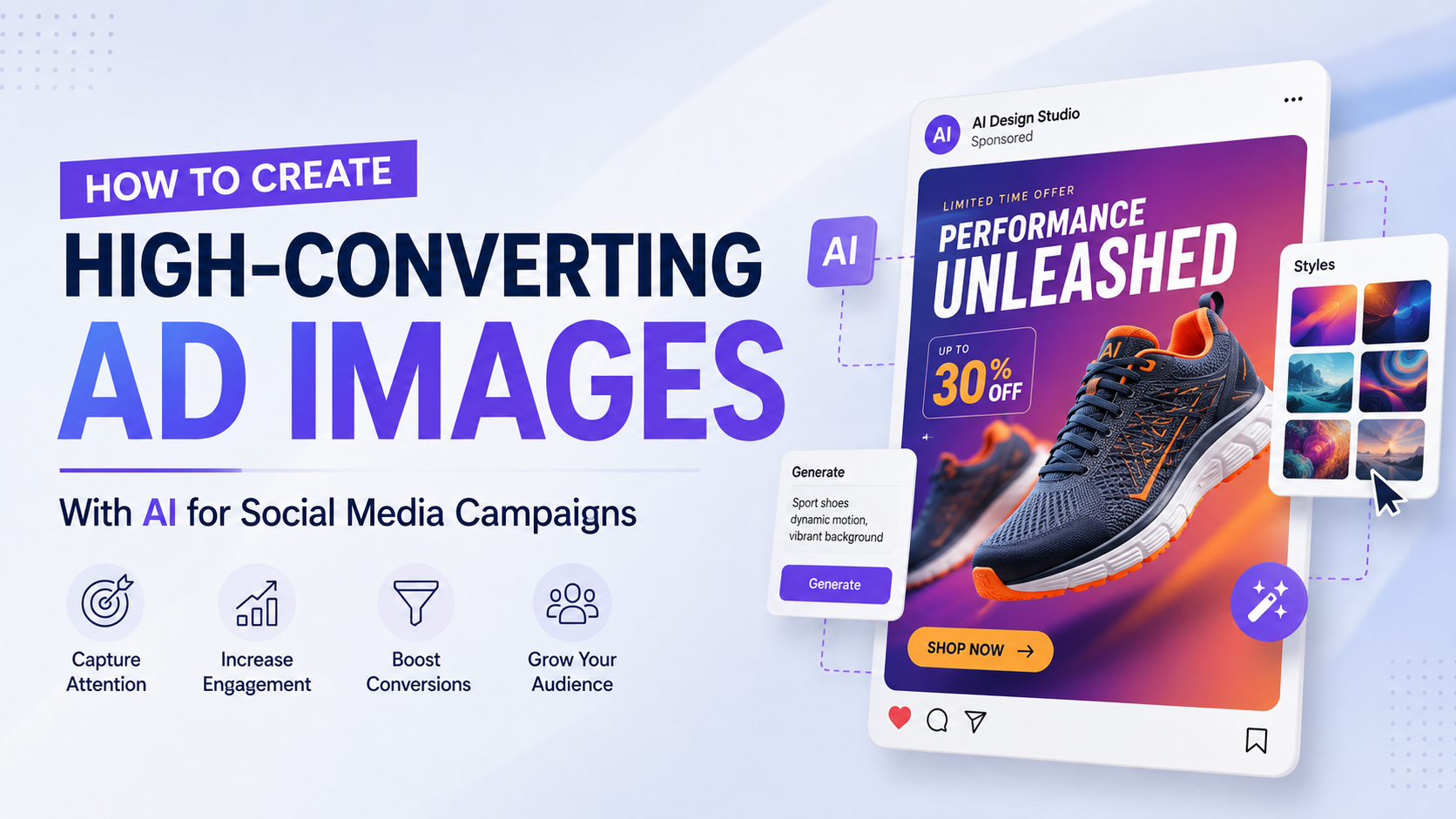
3. Use Specific Prompts
A useful prompt describes the subject, setting, style, composition and exclusions.
"Premium stainless-steel water bottle on a clean light-blue kitchen counter, soft natural morning light, realistic product-photography style, empty space on the upper right for headline text, no words, no logo, no watermark."
For ads, explicitly request blank space for copy. Do not ask the image generator to render the final headline, discount or phone number.
4. Build the Layout Manually
Add these elements after generation:
- Product or primary visual
- Short headline
- Offer or differentiator
- Logo
- Optional supporting line
- Clear call to action
Use high contrast between text and background. Keep margins generous, especially for vertical placements where interface elements can cover parts of the image. If the image needs a long explanation, move detail into the primary text, headline or landing page rather than shrinking it into the creative.
Design for Facebook Placements, Not Just One Canvas
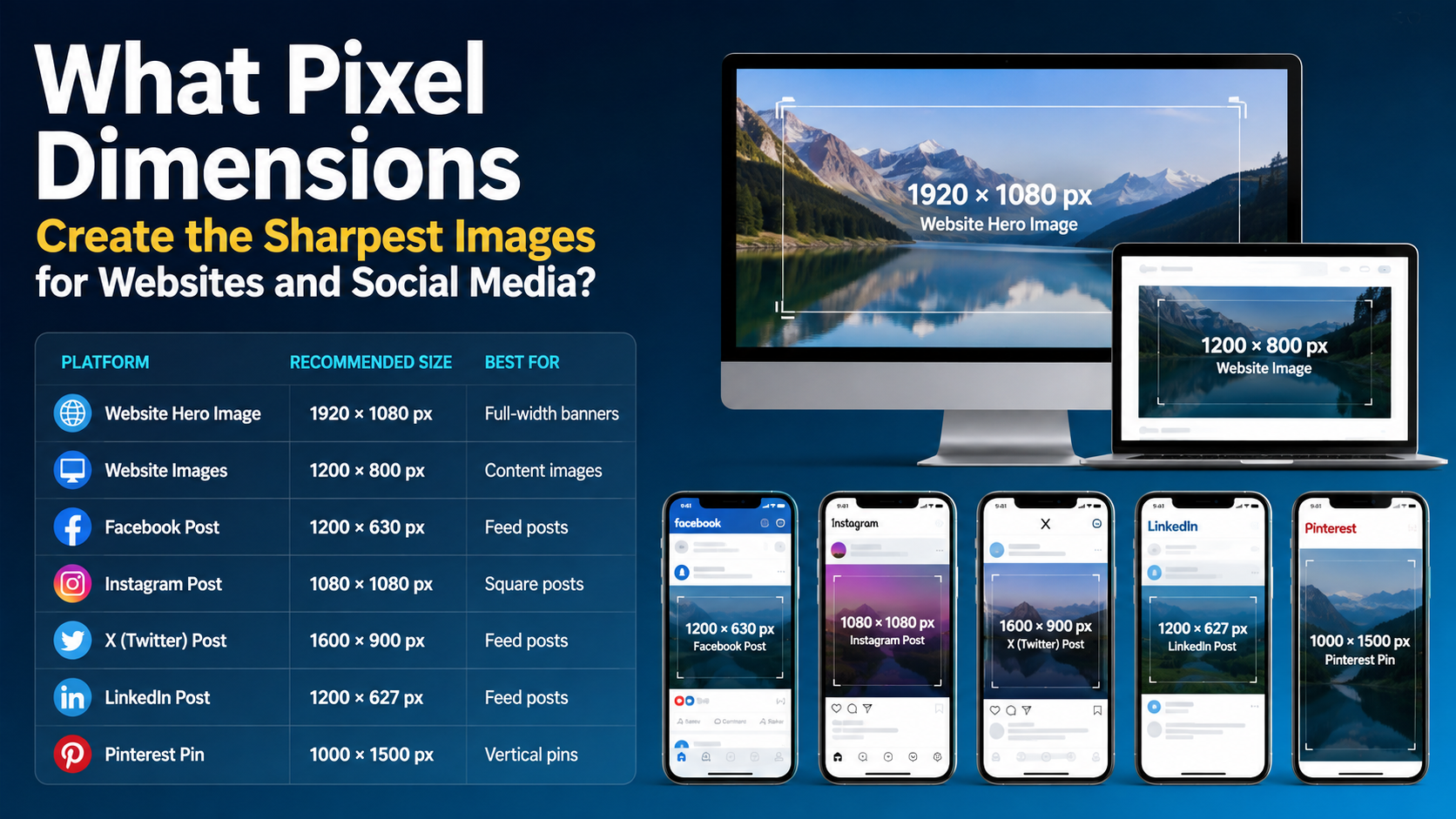
Facebook campaigns can deliver across multiple placements and aspect ratios. Rather than relying on one universal crop, prepare a small asset set:
| Asset version | Practical use |
|---|---|
| Square | A versatile starting point for feed-style creative |
| Portrait | Gives the image more screen presence in mobile feeds |
| Vertical | Useful when your campaign includes immersive placements |
| Landscape | Helpful for placements that favour wider compositions |
Create the master scene with a central product and generous background space. Then make deliberate crops for each version. Meta says its creative tools can automatically adjust image sizing and generate variations, but manual review remains essential because logos, faces, prices and key messages can shift during adaptation.
For Reels-focused campaigns, Meta recommends keeping key messages in the safe zone and notes that vertical 9:16 video with audio is a separate, stronger format than a static image in many Reels contexts. If the campaign's main placement is Reels, consider producing a short motion version rather than forcing a still image to do every job. Meta's Reels creative guidance explains these placement-specific considerations.
Make AI Creative Relevant for Indian Audiences
AI-generated imagery often defaults to generic global advertising aesthetics. Local relevance can improve clarity and trust, but it must feel natural rather than stereotyped.
Localise With Purpose
Consider adapting:
- Language: English, Hindi or the language your actual landing page and support team use
- Context: monsoon, wedding season, back-to-school, local city delivery or festival occasions when relevant
- Currency and offer terms: use clear Indian rupee pricing and accurate conditions
- People and environments: use realistic, respectful representation that fits the customer segment
For instance, a regional food-delivery offer may benefit from a city-specific line and a familiar meal context. A B2B SaaS ad aimed at India may perform better with a clean product interface and a concise business outcome than a heavily decorative visual.
Preserve Trust
Never use AI to create fake customer endorsements, fake "before and after" evidence, fabricated results, false scarcity or a product appearance that materially differs from what customers receive. Be particularly careful with health, financial, education and employment-related advertising, where inaccurate visual claims can create serious compliance and customer-trust problems.
Quality Control and Meta Policy Checks
Meta reviews images, text, targeting and the destination associated with an ad before it runs; it may also review ads again after they are live. Meta says reviews are typically completed within 24 hours, though they can take longer. Meta's ad review guidance should be consulted before launch.
Use this final checklist:
- Is the product, price and offer accurate?
- Does the image contain AI-generated gibberish or incorrect lettering?
- Are faces, hands, labels and packaging believable?
- Does the headline remain readable on mobile?
- Is there one clear focal point?
- Does the landing page match the promise in the image?
- Are claims supported and compliant with applicable rules?
- Have you reviewed every placement preview in Ads Manager?
- Do you have permission to use every logo, photo, person and trademark shown?
Meta's Business AI terms also make clear that businesses are responsible for output they publish and must check it for accuracy, suitability and appropriateness. Meta Business AI Terms are worth reviewing if you use Meta's generative features directly.
Frequently Asked Questions
Which AI tool is best for Facebook ad images for beginners?
Canva is usually the easiest starting point because it combines templates, drag-and-drop editing, AI-assisted image tools and brand controls in one interface. Adobe Express is also beginner-friendly, particularly if you prefer Adobe's layout and resizing workflow.
Can I create Facebook ad images with AI for free?
Several platforms offer free access or limited free generations, but feature limits, export options, model access and commercial-use terms vary. Check the current plan and licence inside the tool before relying on it for paid campaigns. Free access is useful for concept testing; a paid workflow may be justified when you need brand controls, resizing or higher usage limits.
Should AI generate the text inside my Facebook ad image?
Usually, no. Generate the visual without text, then add headlines, prices, URLs and calls to action manually. This gives you accurate spelling, controlled typography and easier localisation for English, Hindi or regional-language campaigns.
Can I use AI-generated people in a Facebook ad?
You can generate illustrative or lifestyle visuals, but do not present an AI-generated person as a real customer, employee, expert or celebrity. Do not imply an endorsement that does not exist. Review the image carefully for unrealistic anatomy, misleading context and rights issues.
How many image variations should I test?
Start with three meaningfully different concepts, not tiny colour changes. Test a product-first version, a lifestyle version and an offer-led layout. Keep the audience, objective and core offer stable enough that you can learn which creative direction is working.
Conclusion
The best ai tools for facebook ad images are the ones that fit your workflow: Canva for rapid template-led production, Adobe Express for polished branded layouts and resizing, Picsart for original visual exploration, and Meta's Advantage+ creative for placement adaptation.
Use AI to accelerate concepting and editing, then apply human judgement to the offer, typography, local relevance and compliance. Build a small set of distinct creative concepts, preview every placement and test them in Ads Manager. That approach produces faster Facebook ad creative without sacrificing accuracy, trust or brand quality.