An AI Instagram image generator can help Indian businesses, creators and marketers produce post visuals quickly—but a strong prompt is only half the job. If the final image uses an unsupported aspect ratio or the key product, price or headline sits too close to an edge, Instagram may crop or resize it in a way that weakens the post.
The practical approach is simple: choose the Instagram feed format first, generate the visual for that exact canvas, add any final text in a design editor, and inspect it on a phone before publishing. This guide explains the current dimensions Instagram supports, a dependable AI workflow, prompt examples and quality checks.
Key Takeaways
- Instagram preserves uploads up to 1,080 pixels wide and supports feed-photo ratios from 1.91:1 to 3:4.
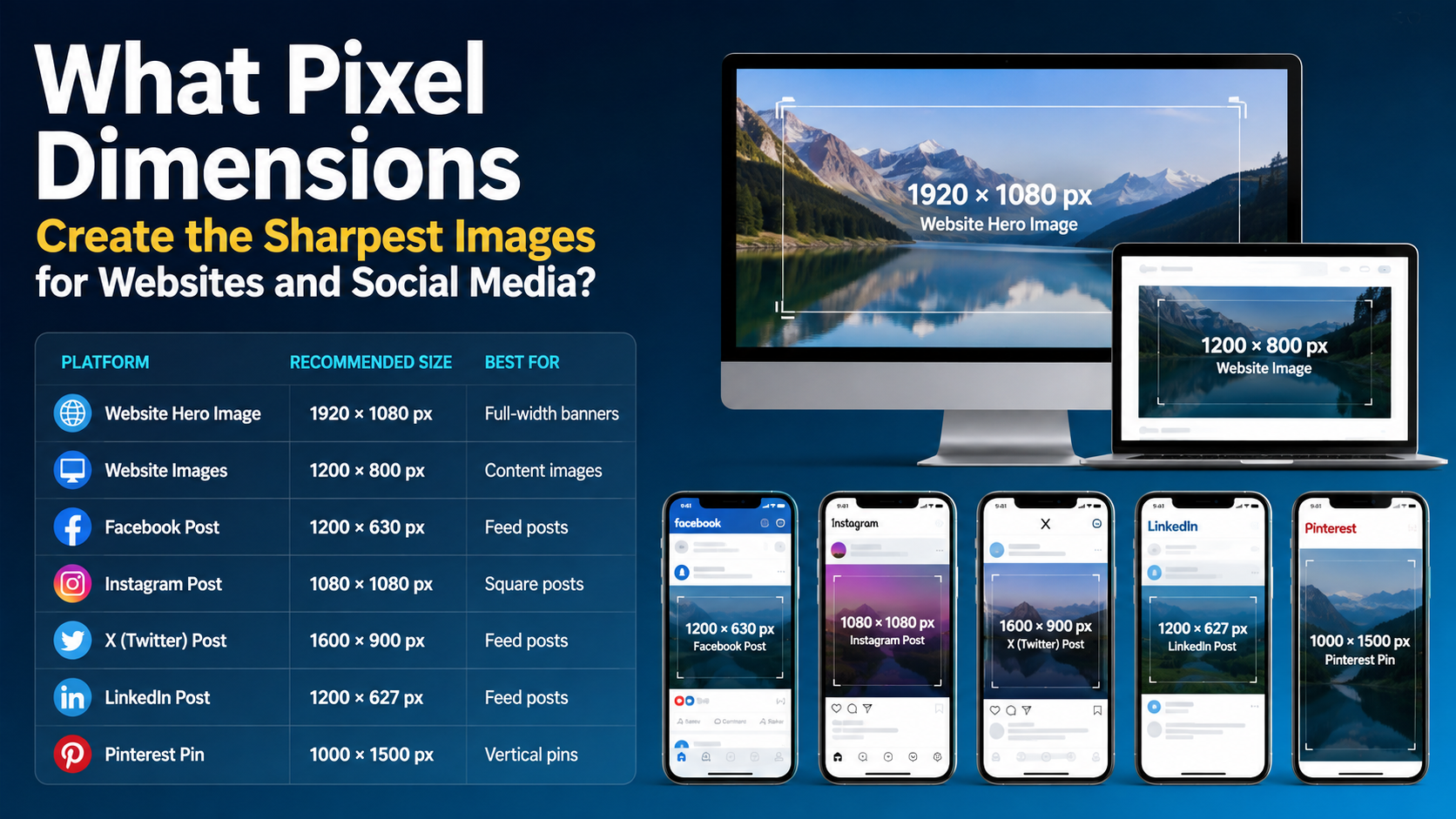
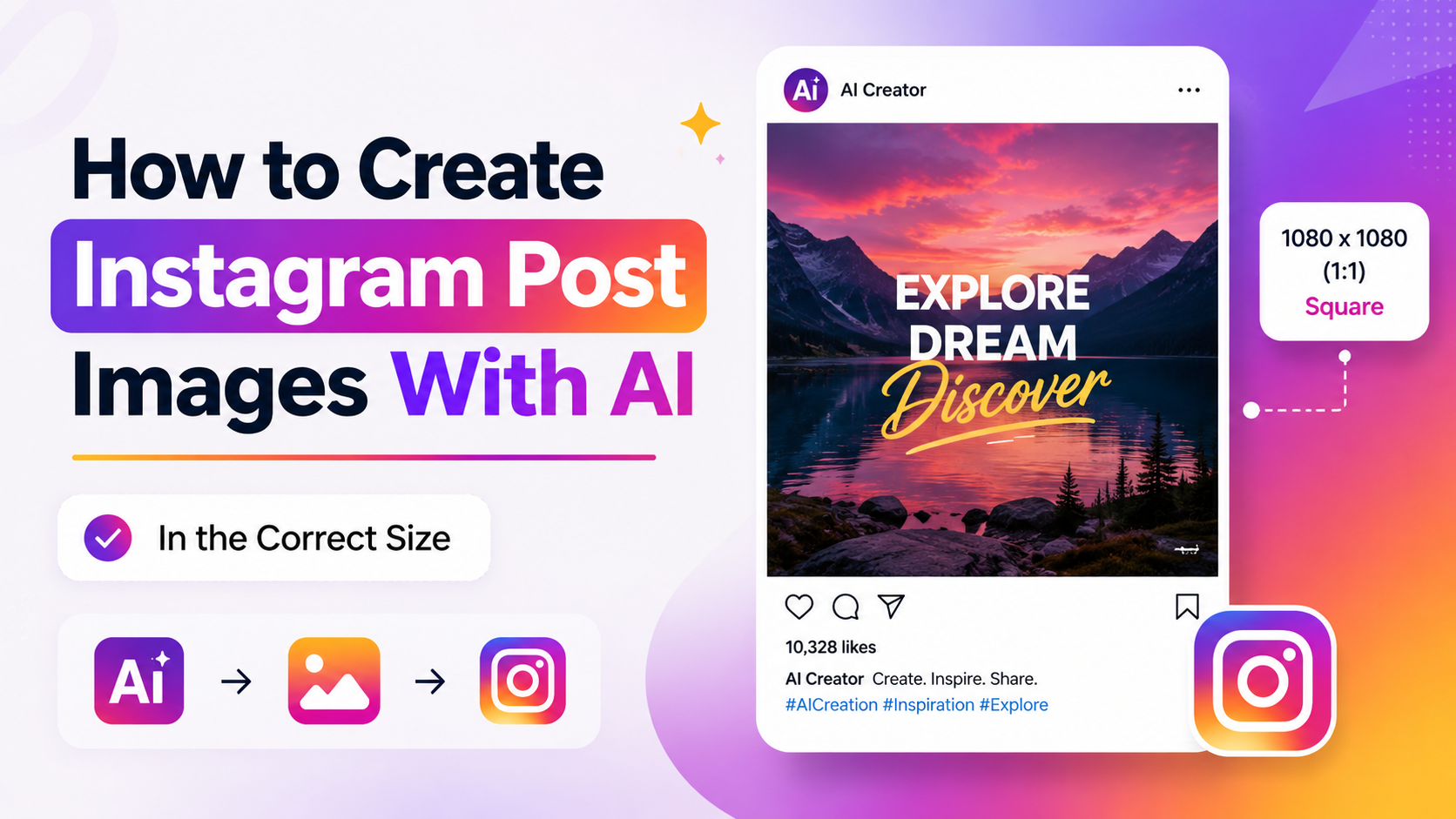
- Use 1080 × 1440 px for the tallest supported portrait feed image, 1080 × 1350 px for a conventional 4:5 portrait, and 1080 × 1080 px for square posts.
- Decide the aspect ratio before generating; resizing a finished AI image can cut off faces, products and text.
- Ask AI to leave "clean negative space" for copy, then add final prices, offers and Hindi or English text manually.
- Keep every slide in an Instagram carousel in the same orientation.
- Review AI visuals for factual accuracy, permissions and potentially misleading photorealistic content before publishing.
Why Image Size Matters for AI-Generated Instagram Posts
Instagram does not display every image exactly as uploaded. Its official guidance says photos wider than 1,080 pixels are reduced to 1,080 pixels wide; images outside its supported aspect-ratio range can be cropped. Uploading a correctly sized file gives you control over what remains visible. Instagram's image-resolution guidance
For a local café promoting a monsoon menu in Bengaluru, for example, the dish, offer and logo should all survive the crop. For a D2C skincare brand, the pack shot must remain clear even on a smaller mobile screen. Designing at the target ratio from the start avoids the common mistake of generating a wide illustration and then forcing it into a vertical feed post.
Correct sizing also supports consistency. When every post uses a considered layout, the profile grid looks more intentional and campaign assets are easier to reuse across organic posts, carousels and paid creative.
Current Instagram Feed Image Dimensions
Instagram's official Help Centre states that photos between 320 and 1,080 pixels wide retain their original resolution when their aspect ratio is between 1.91:1 and 3:4. At 1,080 pixels wide, that corresponds to a height from 566 to 1,440 pixels. Instagram Help Centre
| Feed format | Aspect ratio | Working size | Best use |
|---|---|---|---|
| Tall portrait | 3:4 | 1080 × 1440 px | Photography, fashion, products and visual storytelling |
| Portrait | 4:5 | 1080 × 1350 px | Promotional posts, explainers and single-image ads |
| Square | 1:1 | 1080 × 1080 px | Product tiles, quotes and a uniform profile grid |
| Landscape | 1.91:1 | 1080 × 566 px | Wide scenes, architecture and horizontal comparisons |
Which format should you choose?
Use 3:4 when the image itself is the priority and you want the maximum supported portrait height. Choose 4:5 when you need a reliable vertical canvas with space for a headline and product. Use 1:1 for templates that must look balanced in a square grid. Landscape is useful when the composition genuinely needs width; it occupies less vertical screen space in the feed.
Do not confuse feed-post dimensions with Stories and Reels. Those are different placements with different layouts. This article concerns regular Instagram feed images.
Carousel rule: select one orientation
Instagram allows up to ten photos or videos in one carousel, but the orientation selected for the post applies to every item. You cannot set one slide to portrait and another to landscape. Build every carousel slide on the same canvas before uploading. Instagram carousel guidance
Plan the Post Before Opening an AI Tool
AI works better when it receives a creative brief rather than a vague request such as "make an Instagram post." Write down five decisions first:
- Objective: awareness, product discovery, offer, event registration or education.
- Audience: for example, college students in Pune, homebuyers in Noida, or small retailers in tier-2 cities.
- Format: 3:4, 4:5, square or landscape.
- Visual focus: one hero product, person, place or idea.
- Message: one primary action, such as "Order on WhatsApp," "Visit this weekend" or "Save this checklist."
A sale post should not try to show six products, three discounts and a long paragraph on one image. AI-generated compositions are strongest when there is a clear focal point. If you have several points to communicate, use a carousel: cover slide, problem, solution, proof, offer and call to action.
For India-focused campaigns, local relevance should be specific but respectful. Mention real use contexts—UPI payment at checkout, festive gifting, a regional food setting, or a city commute—only when it naturally fits the business and audience.
A Step-by-Step AI Instagram Image Workflow
1. Set the canvas before generation
Open your chosen AI image tool and select the aspect ratio, if it provides one. If it does not, state the ratio in the prompt and crop only after saving a high-quality original. Tools such as ChatGPT Images support generation and editing in different aspect ratios through an aspect-ratio selector. OpenAI's image guide
For a standard promotional post, begin with a 4:5 canvas. For an image-led fashion or food post, use 3:4. Avoid asking the generator for an Instagram Story-sized 9:16 image and then squeezing it into a feed post.
2. Generate the visual, not the final poster
Ask AI to create the scene, product context, lighting and composition. Request empty space where your title will go. AI can generate text, but final commercial copy, prices, dates, URLs and Hindi or regional-language wording should be added and proofread in a design editor.
This reduces the risk of misspellings, inaccurate numbers or unreadable small type.
3. Choose and refine one concept
Generate a few variations, then judge them against the brief:
- Is the product recognisable and correctly shaped?
- Does the visual look relevant to the target customer?
- Is there clear space for the message?
- Are hands, labels, packaging and background details believable?
- Does the style match your existing brand colours?
Use selective editing rather than starting over. For example, ask to remove an extra object, brighten a product or create more blank space in the upper third.
4. Add branding and copy outside the AI generator
Place your logo, headline, price, CTA and legal qualifiers in a conventional editor. Keep copy short and sufficiently large for mobile viewing. A simple hierarchy works well:
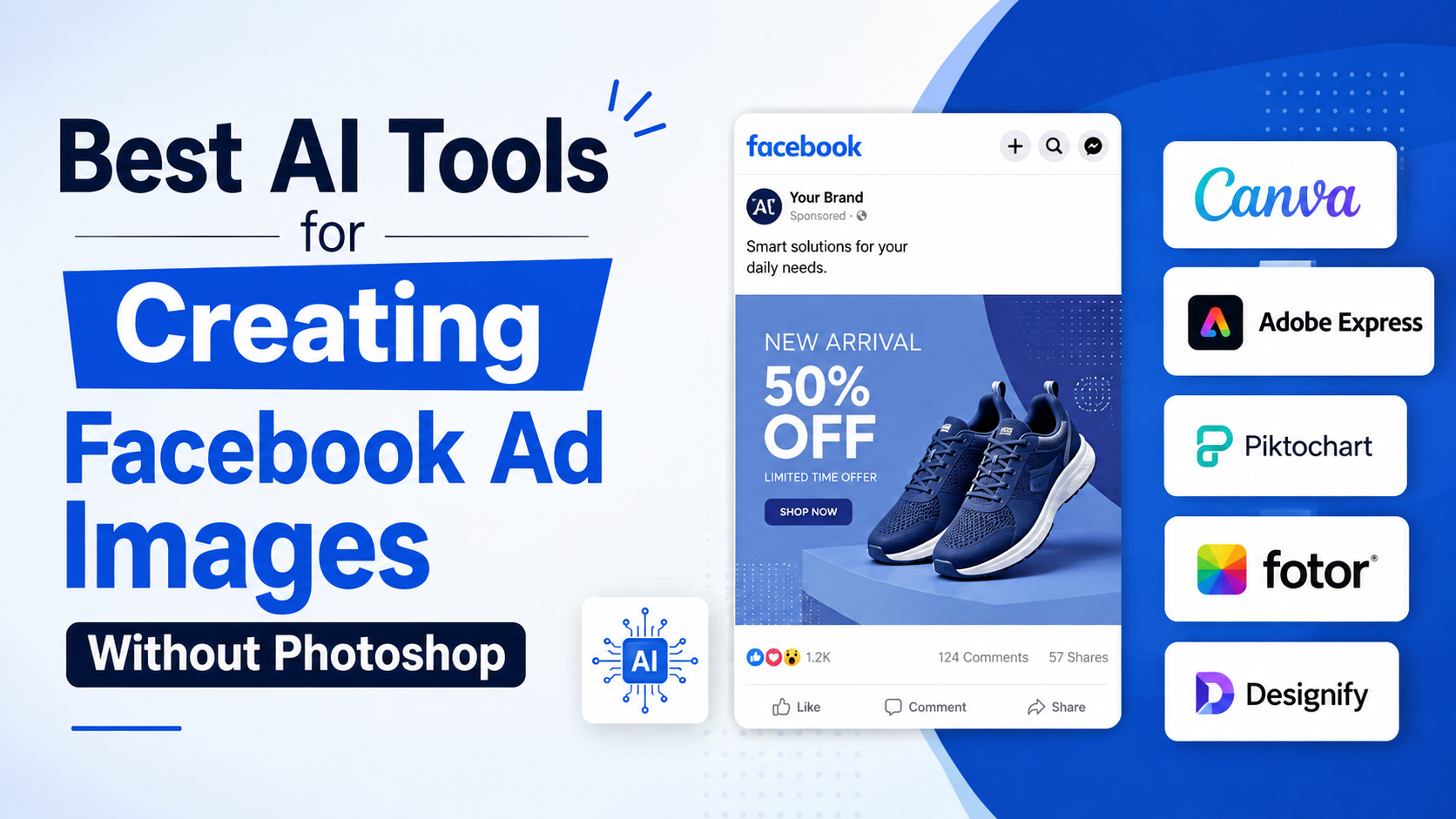
- One short headline
- One supporting line, if necessary
- One CTA
- A small logo or handle
Do not put essential text against the image edge. Leave breathing room around all sides so an unexpected crop does not damage the message.
5. Export at the intended dimensions
Export the final file at the chosen pixel size, such as 1080 × 1350 px. Do not enlarge a small, soft source file to 1080 pixels and expect it to become sharper. Instagram may enlarge uploads narrower than 320 pixels and reduces wider uploads to 1,080 pixels, so a correctly prepared 1,080-pixel-wide export is a sensible working standard. Instagram Help Centre
Prompt Templates for an AI Instagram Image Generator
A useful prompt specifies subject, setting, style, layout and exclusions. Replace the bracketed text with your details.
Product promotion
Create a premium 4:5 Instagram feed image for [brand]. Show [product] as the hero object on a clean [colour] background with soft studio lighting and realistic shadows. Leave uncluttered negative space in the top third for a headline. Minimal, modern Indian e-commerce aesthetic. No text, no logos, no watermark, no extra products.
Local service business
Create a warm 1080 × 1440 portrait social-media visual for a [service] business in [city]. Show a natural, trustworthy interaction between [customer type] and [professional type] in a realistic local setting. Use [brand colours] as subtle accents. Keep the lower quarter clean for a call to action. No written text or signs.
Educational carousel cover
Create a clean square Instagram carousel cover about "[topic]." Use one central visual metaphor: [metaphor]. Professional editorial illustration, high contrast, limited palette of [colours], generous empty space for a short title, no words, no letters, no watermark.
The final instruction—"no text" or "no written words"—is important when you plan to add polished copy later.
Quality, Trust and Compliance Checks Before Publishing
AI can create attractive images that still contain mistakes. Review every final asset at 100% zoom and on a phone. Check product labels, hands, jewellery, signage, charts, branded elements and text. Never publish an AI-created image as evidence of a real event, testimonial, product feature or customer outcome unless it is accurate and clearly appropriate.
Only use brand logos, people's likenesses, reference photos and third-party assets when you have the required permission. Be especially cautious with images of children, healthcare, finance, housing, public figures and sensitive events.
Meta has described how it applies "AI info" labels when it detects industry-standard signals that content is AI-generated, and it may add more prominent labels to high-risk deceptive content. Meta's AI-labeling announcement Transparency is therefore not merely a creative preference. If an image is realistic enough that viewers may mistake it for a real photograph, avoid using it to imply something that did not happen.
Some generators also embed provenance information. For example, OpenAI says images generated through ChatGPT, Codex and its API include C2PA metadata and SynthID watermarks; metadata can still be lost during actions such as screenshots or certain edits. OpenAI provenance guidance
A Fast Pre-Publish Checklist
Before tapping Share, confirm:
- The file is exactly the intended size and ratio.
- The image is at least 1,080 pixels wide where practical.
- The focal product, face or headline is not near an edge.
- The carousel slides all use the same orientation.
- Prices, dates, discounts, addresses and language are manually proofread.
- The AI image does not make an unsupported factual, medical, financial or performance claim.
- You have rights to use the people, logos and reference assets shown.
- The caption adds context instead of repeating every word from the graphic.
Frequently Asked Questions
What is the best Instagram post size for an AI-generated image?
For the tallest currently supported portrait feed image, use 1080 × 1440 px (3:4). For a familiar promotional format, use 1080 × 1350 px (4:5). The best choice depends on the composition; the image should be generated for that ratio rather than cropped after creation.
Will Instagram crop my AI image?
It may. Instagram supports feed photos from 1.91:1 to 3:4. Images outside that range can be cropped to fit. Uploading a correctly sized 1,080-pixel-wide file gives you more control over the final framing. Instagram's official guidance
Can I use different image sizes in one Instagram carousel?
No. Instagram applies the orientation you choose to all photos and videos in that carousel. Prepare all slides at the same ratio before uploading. Instagram Help Centre
Should I ask AI to write Hindi or English text inside the image?
Use AI for the visual composition, then add final text in a design editor. This gives you control over spelling, typography, prices and placement. It is particularly useful when a post includes Hindi, English or a regional language.
Can AI-generated Instagram images be used for business posts?
They can, provided the image is accurate, rights-cleared and not misleading. Review all claims and visual details, and be transparent when a photorealistic AI image could be mistaken for a real event, person or product outcome.
Conclusion
A dependable AI Instagram image workflow begins with the canvas, not the prompt. Choose a supported feed ratio, generate the visual with space for copy, add verified text and branding manually, then export at 1,080 pixels wide in the final format. Use 3:4 for maximum portrait height, 4:5 for standard vertical promotions, and one consistent orientation for every carousel slide.
Create one reusable template for your preferred format, test it on a mobile screen, and use it as the foundation for your next AI-generated Instagram campaign.