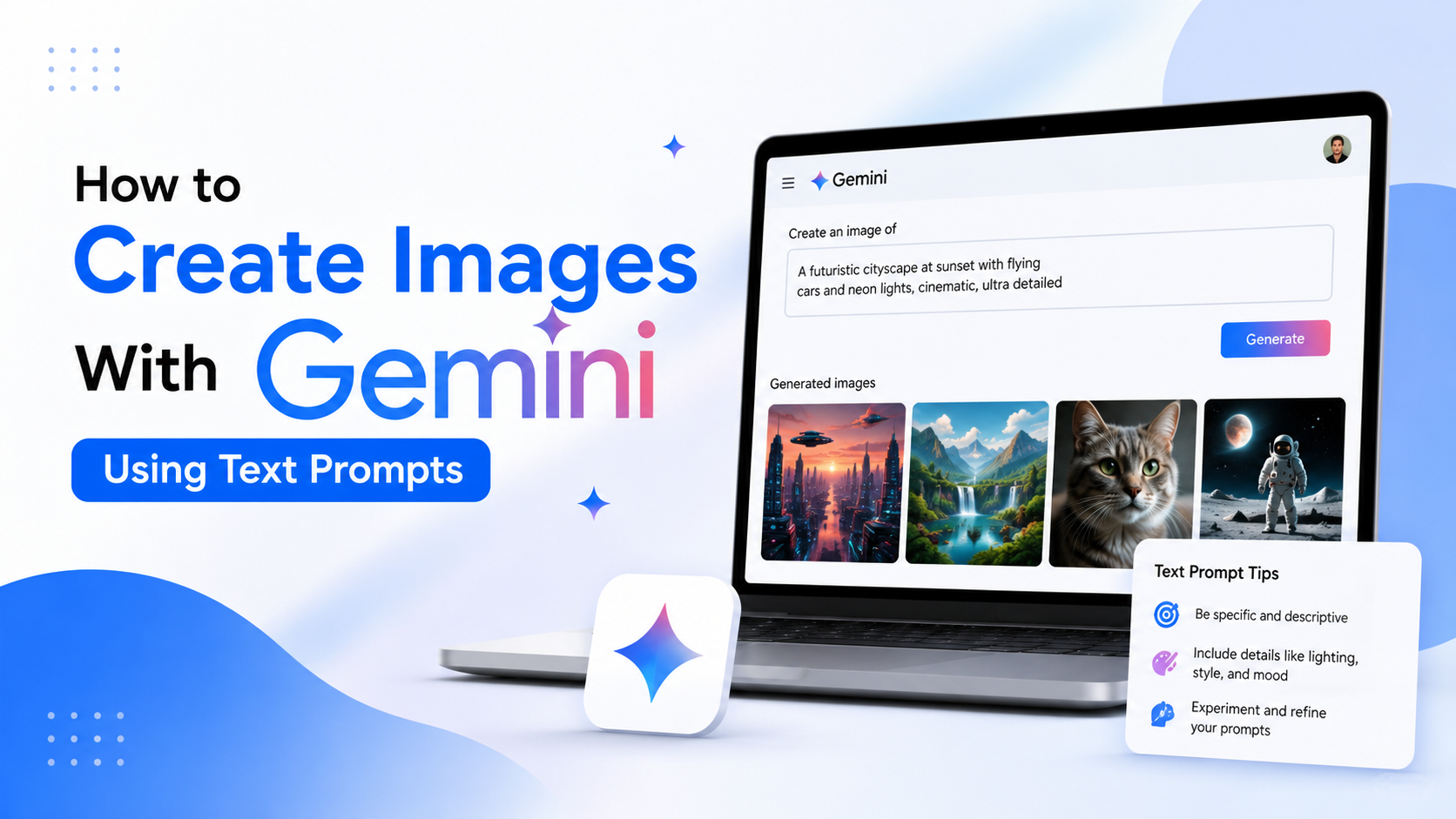
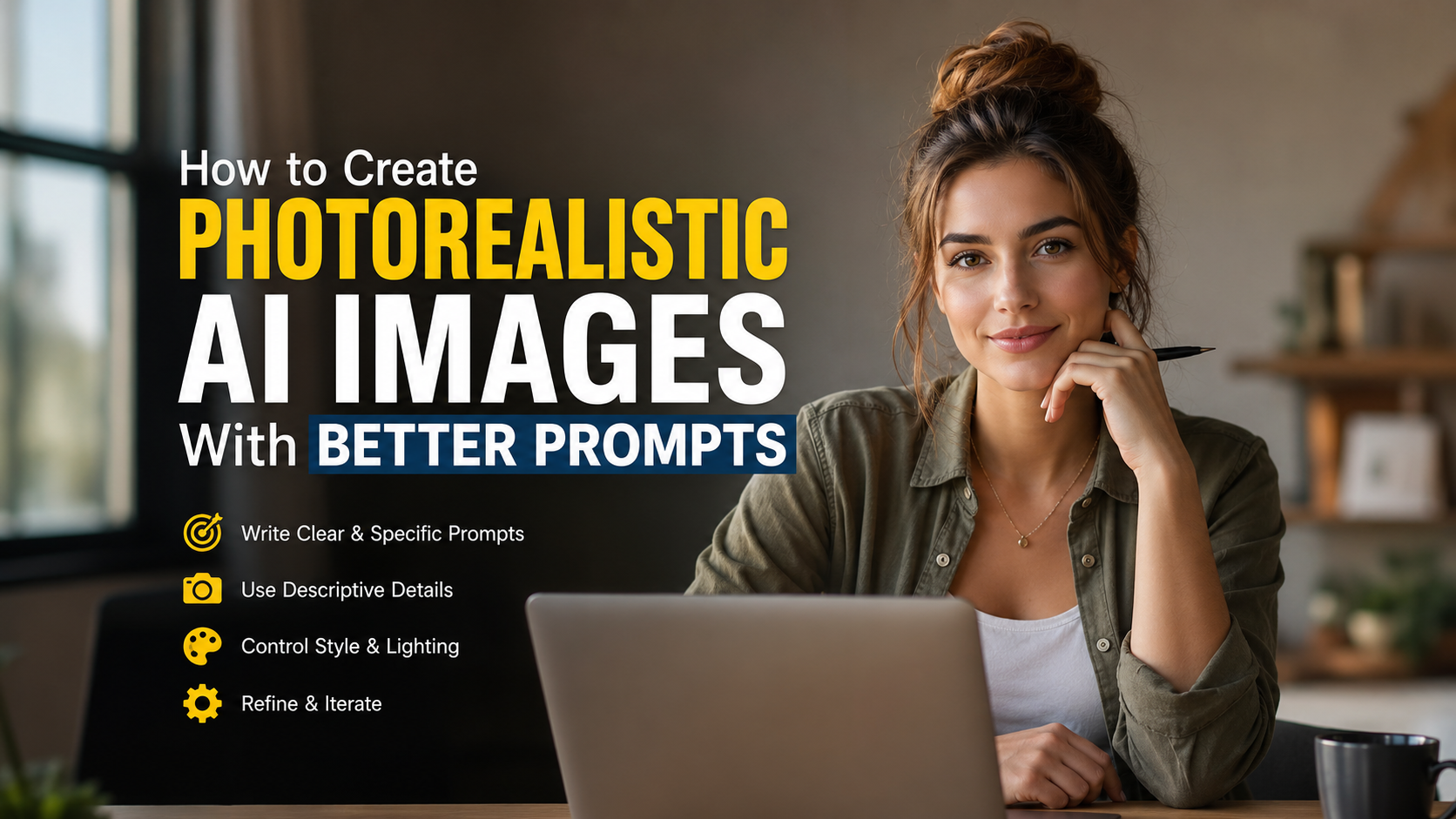
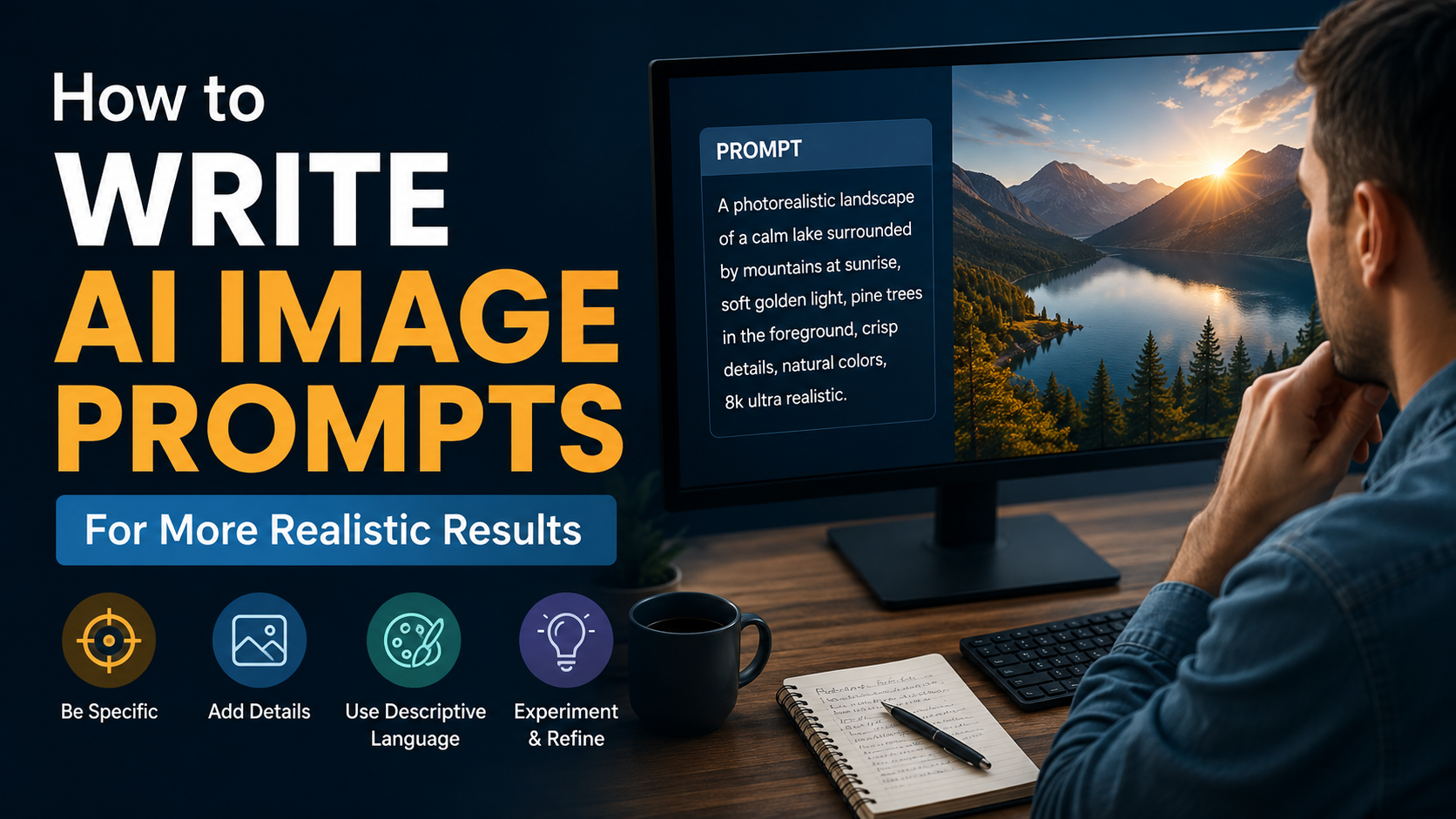
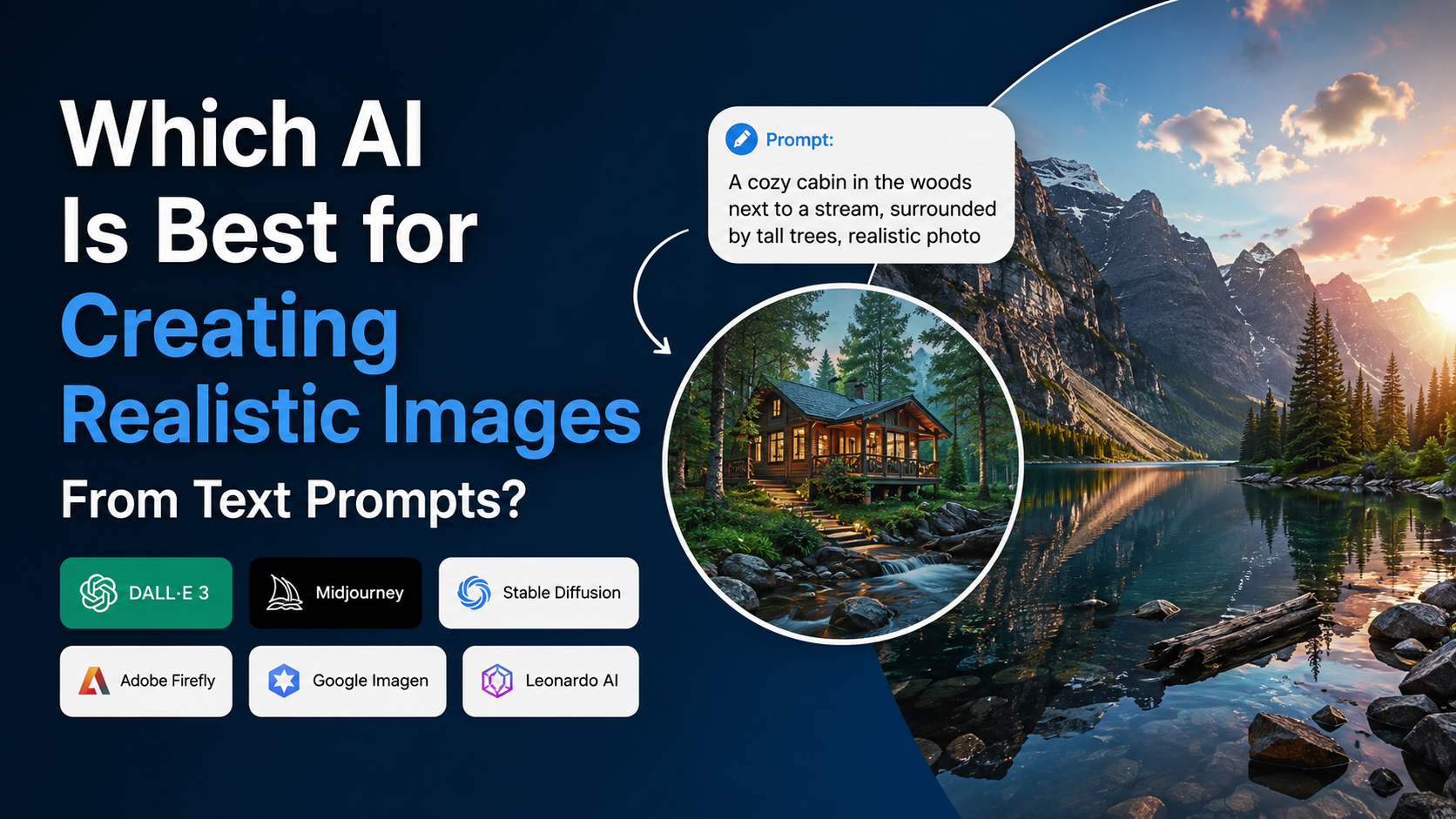
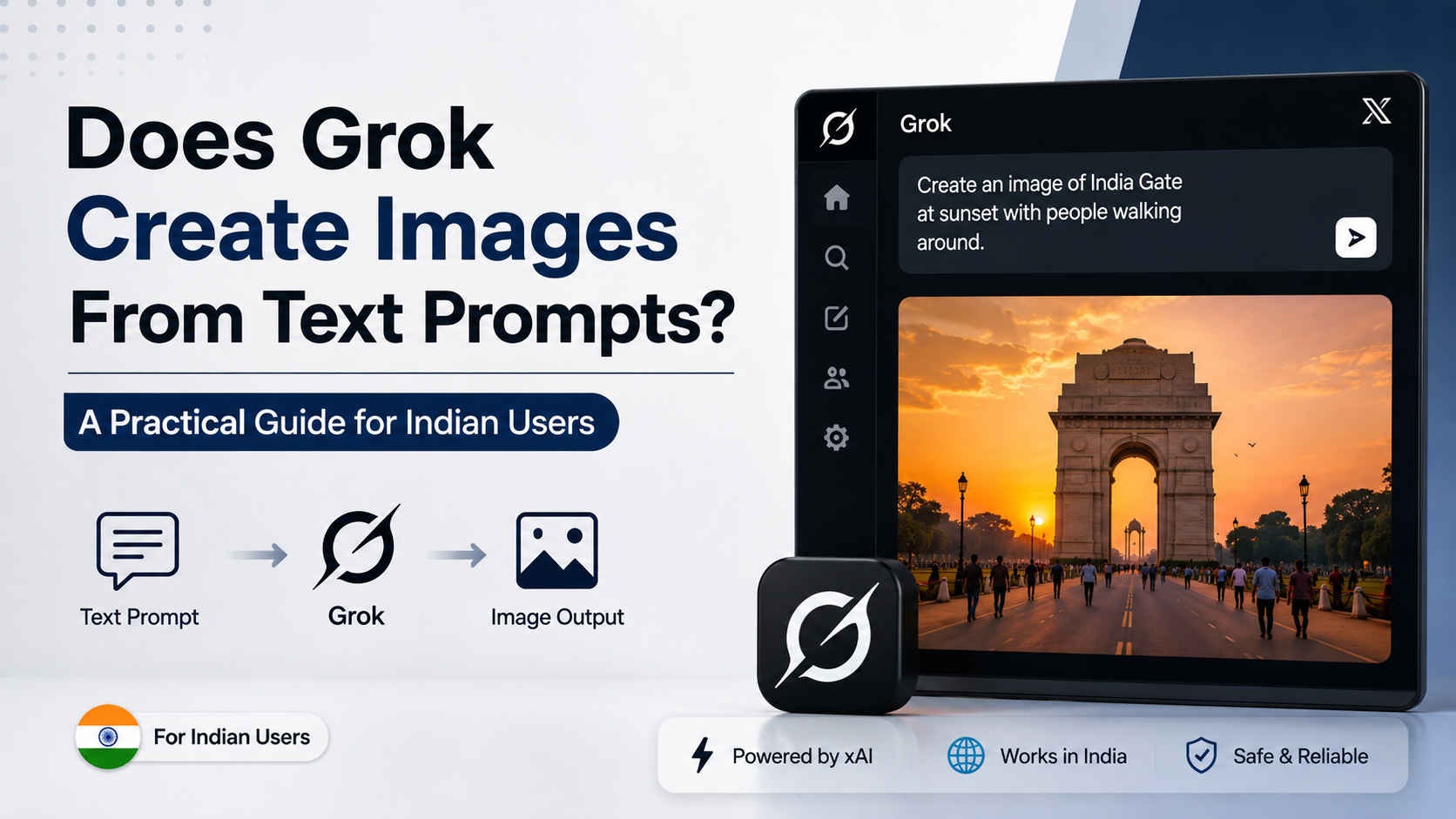
The best Gemini image prompt for realistic images is not a single magic sentence. It is a clear visual brief that tells Gemini exactly what to show, where it happens, how it is photographed, what the light looks like, and what must stay out of the frame.
For most realistic results, use this structure:
Create a photorealistic [shot type] of [specific subject] in [location/context], [action/pose], with [lighting], photographed from [camera angle] using [lens/look]. Include [important visual details]. Keep [composition and mood]. Avoid [unwanted elements].
This approach reflects Google's official image-prompt guidance: strong prompts clearly describe the subject, context/background and style. Google also recommends using descriptive language and camera-related details such as proximity, angle, lighting and lens type when these matter to the result. Google AI for Developers
Key Takeaways
- The best Gemini image prompt combines subject, setting, lighting, composition and photographic style.
- Specific, observable details usually work better than broad words such as "beautiful" or "professional."
- Add camera angle, lens and lighting to make an image feel like a real photograph.
- Use locally accurate details—such as Indian clothing, signage style, weather or architecture—when the location matters.
- Ask for one clear scene first, then refine the result through follow-up edits.
- Avoid depending on generated images for exact long text, brand marks, documents or factual evidence.
Why Some Gemini Image Prompts Look Realistic
A realistic AI image needs more than a realistic subject. A prompt such as "a realistic Indian woman in a café" gives Gemini a starting point, but leaves major decisions open: Which city? What kind of café? What time of day? What camera distance? What expression? What clothing? What visual mood?
The more useful instruction is one that gives the model a coherent scene.
Google's official guidance for Imagen identifies three basic prompt elements:
| Prompt element | What to specify | Example |
|---|---|---|
| Subject | The main person, object, animal or scene | A Bengaluru product designer |
| Context | Location, environment and background | Working in a sunlit independent café |
| Style | The desired visual treatment | Natural editorial photography |
For photorealism, expand those elements with photographic instructions. A camera position, depth of field, natural lighting and realistic material details help define the image instead of leaving it to broad interpretation.
The Best Gemini Image Prompt Formula
Use the following reusable template when you want a realistic image:
`text
Create a photorealistic [close-up / portrait / wide shot / aerial view] of
[precise subject] [performing an action or in a pose] in [specific setting].
The scene is lit by [type and direction of light] at [time of day].
Photographed from [camera angle] with a [lens or depth-of-field instruction].
Show [key clothing, materials, objects and background details].
Mood: [emotion or editorial direction].
Composition: [framing and orientation].
Avoid [unwanted objects, distortions, text or styling].
`
This is the best Gemini image prompt format because every part answers a visual question:
- What is the subject?
- What is happening?
- Where is it happening?
- How should the light behave?
- How close is the camera, and from what angle?
- What details establish authenticity?
- What should Gemini not include?
You do not need to fill every slot for every image. A simple product photo may need fewer details than a lifestyle campaign scene.
How to Describe a Realistic Subject
The subject should be precise without becoming contradictory. Start with the key visual facts a photographer could observe.
Describe people naturally and respectfully
For a person, include relevant details such as approximate age group, expression, activity, clothing, posture and setting. Avoid piling on vague beauty terms. Instead, describe what should be visible.
Weak prompt:
`text
Generate a beautiful realistic Indian businessman.
`
Stronger prompt:
`text
Create a photorealistic environmental portrait of an Indian entrepreneur in his early thirties, seated at a small wooden desk in a bright Mumbai co-working studio. He is reviewing handwritten notes beside a laptop, wearing a linen shirt with rolled sleeves, with a calm, focused expression.
`
If the image represents a real person, use a reference image only when you have the right to use it. Do not present a generated likeness as a real photograph or as evidence of an event.
Add material and texture details for objects
Realism depends heavily on surfaces. Describe the properties that distinguish the object: brushed steel, condensation on glass, creased cotton, rain-darkened pavement, worn leather, steam, dust, fingerprints or natural wood grain.
For example:
`text
Photorealistic close-up of masala chai in a small glass tumbler on a scratched stainless-steel table, visible steam rising from the tea, soft morning window light, shallow depth of field, documentary food photography.
`
The details make the scene more believable because they give Gemini tangible visual cues.
Use Lighting and Camera Language Deliberately
Lighting often makes the difference between an image that feels synthetic and one that feels photographed. Google's prompt guidance specifically identifies lighting, camera proximity, camera position, camera settings and lens types as useful controls. Google AI for Developers
Lighting terms that improve realism
Use lighting terms that match the scene:
- Soft window light: portraits, food, interiors and calm editorial scenes
- Golden-hour backlight: outdoor lifestyle images with warm edge light
- Overcast daylight: flattering, low-contrast street or travel photography
- Hard midday sunlight: strong shadows, summer streets and documentary scenes
- Warm practical lighting: restaurants, homes, markets and night interiors
- Moody side lighting: dramatic portraits and cinematic product images
Avoid adding incompatible directions, such as "bright midday sunlight" and "darkly lit evening interior," unless the scene intentionally includes both.
Camera details that matter
Camera language gives your prompt an established visual grammar. Use it only when it supports the image you want.
| Desired result | Useful prompt terms |
|---|---|
| Natural head-and-shoulders portrait | Eye-level, 85mm portrait lens, soft background blur |
| Everyday street photograph | Eye-level, 35mm lens, candid composition, natural light |
| Product detail | Macro lens, studio lighting, sharp focus on product |
| Large landscape | Wide-angle lens, foreground detail, expansive composition |
| Dynamic action | Slight motion blur, low-angle view, fast-moving subject |
| Food photograph | Overhead shot or 45-degree angle, soft daylight, textured surface |
A lens reference is not a guarantee of exact optical behaviour, but it helps establish perspective and framing. Keep the instruction readable: "shot at eye level with a 50mm lens look" is more useful than an inventory of technical settings.


India-Focused Prompt Details That Make Scenes Credible
For an Indian audience, realism often depends on the specificity of place and culture. "India" is broad; a metro station in Delhi, a residential lane in Kochi and a hill-road café in Dharamshala have very different visual contexts.
Use relevant details rather than stereotypes.
Specify the place and everyday context
Instead of:
`text
A realistic Indian street.
`
Try:
`text
Create a photorealistic early-morning street scene in Kolkata during the monsoon, viewed from pavement level. Yellow taxis move through wet traffic, pedestrians carry umbrellas, old colonial-era façades appear softly in the background, and reflections shimmer on the rain-soaked road. Natural grey daylight, documentary photography, wide composition.
`
Other useful location cues can include:
- City or region, where genuinely relevant
- Season and weather, such as coastal humidity, winter fog or monsoon rain
- Architecture, materials and street layout
- Plausible food, clothing or work objects
- Time of day and crowd level
Do not ask for unreadable shop names or official-looking signs unless text is essential. AI-generated text may be inaccurate or malformed.
Example: realistic Indian product campaign
`text
Create a photorealistic lifestyle advertisement for a reusable steel water bottle. A young Indian professional is placing the bottle into a canvas tote bag before leaving a modern apartment in Pune. Soft morning sunlight enters through sheer curtains, realistic cotton clothing and natural skin texture, clean but lived-in interior, editorial commercial photography, vertical composition. No visible brand logos and no text in the image.
`
This prompt defines the product, customer context, setting, lighting, composition and restriction without overloading the model.
Three Copy-and-Adapt Realistic Gemini Prompts
1. Professional portrait
`text
Create a photorealistic editorial portrait of an Indian woman in her late twenties standing near a large window in a contemporary office in Hyderabad. She is wearing a simple navy blazer over a neutral top, holding a notebook, with a confident but relaxed expression. Soft side lighting from the window, eye-level camera angle, 85mm portrait-lens look, natural skin texture, subtle background blur, clean horizontal composition. Avoid excessive skin smoothing, text and visible logos.
`
2. Travel and street photography
`text
Create a photorealistic candid street photograph in Jaipur at blue hour. A cyclist passes a row of softly lit heritage buildings while pedestrians walk along the pavement. The road has realistic everyday traffic, warm shop lights contrast with the deep blue sky, and the scene feels observational rather than staged. Eye-level view, 35mm street-photography look, natural motion in the background, horizontal frame. Avoid distorted vehicles, unreadable prominent signs and oversaturated colours.
`
3. E-commerce-style product image
`text
Create a photorealistic studio product photograph of a handcrafted terracotta planter with a small green indoor plant. Place it on a light textured stone surface against a warm off-white background. Soft diffused light from the left, crisp focus on the planter's natural clay texture, gentle shadow beneath the product, premium catalogue photography, square composition. No text, labels, hands or extra objects.
`
Refine the First Result Instead of Rewriting Everything
The first output is usually a draft, not a final asset. Gemini can be used conversationally for image generation and editing, so focused follow-up instructions are often more efficient than starting again. Google Cloud
Use one change per instruction when possible:
- "Keep the subject and composition unchanged; change the lighting to soft overcast daylight."
- "Move the camera slightly farther back to show the full table."
- "Remove the extra cup on the left and retain the natural shadows."
- "Make the background less blurred while keeping the person sharp."
- "Replace the formal blazer with a simple cotton kurta; keep the pose unchanged."
This creates a controlled revision process. If you request a new pose, location, wardrobe, lighting and composition in one follow-up, Gemini may reinterpret more of the image than intended.
Common Mistakes That Reduce Realism
Using only broad adjectives
Words such as "stunning," "best quality," "ultra-realistic" and "amazing" do not explain the image. Replace them with visible details: "soft morning light," "shallow depth of field," "subtle fabric creases" or "rain reflections on asphalt."
Overloading the prompt
More words do not automatically mean more accuracy. A prompt that asks for five subjects, three art styles, two lighting conditions and several conflicting camera angles can produce inconsistent results.
Give the image one clear visual priority.
Treating negative instructions as the main prompt
A short "avoid" clause can be useful, especially for text, logos, warped hands or oversaturated colours. However, describe what you want first. The positive visual brief should carry most of the prompt.
Relying on AI text for important information
Google notes that text placement can vary and that image text generation continues to improve. For important brand messaging, legal information, prices, addresses or campaign copy, add the final text later in a design tool. Google AI for Developers
Mistaking an AI image for documentation
A realistic generated image is still synthetic. Do not use it as proof of a real place, product condition, news event, medical outcome or public statement. Google states that generated images include a SynthID watermark, a provenance technology designed to help identify AI-generated content. Google AI for Developers
Frequently Asked Questions
What is the best Gemini image prompt for photorealism?
Use a structured prompt that specifies the subject, setting, action, lighting, camera angle, lens look, important textures and composition. For example: "Create a photorealistic eye-level portrait of…" is stronger than simply requesting "a realistic portrait."
Should I use "8K," "ultra-realistic" or "high quality" in every prompt?
You can use a quality direction sparingly, but it should not replace scene information. Camera angle, lighting, materials, depth of field and natural imperfections usually give Gemini more useful guidance than repeated quality labels.
How do I create realistic images of Indian people and locations?
Be specific about the region, environment, time of day, clothing and ordinary visual details that suit the intended setting. Focus on respectful, observable details instead of reducing people or places to generic cultural symbols.
Can I ask Gemini to edit an image after generating it?
Yes. Gemini's image-generation workflow supports conversational iteration, so you can request targeted changes such as a different background, lighting condition, wardrobe detail or framing while preserving the core concept. Google Cloud
Why does Gemini sometimes produce imperfect text or strange details?
Image generation is probabilistic, and exact text, fine logos, hands, dense crowds and complex overlapping objects can require iteration. Simplify the scene, make one correction at a time, and add critical text or branding in post-production.
Conclusion
The best Gemini image prompt is a practical creative brief: define a specific subject, place it in a believable context, choose natural lighting and camera language, then state the important details and exclusions. For realistic images aimed at an Indian audience, accurate local context matters just as much as photographic detail.
Start with one of the templates above, generate a focused first version, and refine it with small, clear follow-up instructions until the image matches your intended use.