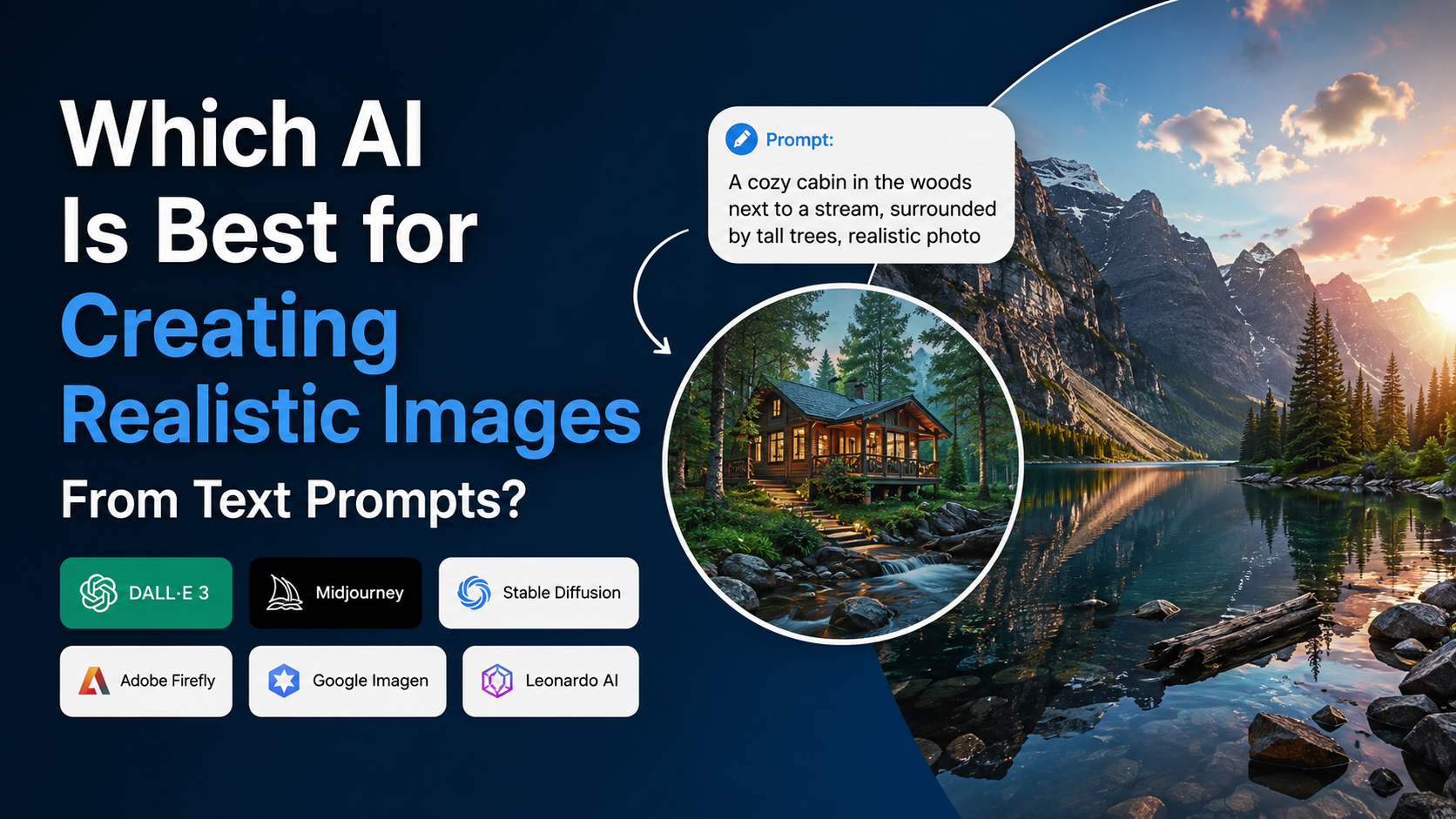
If you are asking which AI is best to create images that look genuinely realistic, the most useful answer is: ChatGPT Images is the strongest all-round choice for most people, especially when you need to refine an image through conversation or make precise edits. However, the "best" tool changes with the job. Midjourney is excellent for highly stylised visual direction, Ideogram is especially useful when a design needs readable text, and Google Imagen 4 is a strong option for technical and enterprise workflows focused on photorealism.
A realistic result is not only about a powerful model. It also depends on a specific prompt, the correct aspect ratio, reference images where appropriate, and careful checking for errors in hands, labels, text and cultural details. This guide explains how to choose the right AI image generator and use it effectively for Indian audiences.
Key Takeaways
- ChatGPT Images is the best general-purpose option for prompt-following, iterative editing and practical visual work.
- Midjourney is a strong choice when you want a distinctive, art-directed look and consistent visual style.
- Ideogram is particularly useful for posters, thumbnails and branding that require text within the image.
- Google Imagen 4 is designed for high-quality image generation and supports Hindi prompts in preview on Vertex AI.
- No generator guarantees perfect text, hands, faces or factual scenes; inspect images before publishing.
- For commercial work, review the provider's current terms, feature labels and the rights to any reference images you upload.
The Short Answer: Choose AI Based on the Result You Need
For most creators, marketers and small businesses, ChatGPT Images is the best place to start. Its main advantage is that you can describe the scene normally, then ask for targeted changes such as "keep the person and lighting the same, but change the background to a Bengaluru café." OpenAI states that its newer ChatGPT Images experience improves instruction following, detailed editing, image preservation and text rendering. OpenAI's ChatGPT Images announcement also describes the API version, GPT-Image-1.5.
There is no universal winner because realistic images serve different purposes:
| If your priority is… | Best starting option | Why |
|---|---|---|
| Photorealistic marketing visuals with iterative edits | ChatGPT Images | Conversational revisions and precise changes |
| Strong artistic direction, mood and visual style | Midjourney | Style Reference and visual customisation tools |
| Posters, product mock-ups and designs containing words | Ideogram | Focus on typography and text in images |
| Cloud-based production workflows | Google Imagen 4 on Vertex AI | Image-generation models, API access and configurable workflow options |
| Commercial projects within Adobe's creative ecosystem | Adobe Firefly | Firefly workflows, editing tools and Content Credentials support |
Treat this as a practical shortlist, not a fixed ranking. Generate the same prompt in two tools before committing your project to one platform.
What Makes an AI Image Look Realistic?
A realistic AI image needs more than "photorealistic" in the prompt. The model must correctly interpret the subject, scene, light, materials, camera perspective and small details that viewers notice immediately.
Prompt fidelity
Prompt fidelity means the model follows what you asked for. If you specify a saree, monsoon weather, a vertical Instagram composition and soft window light, a good result should include all four—not merely produce a generic portrait.
OpenAI positions its current image generation offering around stronger instruction following and precise editing. This makes it useful when your brief has several requirements, such as product placement, a certain atmosphere and a specific correction after the first result.
Natural visual detail
For a believable image, look for:
- Skin texture that is natural rather than waxy or overly smooth
- Logical fingers, jewellery, eyewear and fabric folds
- Plausible reflections, shadows and lighting direction
- Architecture, vehicles and objects that match the location
- Background people and signage that do not look distorted
- A camera angle and depth of field that fit the scene
Even good models can fail on small details. Do not publish a generated image without checking it at full size.
Control after generation
The best image generator is often the one that lets you correct mistakes efficiently. Rather than writing a brand-new prompt every time, use an editing workflow:
- Generate a strong base composition.
- Identify only the error that matters most.
- Ask for one specific correction.
- Preserve the elements that already work.
- Repeat until the image meets the brief.
This is usually more reliable than putting twenty competing instructions into a single prompt.
Best Overall for Most Users: ChatGPT Images
ChatGPT Images is a sensible first choice for realistic image creation because it combines text-to-image generation with conversational editing. You can create an initial image, upload it if necessary, and then request focused revisions.
For example, a café owner could begin with:
"Create a realistic vertical photograph for an Instagram ad: a barista serving masala chai in a modern independent café in Pune, warm morning sunlight, natural customer activity in the background, premium editorial food photography."
Then refine it with:
"Keep the cup, the barista and the lighting. Remove the visible logo, make the café less crowded, and leave clean space in the upper third for headline text."
That approach is useful for social posts, e-commerce concepts, blog illustrations, campaign ideas and visual prototypes. OpenAI says its GPT Image models accept both text and image inputs and produce images; its current image experience also emphasises preserving important visual details during edits. OpenAI's model documentation provides technical details for API users.
When ChatGPT Images is the best fit
Choose it when you need:
- Plain-language prompting instead of parameter-heavy controls
- Multiple rounds of specific corrections
- Consistency between an uploaded image and an edited version
- Visuals that combine people, products, scenes and readable layout intent
- Fast ideation before a professional photography or design process
It is still important to avoid using a generated image as evidence of a real event, person, place or product feature. For news, regulated advertising or public-interest information, use authentic, properly sourced images instead.
Best for Art Direction and Visual Style: Midjourney
Midjourney is a compelling choice when the image needs a polished, designed visual identity rather than only literal realism. It is popular for concept art, fashion-style imagery, editorial visuals, moodboards and dramatic campaign directions.
Its official documentation describes Style Reference, which lets you use an existing image to guide colours, textures, lighting and overall visual feel. The feature is intended to transfer the visual mood, not copy the specific objects or people in the reference. Midjourney's Style Reference guide explains how it works.
Midjourney also offers Omni Reference in Version 7 for bringing a character, object, vehicle or creature from a reference image into a new creation. Its Omni Reference documentation notes that this feature has some compatibility limits with other editing functions.
Best use cases for Midjourney
- Fashion editorials and premium lifestyle concepts
- Film, game and illustration moodboards
- A consistent campaign aesthetic across several images
- Visual experimentation where you want surprising but attractive options
Use a reference only when you have permission to use it. A style reference should guide your work, not be used to impersonate another creator's protected artwork or brand identity.
Best for Text Inside Images: Ideogram
If your image must include a headline, product name, logo concept or short slogan, Ideogram deserves a place on your shortlist. Its documentation identifies text rendering and typography as key capabilities, alongside realistic images, logos and posters. Ideogram's documentation describes Version 3.0 as its latest model and highlights photorealism, prompt fidelity and typography.
This makes Ideogram useful for:
- YouTube thumbnails
- Event posters
- Social-media graphics
- Book-cover concepts
- Packaging mock-ups
- Simple promotional banners
However, no AI generator should be trusted blindly with final brand copy. Ideogram's own typography guidance warns that generated text can still contain spelling errors, missing letters or extra words, and notes that non-Latin scripts can be difficult to generate accurately. Ideogram's text and typography guide is clear on this limitation.
For Hindi, Marathi, Tamil, Bengali or other Indian-language copy, generate the visual without relying on the AI for the final wording. Add verified text later in a design tool. This gives you control over spelling, font licensing, readability and brand consistency.
Best for Technical and Enterprise Workflows: Google Imagen 4
Google's Imagen 4 is a specialised image-generation family available through Vertex AI. Google documents three models—Imagen 4 Generate, Fast Generate and Ultra Generate—with different speed and quality profiles. The official documentation lists text-to-image generation, digital watermarking and configurable safety settings among supported capabilities. Google Cloud's Imagen 4 documentation also lists supported aspect ratios and output resolutions.
For Indian teams, one relevant detail is that Google's model documentation lists Hindi prompt support as preview for Imagen 4. Test prompt output carefully before using it in a production workflow, because preview support can change and a Hindi prompt does not guarantee correctly rendered Devanagari text inside the image.
Google also distinguishes between conversational image workflows and Imagen 4's specialised generation role. Its Vertex AI overview recommends Imagen 4 where image quality, photorealism, artistic detail or particular styles are the main priority. Google's Vertex AI image-generation overview explains those use cases.
How to Write Prompts That Produce Realistic Images
Use a structured prompt. Start with the subject and add only the details that materially affect the output.
A practical prompt formula
Subject + action + location + visual details + lighting + camera/composition + aspect ratio + exclusions
Example:
"Realistic editorial photograph of an Indian woman entrepreneur reviewing handmade skincare products at a bright studio desk in Mumbai, linen kurta, natural skin texture, labelled glass jars with no readable text, soft side window light, 50mm lens look, shallow depth of field, vertical 4:5 composition, no watermark, no distorted hands."
This prompt works because it specifies:
- Who is present
- What is happening
- Where it happens
- What visual details matter
- How the image should feel
- What to avoid
Improve weak prompts through revision
A weak prompt is often vague: "Indian businesswoman in office."
A stronger version is:
"Natural-looking corporate portrait of a 32-year-old Indian founder in a contemporary Hyderabad co-working space, seated near a window, confident but relaxed expression, realistic skin texture, muted blue and warm wood colour palette, documentary photography, horizontal 16:9 composition."
If the first output is close, revise one variable at a time: expression, backdrop, clothing, composition or lighting. Changing everything at once makes it harder to understand what improved.
Important Limits, Safety and Commercial Use
AI images can look convincing while containing inaccuracies. Pay particular attention to:
- Text on packaging, boards and documents
- Hands, teeth, earrings and complex jewellery
- Medical, financial, legal or technical diagrams
- Cultural clothing, ceremonies and religious settings
- Maps, landmarks and product claims
- Images of real people
Never present a fabricated photorealistic scene as documentary evidence. Clearly label AI-created visuals where disclosure is expected or useful, especially in journalism, political communication, education and customer-facing advertising.
For commercial work, check the provider's current terms and the exact feature you are using. Adobe, for example, says outputs from Firefly features that are not labelled beta may be used in commercial projects, while the status of a feature matters. Adobe's Firefly FAQ also notes that results depend substantially on the prompt. Adobe applies Content Credentials when Firefly-generated content is downloaded or exported. Adobe's Firefly product description
Keep original source files, prompts and approval records for client work. If your campaign needs a real person, real product or regulated claim, obtain the relevant permissions and conduct a human review.
Frequently Asked Questions
Which AI is best to create images realistically for beginners?
ChatGPT Images is the easiest starting point for most beginners because you can describe the image in normal language and ask for follow-up edits. Use it to learn which details improve your results before moving to more specialised tools.
Is Midjourney better than ChatGPT Images for realistic photos?
Not in every situation. Midjourney can be excellent for visually striking, art-directed results and style consistency. ChatGPT Images is often more practical when you need the model to preserve an image and follow a sequence of precise edits. Test both using the same brief.
Which AI is best for posters with text?
Ideogram is a strong option for generating poster concepts and text-led visual designs. Still, check every word manually, and add critical Hindi or regional-language text in a dedicated design application rather than relying on generated typography.
Can AI generate images from Hindi prompts?
Yes, but quality varies by tool and prompt. Google lists Hindi prompt support as preview for Imagen 4 on Vertex AI. For any audience-facing campaign, test the exact prompt and avoid assuming that text displayed inside an image will be accurate.
Can I use AI-generated realistic images commercially in India?
Potentially, but the answer depends on the tool's current terms, your subscription or feature status, the reference material you used and the nature of the campaign. Review the platform's terms before publishing, avoid misleading depictions, and ensure you have rights to any input images, logos or identifiable people.
Conclusion
For most people deciding which AI is best to create images, ChatGPT Images is the strongest all-round starting point because it combines realistic generation with useful, conversational editing. Choose Midjourney when visual style is the priority, Ideogram when text-heavy concepts matter, and Google Imagen 4 when you need a more technical image-generation workflow.
Start with one clear use case, test the same well-written prompt in two tools, and judge the output on realism, prompt accuracy, editability and suitability for your audience. Most importantly, review every final image carefully before it represents your brand, business or message.