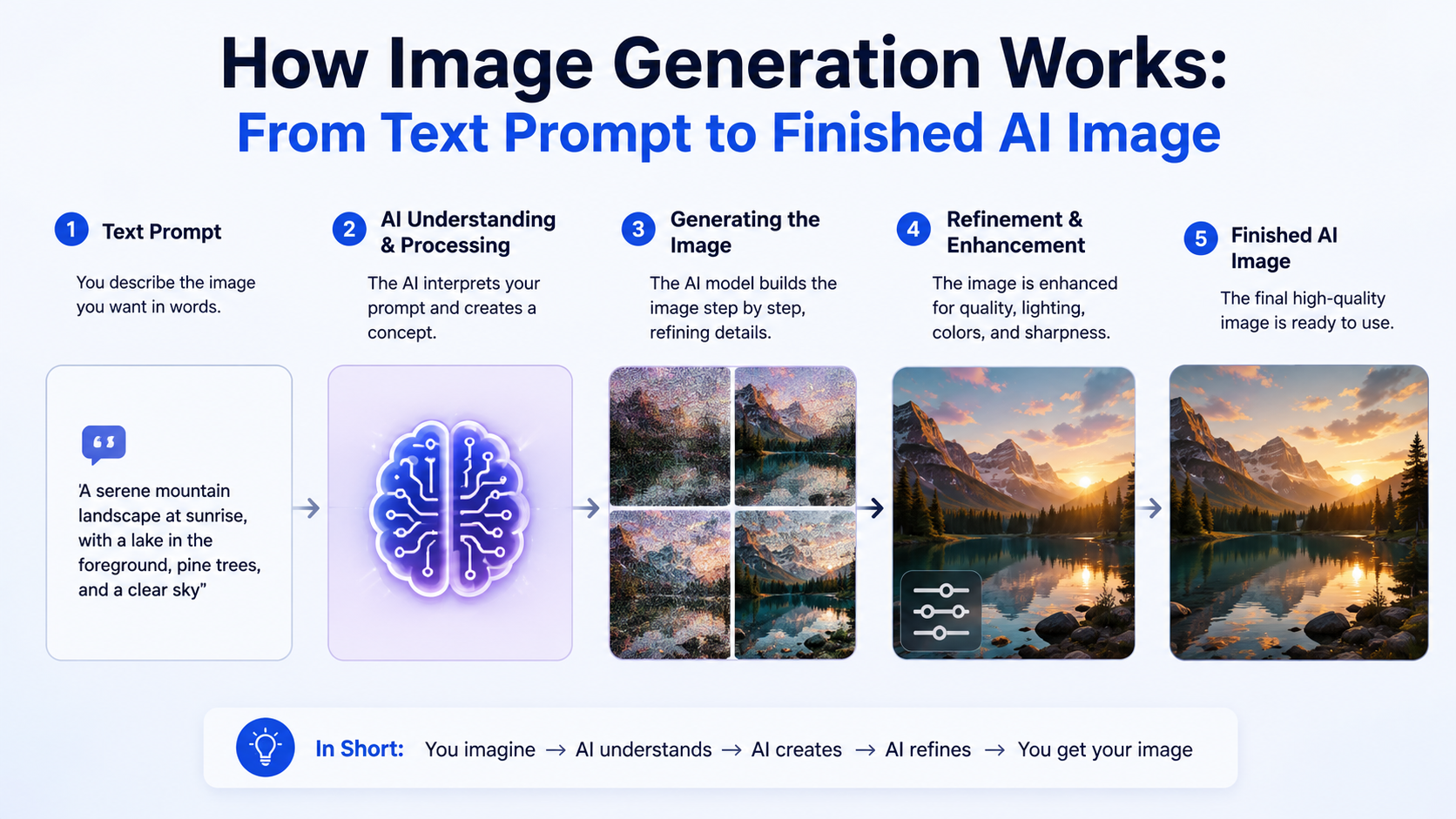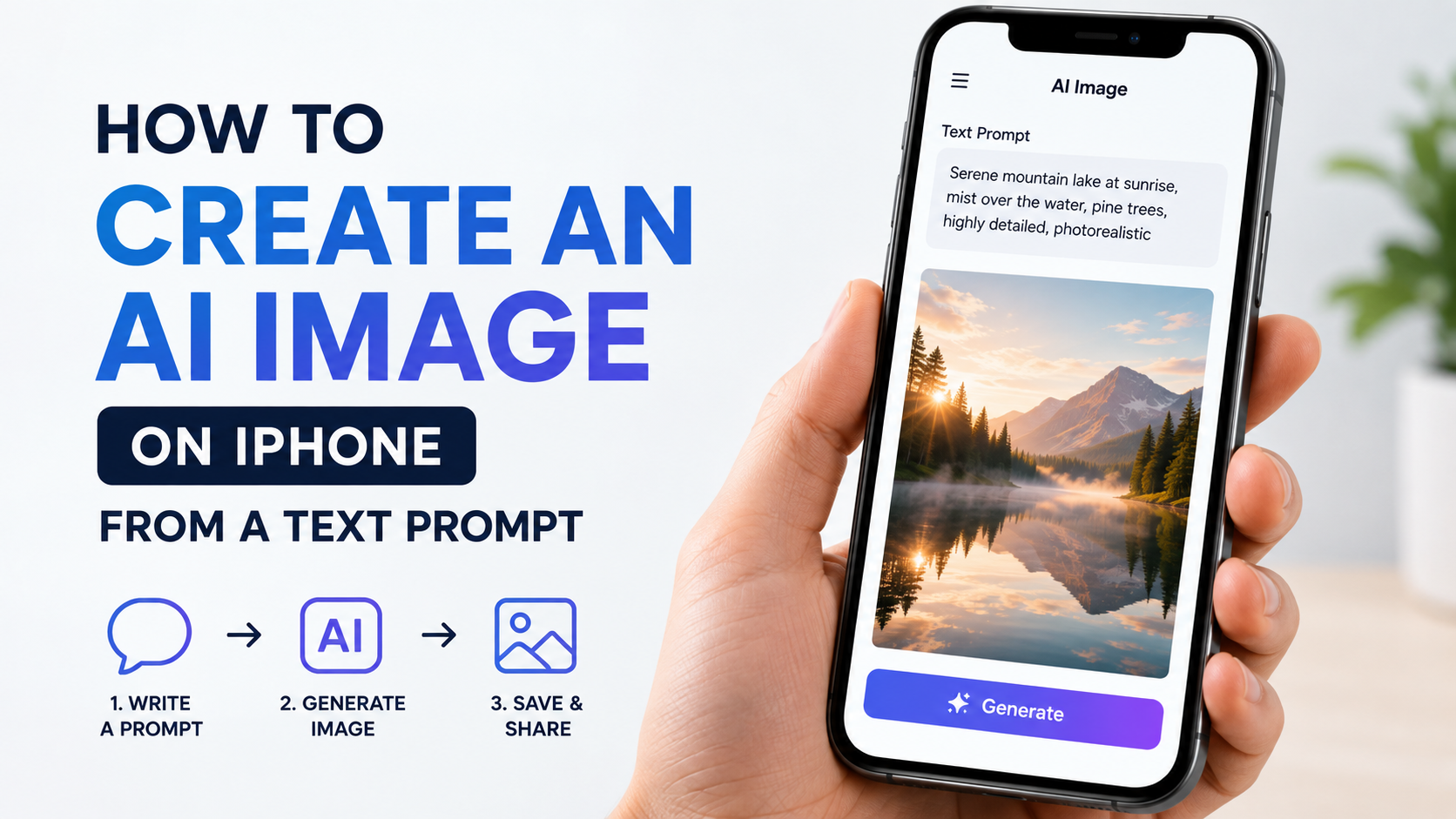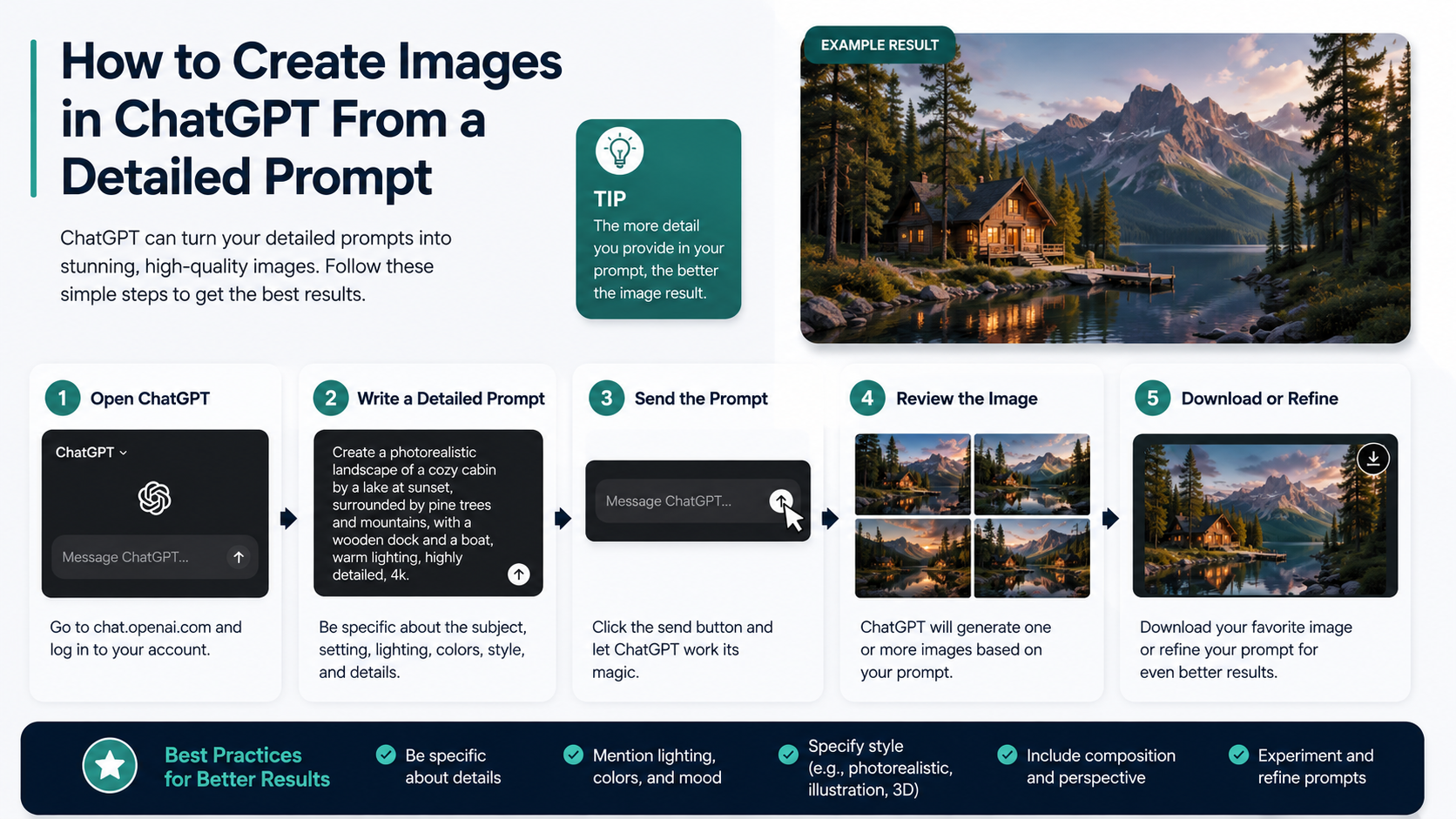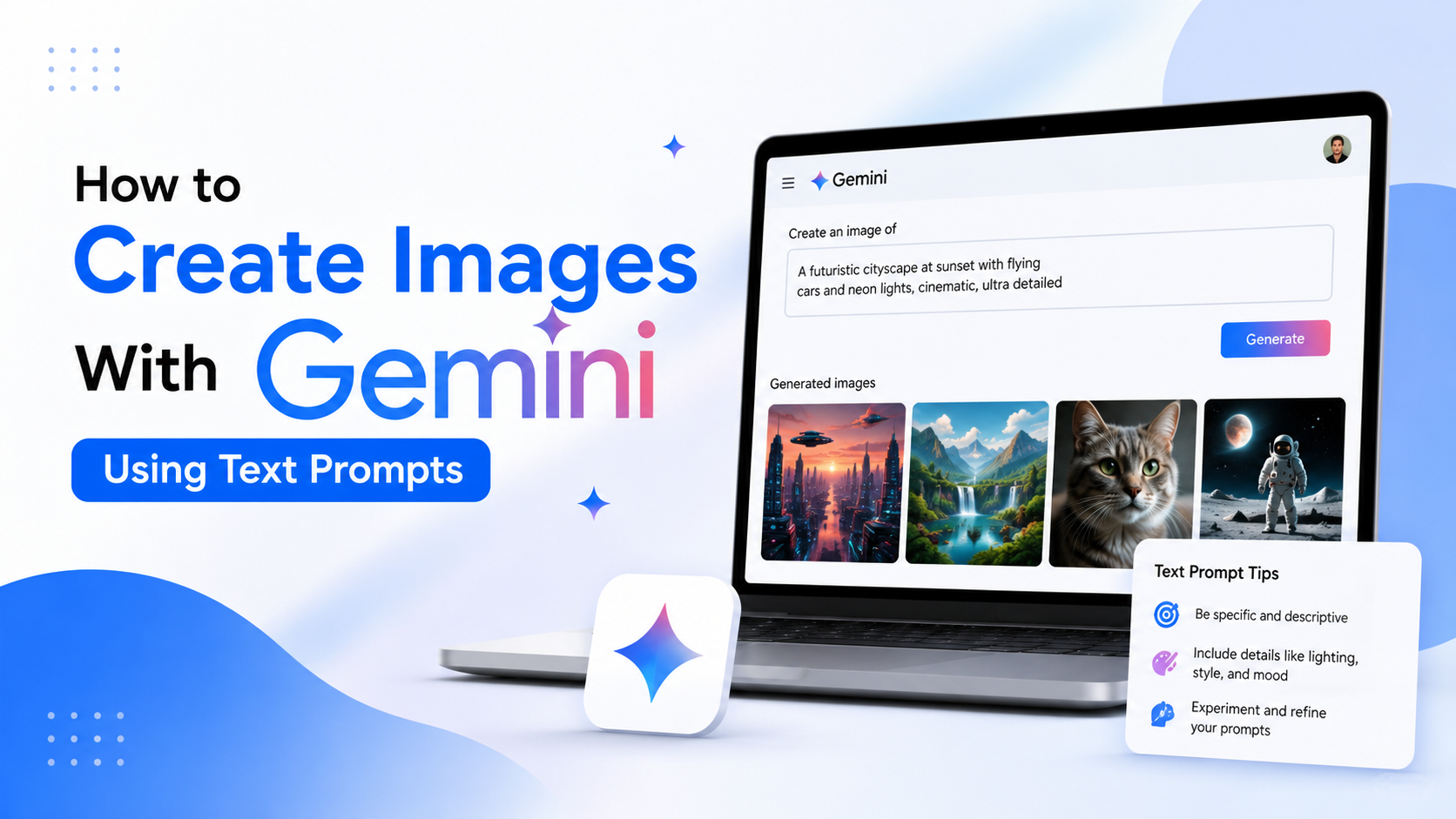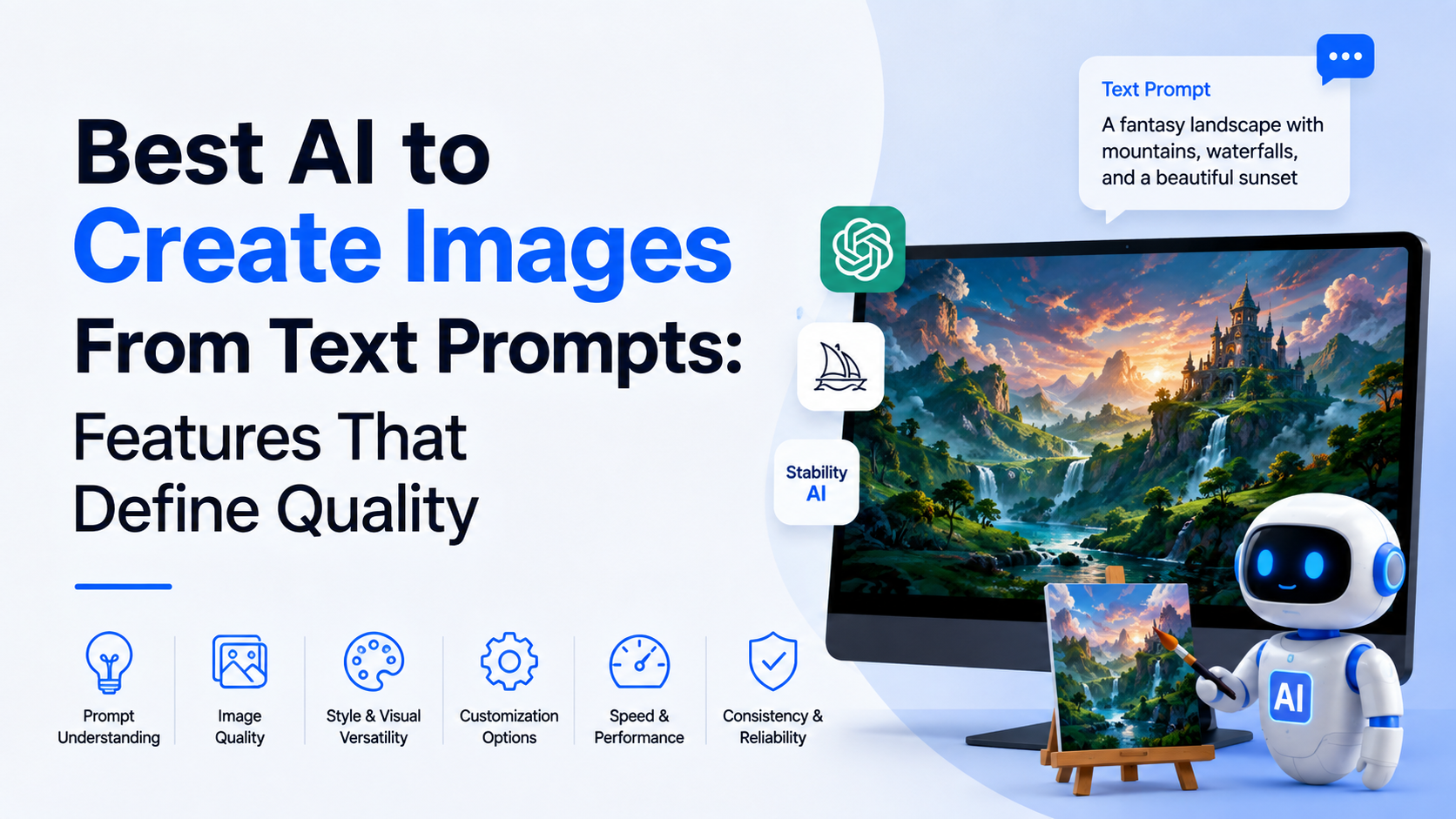
The best AI for creating images from text prompts depends less on a single "best" label and more on the type of Quality you need: accurate text in posters, photorealistic people, editable marketing assets, fast idea generation, or a workflow that works with your existing design tools.
For users in India, the practical choice also involves language support, commercial-use terms, image-editing control, subscription value, and whether the tool can produce locally relevant visuals without lengthy manual correction. This guide compares leading AI image-generation options by their strengths and explains how to get more reliable results from any text prompt.
Key Takeaways
- ChatGPT Images is well suited to conversational creation, iterative edits, transparent backgrounds, and text-heavy visual requests.
- Adobe Firefly is a strong option for designers who need controlled generation and editing alongside Adobe creative workflows.
- Google's Imagen technology is designed for high-fidelity, realistic images and offers technical controls through its developer platform.
- Stability AI is useful for creators and developers who want flexible deployment options and a clearer route to self-hosted workflows.
- Image Quality improves most when prompts specify the subject, setting, composition, lighting, output format, and exclusions.
- Always review generated images before publishing, especially for spelling, faces, brand claims, copyrighted material, and cultural accuracy.
What "Quality" Means in AI Image Generation
A visually attractive output is not automatically a high-Quality image. For business, education, publishing, and social media, Quality has several parts:
| Quality factor | What it means in practice |
|---|---|
| Prompt adherence | The image includes the requested people, objects, mood, and scene. |
| Text rendering | Headlines, labels, packaging, and signage are readable and correctly spelled. |
| Composition | Subjects are placed well for the desired format, such as a YouTube thumbnail or Instagram Story. |
| Detail and realism | Textures, lighting, hands, faces, and products look convincing at the intended size. |
| Editability | You can correct a small area without recreating the whole image. |
| Brand suitability | The asset can be reviewed and used within your organisation's legal and design process. |
The right tool is therefore the one that consistently meets your most important Quality requirement. A creator making fantasy thumbnails may prioritise style. A D2C brand may care more about legible packaging text and editable product scenes.
Best AI Image Generators and Their Standout Features
ChatGPT Images: Best for Conversational Creation and Revisions
ChatGPT Images lets users create images from a description or edit an uploaded image through a conversation. Its editor supports selecting a region for changes, changing an aspect ratio, and asking for additions, removals, or background changes. OpenAI also states that ChatGPT Images can create transparent backgrounds and that generated images are saved in the Images area for later reuse. OpenAI's Images in ChatGPT guide
This makes it especially useful when the first result is close but not perfect. Instead of rewriting the entire prompt, you can say, for example: "Keep the same Indian café interior, but replace the cup with a steel tumbler and remove all visible text."
Choose ChatGPT Images when you need:
- A simple chat-based workflow rather than complex controls.
- Multiple rounds of refinement.
- Poster concepts, social posts, explainers, product mock-ups, or transparent-background elements.
- Help transforming a rough creative brief into a more detailed visual direction.
For developers, OpenAI's image-generation models support text and image inputs, which can be useful for workflows involving reference images and edits. Model availability, limits, and pricing should always be checked in the official documentation before building a production feature. OpenAI API model documentation
Adobe Firefly: Best for Design Workflows and Controlled Editing
Adobe Firefly is designed as a creative studio for generating and editing images, graphics, vectors, and other assets. Its image-generation controls include aspect ratio, content type, composition, visual intensity, and style settings, depending on the model selected. Adobe Firefly image-generation documentation
A notable advantage is that Firefly sits naturally within an Adobe-centred process. A marketing team can generate a concept, refine it, and continue working in Adobe tools rather than treating AI output as a disconnected file.
Firefly can be a practical choice for:
- Social-media campaign assets and presentation graphics.
- Product lifestyle concepts that need later retouching.
- Mood boards and brand exploration.
- Designers who already use Photoshop, Adobe Express, or related Adobe tools.
Firefly's Prompt Enhancement feature can expand a short prompt into a richer description for specific Firefly models, but Adobe notes that this feature is available only for English prompts. Adobe's Prompt Enhancement guide For Indian businesses creating Hindi, Tamil, Bengali, or multilingual campaign material, use the generated image as a visual base and add final customer-facing text in a design application after proofreading.
Google Imagen: Best for High-Fidelity Image Generation in Developer Workflows
Google describes Imagen as a high-fidelity image-generation model for producing realistic, high-Quality images from text. Its documented controls include the number of images, image size, aspect ratio, and settings related to generating people. Google AI for Developers: Imagen
For technical teams, that explicit control can be valuable when generating visual variants at scale. Common use cases include generating multiple banner concepts in fixed dimensions, creating initial product-scene drafts, or integrating image generation into an internal content workflow.
However, developers should not build new work around old model names without checking current documentation. Google's Imagen 4 API documentation states that its standard, ultra, and fast endpoints were deprecated and scheduled to shut down on 17 August 2026, with migration guidance provided by Google. Imagen 4 model page This is a useful reminder that AI product capabilities change quickly: confirm the supported model and region before launching a workflow.
Stability AI: Best for Flexibility and Self-Hosted Possibilities
Stability AI offers image-generation services as well as model licensing options for developers and organisations that need greater technical control. Its Stable Image Ultra service is positioned for high-detail images, while its platform also lists faster and lower-cost options for different workloads. Stability AI platform pricing
This route can suit teams that want to experiment with custom workflows, control infrastructure choices, or use models within their own products. Stability AI's current Community License permits research, non-commercial, and commercial use of covered core models for individuals and organisations with annual revenue below US$1 million, subject to its licence terms and acceptable-use rules. Stability AI licence
That does not remove the need for legal review. Licence terms, data handling, deployment architecture, and the source of any training or reference images should be assessed before a commercial launch.
How to Choose the Right Tool for Your Use Case
A quick decision framework avoids paying for features you will not use.
| If your priority is | Start by evaluating |
|---|---|
| Easy generation and conversational corrections | ChatGPT Images |
| Design controls and Adobe-based production | Adobe Firefly |
| API-led high-fidelity generation | Google's current supported image-generation offering |
| Self-hosting or highly custom technical workflows | Stability AI models and services |
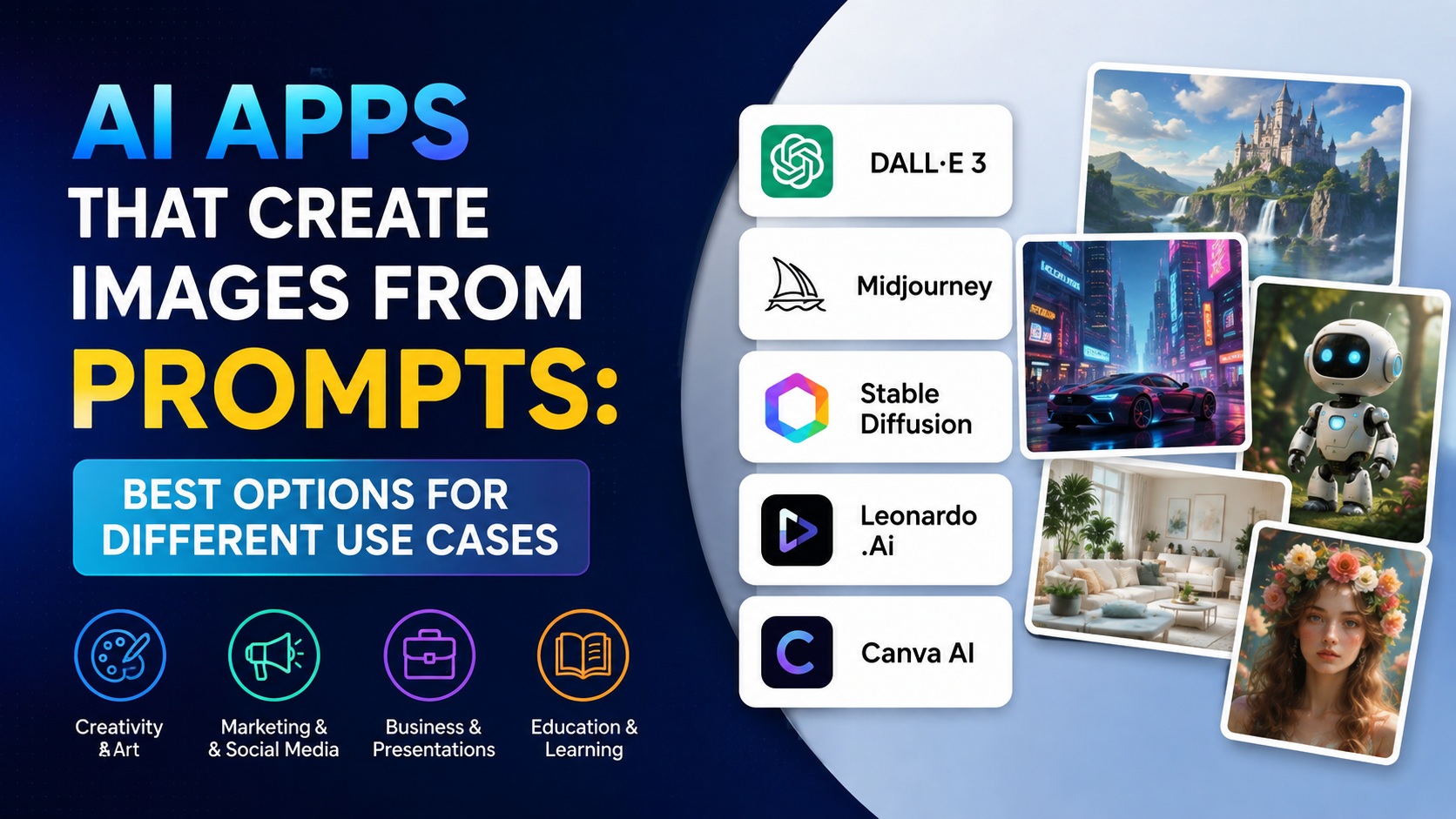
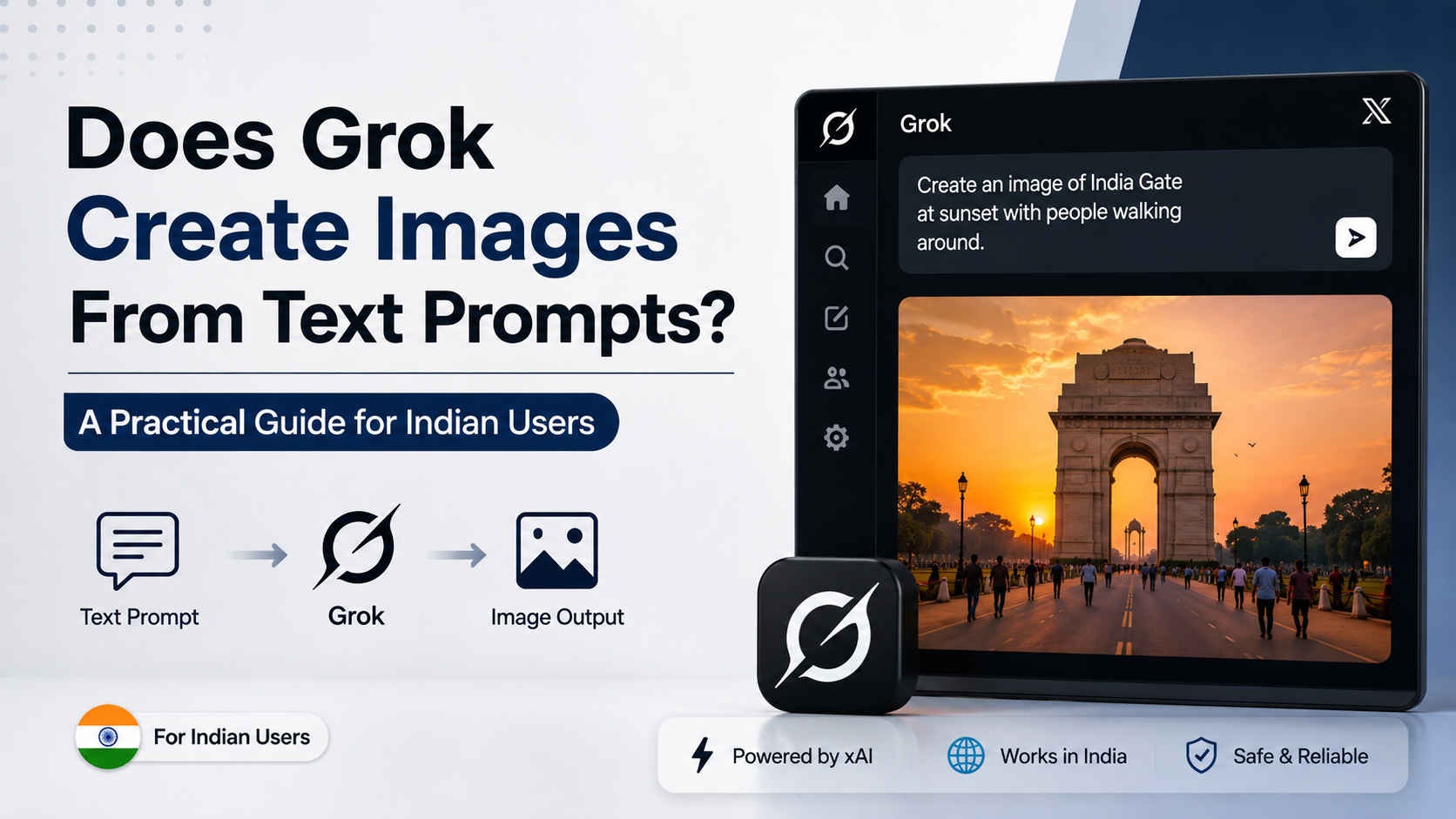
Do not choose based only on a single example from a product website. Run the same five prompts in each shortlisted tool. Include one product image, one poster layout, one realistic human scene, one localised setting, and one edit request. Then compare the outputs at the size where they will actually be used.
For an Indian retail brand, a useful test prompt might be:
"Premium festive gift hamper on a clean studio table, marigold accents, warm natural light, space on the left for a headline, vertical 4:5 composition, no words, no logos."
This tests composition, cultural context, product arrangement, and usable negative space without relying on AI-generated text.
How to Write Better Text Prompts
A strong prompt is a compact creative brief. Use this structure:
Subject + context + composition + style + lighting + format + constraints
For example:
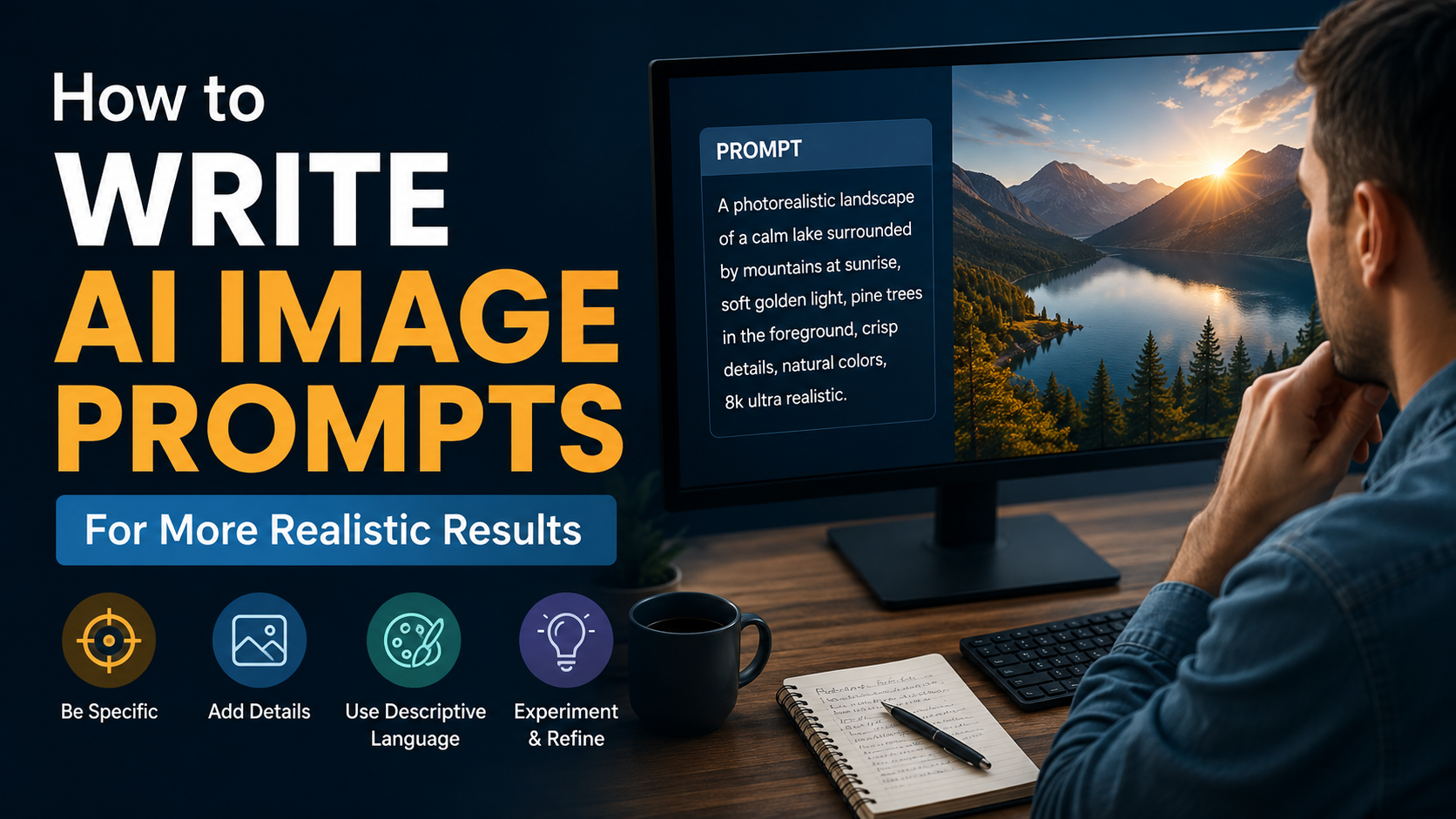
"A realistic overhead photograph of masala chai, a notebook, and a cotton tote bag on a light wooden desk in Bengaluru, morning window light, natural colours, uncluttered composition, 1:1 square format, no text, no logos."
Add Details in the Right Order
Start with the central object or person. Then add the environment, camera view, lighting, and delivery format. Avoid adding twenty unrelated style terms; they often make the output less predictable.
Specify the Destination Format
Ask for the output shape early:
- 1:1 for many square social posts.
- 4:5 for portrait feed placements.
- 9:16 for vertical stories and short-form video covers.
- 16:9 for presentation slides, website banners, and video thumbnails.
Use Negative Constraints Carefully
State what must not appear when it matters: "no text," "no watermark," "no extra hands," or "no logo." This does not guarantee perfect exclusion, but it gives the model a clearer target.
Iterate Instead of Restarting
If the visual concept works but a detail fails, preserve what is working. Ask for one controlled change: "Keep the setting and lighting. Make the product label blank and move the subject slightly right." Iterative editing usually produces better Quality than repeatedly starting from a completely new prompt.
Important Limits for Businesses and Creators in India
AI-generated images still need human review. Do not publish an image just because it looks polished at first glance.
Check these points before use:
- Text and numbers: Verify every price, date, product name, phone number, and offer statement manually.
- People and identity: Do not imply that a real person endorses a product without permission.
- Cultural representation: Review clothing, religious symbols, food, locations, and festivals for accuracy and respect.
- Intellectual property: Avoid prompts that request a living artist's exact style, a competitor's logo, or copyrighted characters for commercial use.
- Privacy: Do not upload customer photos, confidential designs, or personal data unless your organisation has approved the tool and workflow.
- Commercial terms: Read the provider's current plan, output, and licensing terms before using assets in advertising or client work.
No image generator can guarantee that every output is legally safe, factually correct, or suitable for a specific campaign. It is best treated as a production assistant, not a replacement for brand, legal, and editorial judgement.
Frequently Asked Questions
Which AI image generator gives the best Quality?
There is no universal winner. ChatGPT Images is compelling for conversational creation and revisions; Adobe Firefly is strong for controlled design workflows; Google's image-generation tools suit some technical image-generation use cases; and Stability AI is relevant where flexibility or self-hosting matters. Test each tool with your real prompts and required formats.
Can AI generate images with Hindi or Indian-language text?
It may generate some text, but important public-facing copy should be added and proofread separately in a design tool. AI-generated typography can still contain spelling or layout errors, particularly in complex scripts. Use the generator for the visual composition and apply final approved copy afterwards.
Is it safe to use AI-generated images for commercial work?
It can be possible, but it is not automatic. Review the provider's current terms, your subscription rights, the content of the prompt, and the final image. You remain responsible for claims, permissions, trademark issues, and compliance with applicable law.
How can I make AI images look less generic?
Use specific details that come from your real brief: location, materials, camera angle, customer context, brand palette, season, and output dimensions. Then refine the best draft through targeted edits rather than accepting the first variation.
Should I use an AI image generator for product photographs?
AI is useful for concepts, backgrounds, mood boards, and early campaign layouts. For products where colour, packaging, size, ingredients, or regulatory details must be exact, use approved product photography or carefully reviewed composites.
Conclusion
The best AI to create images from text prompts is the one that delivers the Quality your project actually requires: accurate instructions and editing, controlled design production, scalable technical generation, or flexible deployment. Start with a small real-world prompt test, choose the tool that fits your workflow, and keep a human review step for every image intended for customers.