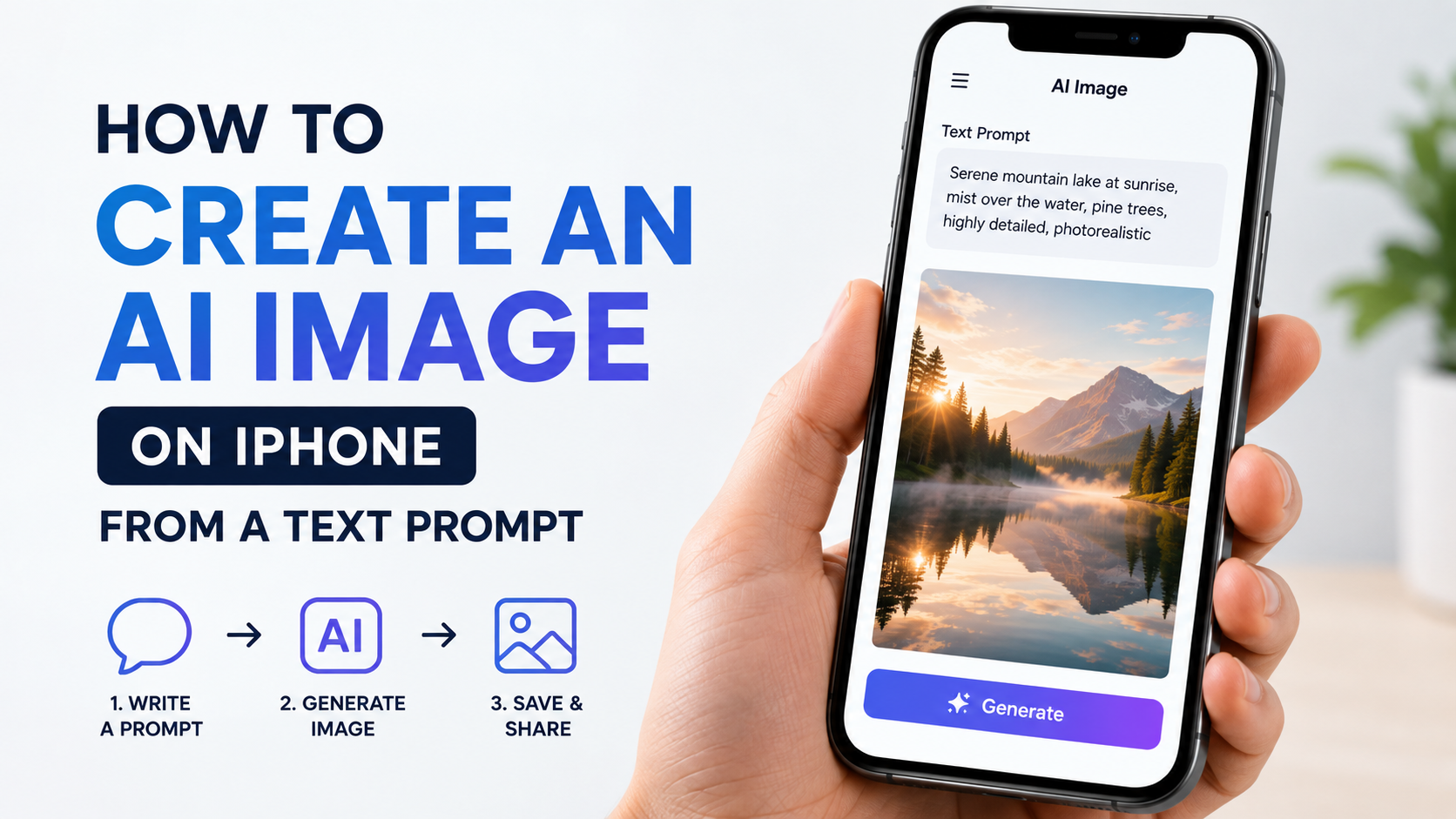
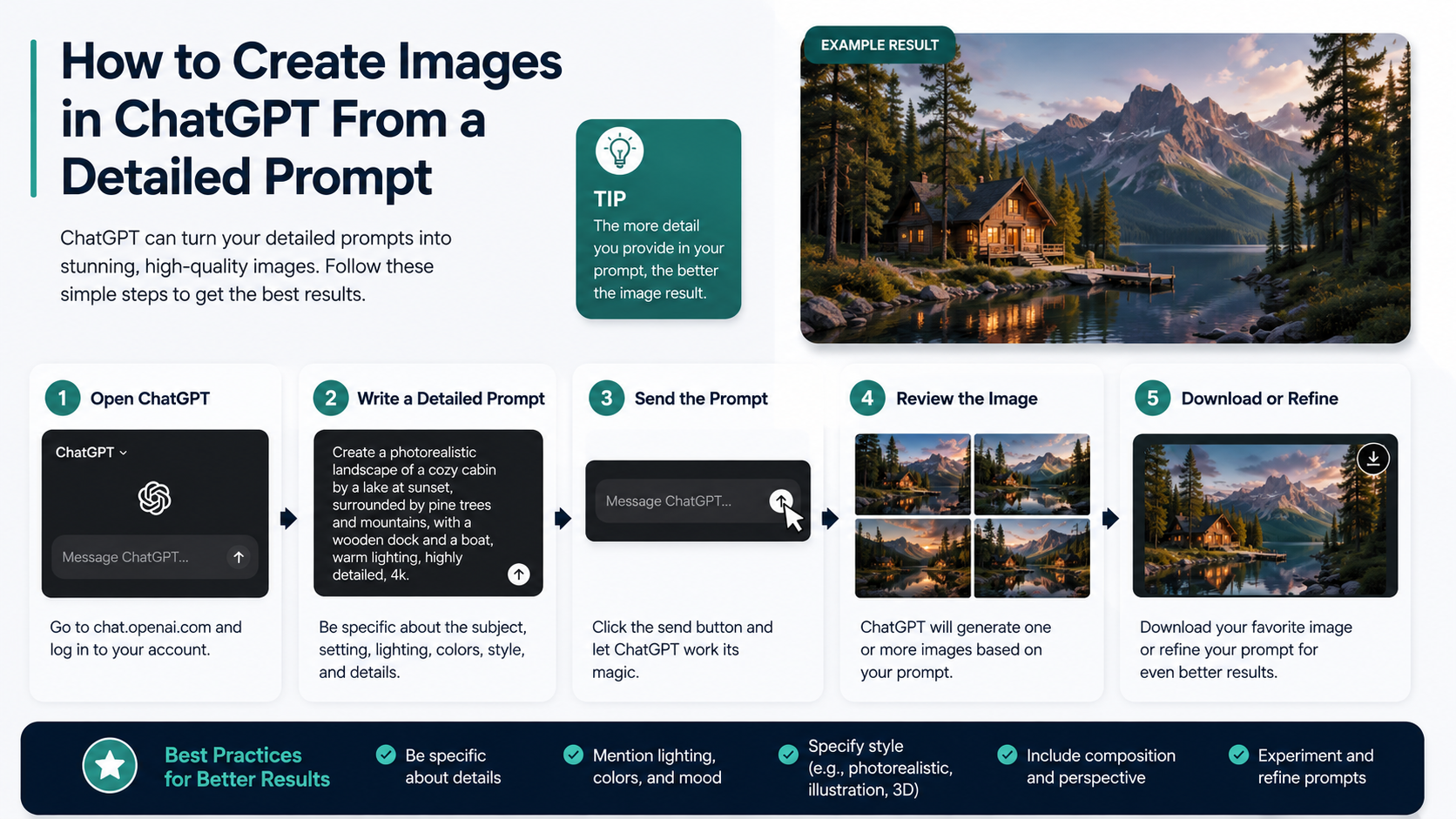
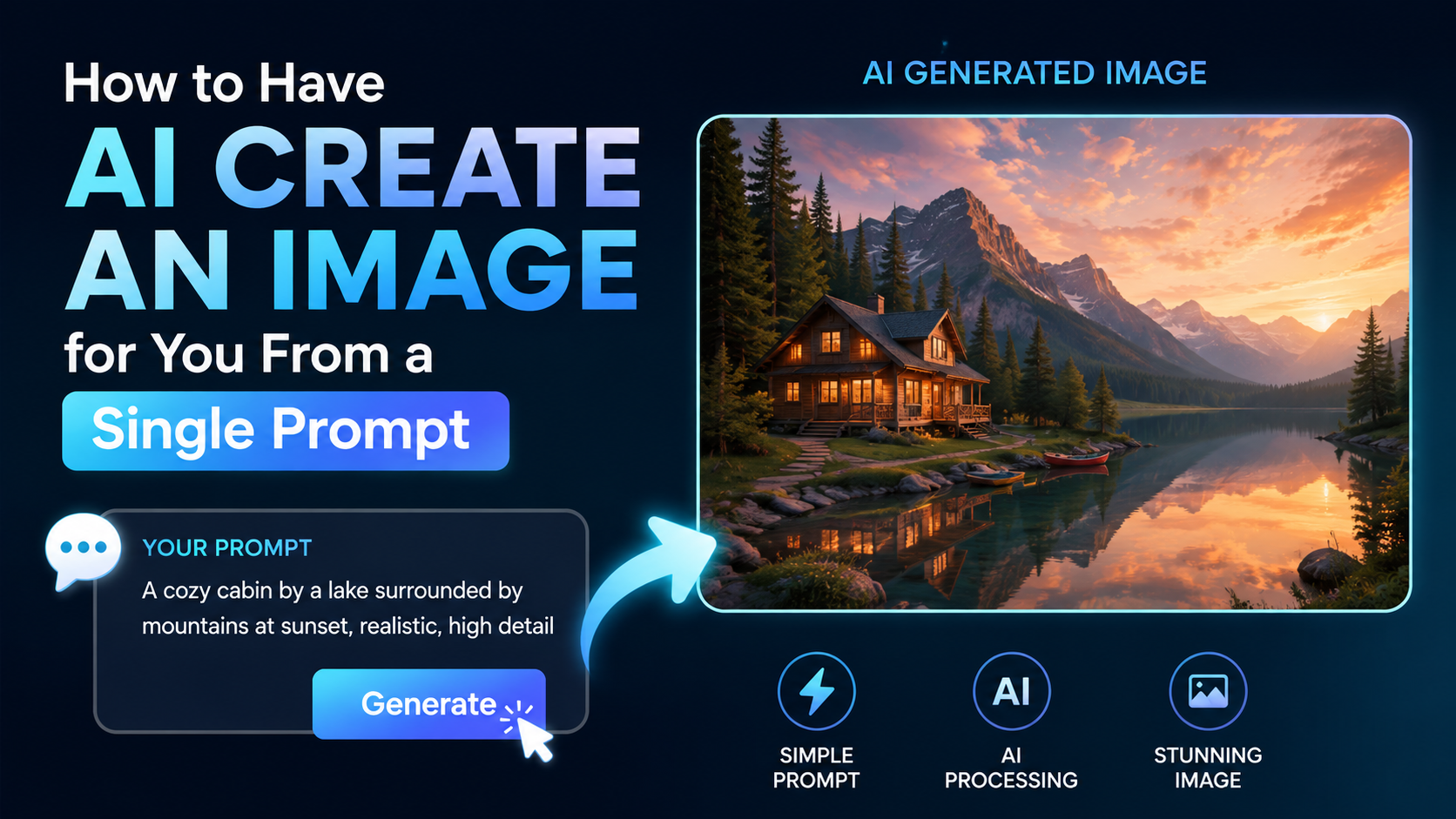
Gemini creates images by interpreting a written instruction, turning its meaning into machine-readable representations, and using an AI image-generation model to build a new visual that matches the request. In practical terms, you describe what you want—such as a product scene, illustration, poster or edited photo—and Gemini produces an image that you can refine through follow-up instructions.
For people in India, this can be useful for classroom visuals, small-business social posts, creative concepts, presentation graphics and personal projects. The key is to understand both what Gemini can do and where human review remains essential.
Key Takeaways
- Gemini converts the details in a text prompt into visual instructions for an image-generation model.
- In Gemini Apps, Google currently describes the image-generation and editing capability as Nano Banana 2.
- Clear prompts specifying subject, setting, composition, lighting and style usually produce more controllable results.
- Gemini can also edit generated or uploaded images, including making local changes and combining image references.
- AI-generated media in Gemini Apps includes an invisible SynthID watermark; users can also manage a visible watermark setting.
- Generated images should be reviewed carefully before publication, especially when they contain facts, people, text, brands or culturally sensitive material.
What Happens When You Ask Gemini to Create an Image?
When you type a request such as, "Create a clean Instagram poster for an Ahmedabad café's monsoon chai offer," Gemini does not search for and paste together an existing image. It generates a new image based on patterns learned during model training and the details in your prompt.
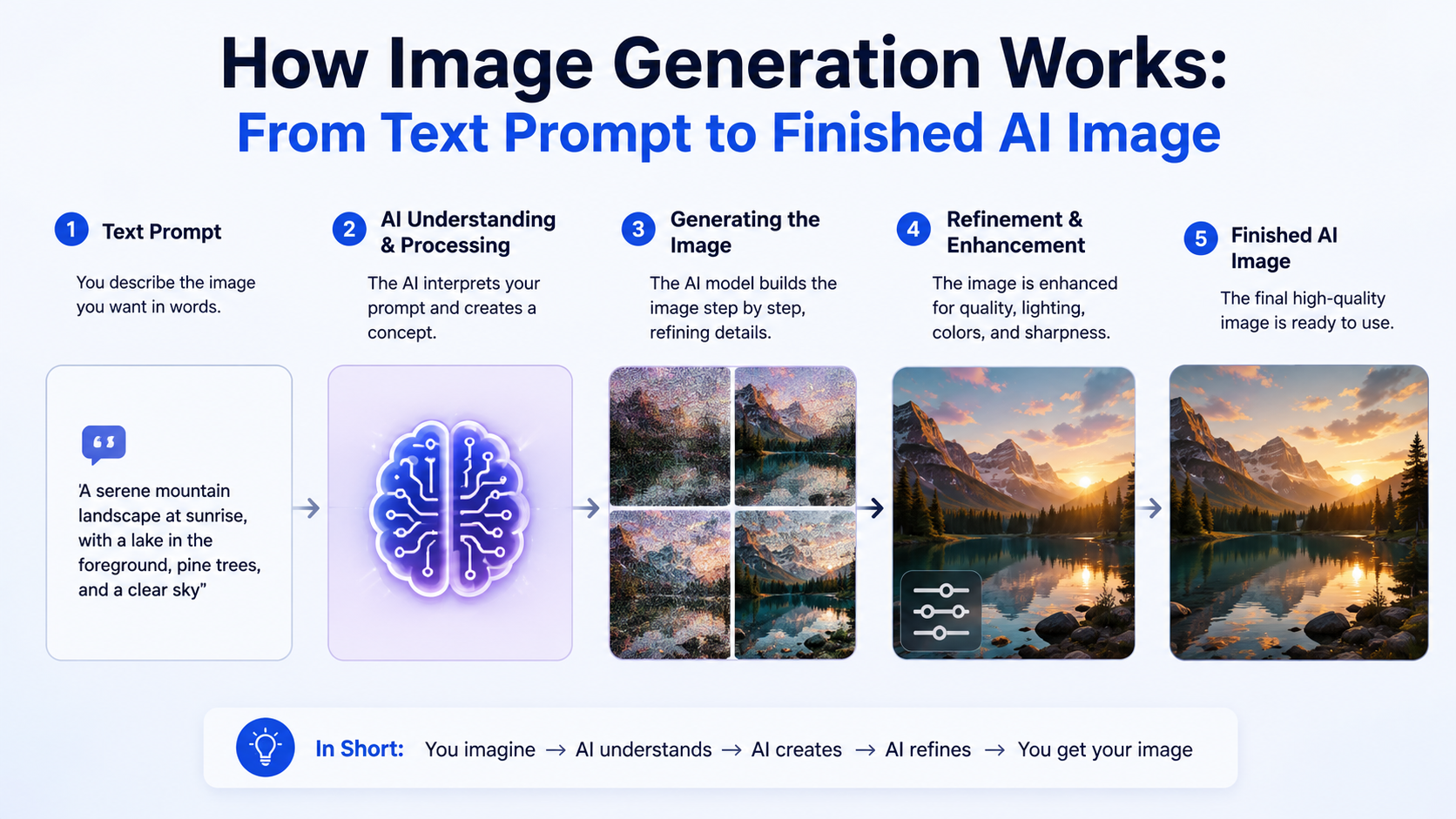
The process can be understood in five stages:
| Stage | What Gemini does |
|---|---|
| Prompt interpretation | Identifies the subject, action, style, setting, colours and constraints in your request. |
| Visual planning | Connects concepts in the prompt, such as "monsoon," "chai," "warm lighting" and "Indian café." |
| Image generation | Produces a fresh visual from an initially noisy image representation. |
| Safety evaluation | Applies systems intended to prevent disallowed or harmful output. |
| Refinement | Uses your follow-up instructions to revise the image or make targeted edits. |
A prompt is not a technical command that guarantees a precise result. It is a creative brief. Gemini infers details that are not explicitly stated, which is why two similar prompts can produce different images.
The Technology Behind Gemini Text-to-Image Generation
Google does not publish every technical detail of each live Gemini image model. However, Google's published research on Imagen explains the core approach behind modern text-to-image systems: language understanding is combined with diffusion-based image generation.
From words to visual meaning
First, the system processes the words in your prompt. It needs to understand relationships, not just individual terms.
For example, these prompts require different visual relationships:
- "A child holding a tricolour kite over a Delhi rooftop"
- "A tricolour kite shaped like a child over a Delhi rooftop"
- "A child on a rooftop, viewed through a tricolour kite"
The model represents the meaning of the text in a form that can guide image generation. Stronger prompt detail gives it more useful constraints.
From visual noise to an image
Diffusion models create images through an iterative process. Instead of drawing one object at a time like a human illustrator, the system begins with a noisy visual field and repeatedly reduces that noise while following the prompt's instructions.
Google's Imagen research describes a text encoder feeding a conditional diffusion model, followed by super-resolution stages that increase image detail. This helps explain why text-to-image systems can create coherent scenes from language while sometimes struggling with tiny details, dense layouts or complex lettering.
Why the result can be impressive—but imperfect
Gemini can generate believable lighting, objects, textures and compositions because image models learn visual patterns. But it does not "know" that a generated image is historically, geographically or scientifically correct in the way a verified source does.
A beautifully rendered image of a landmark, product label, medical diagram or news event can still contain mistakes. Treat it as generated creative material, not documentary evidence.
Which Gemini Image Features Are Available?
Google's Gemini Apps help documentation identifies Nano Banana 2 as the current image-generation and editing capability in Gemini Apps. Google lists improved world knowledge for diagrams and infographics, character consistency, local edits and improved text rendering among its features.
Depending on your account, location, language and product surface, you may be able to:
- Generate an image from a written prompt.
- Edit an image generated in the chat.
- Upload an image and request changes.
- Upload multiple images and ask Gemini to combine ideas from them.
- Ask for an image alongside written content, such as a blog draft or social caption.
- Download a generated image at full size.
Google's mobile-app availability page lists India among supported countries. However, image features can still vary by account type, language, age requirement and Workspace licence. If a feature does not appear in your Gemini interface, do not assume it is unavailable permanently; availability is controlled by Google's supported-country, language and account conditions.
How to Create an Image in Gemini
For most users, the basic workflow is straightforward.
- Sign in to Gemini Apps.
- Write a direct instruction beginning with "Create," "Generate" or "Draw."
- Describe the subject and its important visual details.
- Review the output for mistakes or unwanted elements.
- Use follow-up prompts to revise it.
- Download the final image only after checking it carefully.
Here is a practical example for an Indian business:
Create a square social-media illustration for a Bengaluru organic grocery shop. Show a reusable jute shopping bag filled with fresh vegetables, warm morning light, clean modern flat illustration style, earthy green and yellow palette, no logo and no text.
The request specifies format, audience context, subject, visual style, colours and an important restriction. That gives Gemini far more direction than "make a grocery image."
How to Write Better Gemini Image Prompts
The best prompts are detailed without becoming contradictory. Google's guidance recommends describing the subject, composition, action, location, style and editing instructions.
Use a practical prompt framework
A reliable structure is:
Create a [image type] of [subject], [action/pose], in [setting], with [composition/camera view], [lighting], [style], [colour palette], and [restrictions].
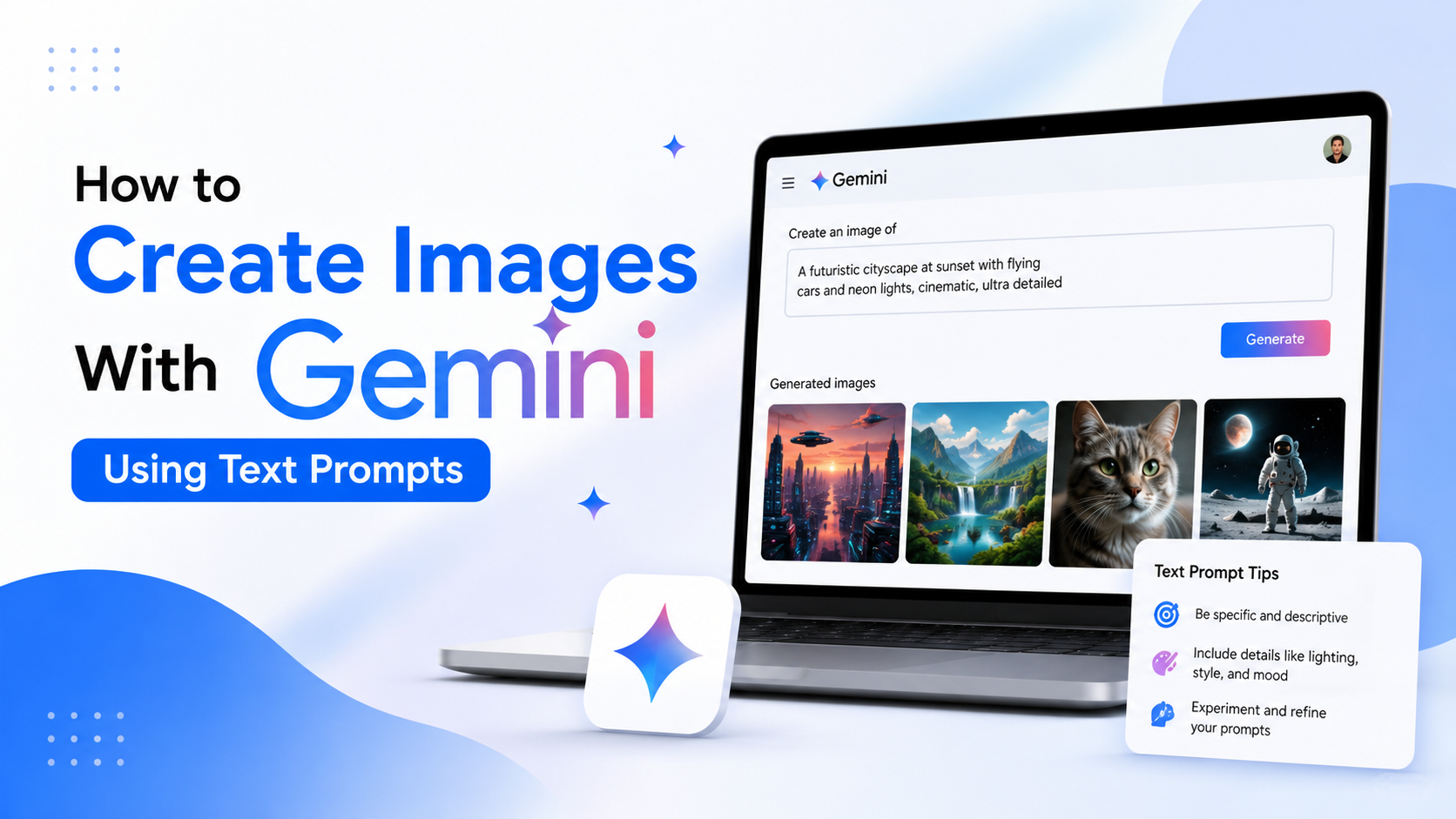

For example:
Create a wide editorial illustration of two university students discussing a project in a library in Pune. Eye-level medium shot, natural window light, contemporary Indian setting, polished digital illustration, blue and saffron accents, leave empty space on the right for a headline, no readable text.
Add details in the right order
Focus on the information that most affects the output:
- Subject: Who or what should appear?
- Action: What is happening?
- Setting: Where is the scene?
- Composition: Is it a close-up, overhead shot, poster or wide landscape?
- Style: Photorealistic, watercolour, 3D, line art or editorial illustration?
- Lighting and mood: Bright, dramatic, soft, festive or minimal?
- Restrictions: No text, no logos, no extra people or a plain background.
Be careful with text inside images
Text rendering has improved, but generated lettering can still be misspelled, inconsistent or unsuitable for a professional design. For campaign artwork, invitations, price lists or public notices, it is safer to generate the background or illustration first and add final text in a design tool.
Never rely on AI-generated text for legal notices, exam information, government messages, pricing, addresses or emergency communication.
Editing Images Through Conversation
One useful difference between Gemini and a one-shot image generator is conversational editing. You can continue the same chat and ask for a specific change rather than starting from zero.
Examples include:
- "Keep the same composition, but change the background to a rainy Mumbai street."
- "Replace the plastic cup with a steel tumbler."
- "Make the illustration more minimal and remove the people in the background."
- "Use the uploaded product photo and place it on a clean festive gift table."
Google says Gemini Apps can edit generated images, edit uploaded images and use multiple uploaded images to create a new image. It also highlights local edits, meaning a request can target one part of an image rather than requiring a complete redesign.
For better results, change one major element at a time. A request asking to alter the pose, background, outfit, colour palette, format and style in one message may unintentionally change more than intended.
Safety, Privacy and Responsible Use
Gemini may decline or remove images when its systems detect a possible breach of Google's Terms of Service or Prohibited Use Policy. A refusal is not necessarily a technical failure; it may reflect content rules or safety restrictions.
Copyright and consent matter
Before uploading a photo, make sure you have the right to use it. This is especially important for client work, school materials, copyrighted artwork, personal photographs and images of identifiable people.
Do not use Gemini-generated visuals to mislead others about real events, impersonate people, create harmful deepfakes or falsely represent products, qualifications or results.
Watermarks and provenance
Google states that AI-generated media created or edited with Gemini Apps includes an invisible SynthID watermark. Gemini Apps can also include Content Credentials metadata, which provides provenance information about a file's origin and history.
The Gemini verification feature can help check whether an image was created or edited by Google AI. However, a missing SynthID detection does not prove that an image is real; it may have been created by another AI tool or altered in a way that affects detection.
Review culturally specific details
For India-focused campaigns, inspect generated visuals for accuracy and respectfulness. Check clothing, scripts, landmarks, religious imagery, maps, food, regional representation and festival contexts. Avoid presenting an AI-generated interpretation as an authentic photograph of a community, ceremony or location.
Limitations You Should Expect
Even high-quality AI image generation has practical limits.
- Facts can be wrong: Do not use generated infographics as a source of statistics, maps or medical information.
- Small details may fail: Hands, jewellery, building details, background objects and fine patterns may be inconsistent.
- Text needs proofreading: Generated words may be incorrect even when they look plausible.
- Exact brand assets need care: A generated logo or packaging design may resemble existing intellectual property or fail brand guidelines.
- Prompt ambiguity affects output: If you do not state a key requirement, Gemini may make its own creative choice.
For business, education or public communication, use Gemini to accelerate concept development and visual drafting. Keep a human designer, editor or subject expert responsible for the final review.
Frequently Asked Questions
Does Gemini create original images or copy images from Google Search?
Gemini generates a new image from the prompt rather than simply retrieving an existing image. However, generative output can still raise copyright, privacy and similarity concerns, so users should review results and ensure they have rights to any images they upload.
Can Gemini edit my own photo?
Yes. Google states that Gemini Apps can edit uploaded images as well as images generated in Gemini. Upload only images you are authorised to use, and obtain consent where an identifiable person is involved.
Why does Gemini change more than I asked it to?
Image generation is probabilistic, so the model may reinterpret surrounding details while making an edit. Ask for one specific change, say what must remain unchanged and refine iteratively. For example: "Change only the background to white. Keep the product, angle, lighting and label unchanged."
Can I use Gemini images for a business post in India?
You can use generated images only after considering Google's terms, applicable law, copyright, privacy, advertising rules and platform policies. Review the image for misleading claims, incorrect information, logos, labels and culturally inappropriate details before publishing.
How can I tell whether an image was made by Gemini?
Upload the file to Gemini and ask whether it was created or edited by Google AI. Gemini can look for Google's SynthID watermark and available Content Credentials. A negative result does not confirm that the image was not made by another AI system.
Conclusion
Gemini creates images by translating your text prompt into visual guidance and generating a new image through AI models designed for text-to-image creation and editing. Its most useful strengths are conversational refinement, targeted edits, reference-image workflows and the ability to turn a detailed creative brief into a starting visual quickly.
Write prompts with clear subjects, settings, composition and restrictions, then review every output before sharing it. For professional, educational or public-facing work in India, use Gemini as a creative assistant—not as a substitute for factual verification, consent, copyright checks or human judgement.