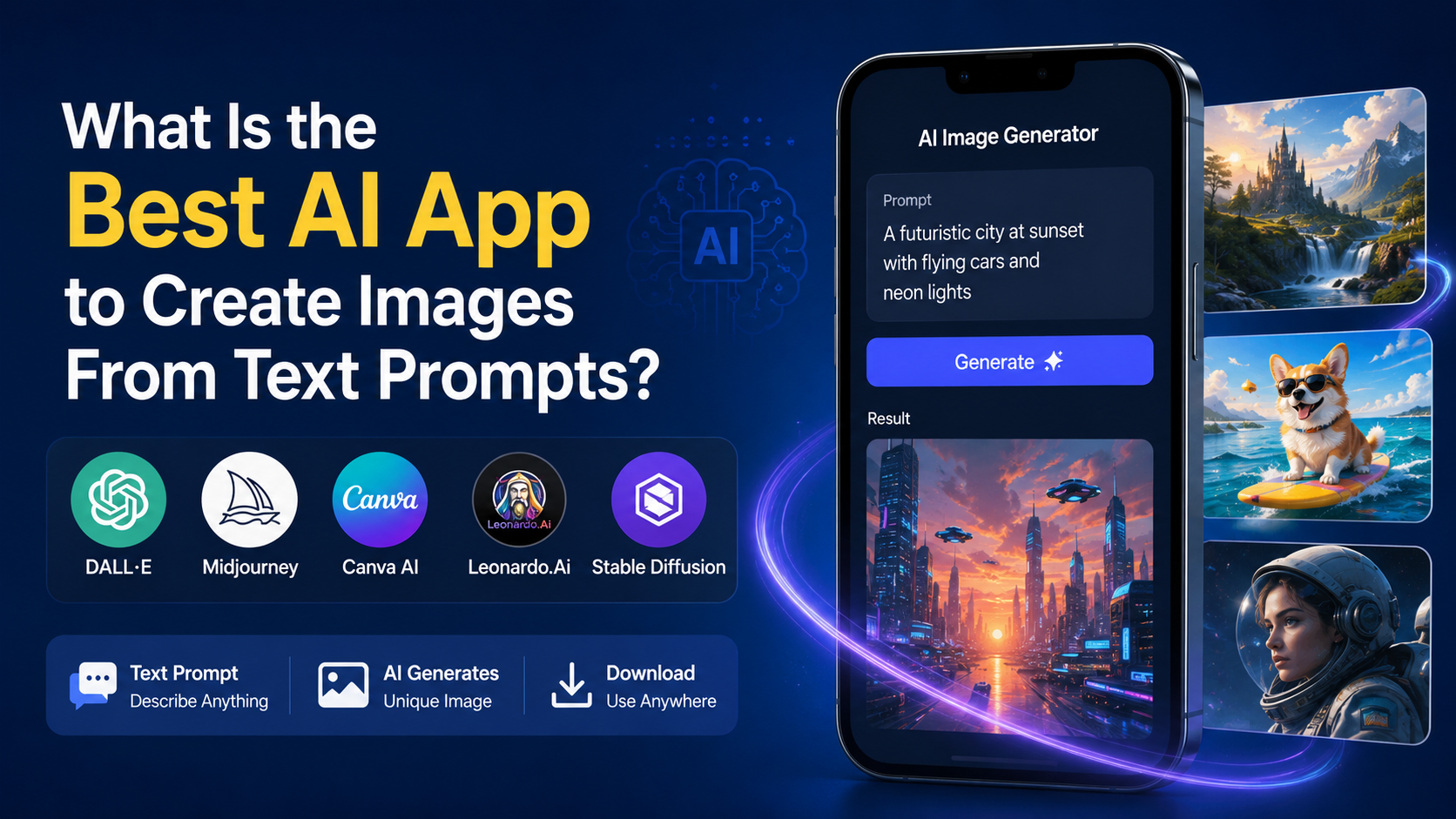
For most people in India, ChatGPT is the best AI app to create images from text prompts because it combines image generation, conversational prompt refinement, and image editing in one familiar interface. You can describe an idea in everyday language, ask for changes, upload a reference image, and continue improving the result without learning complex settings.
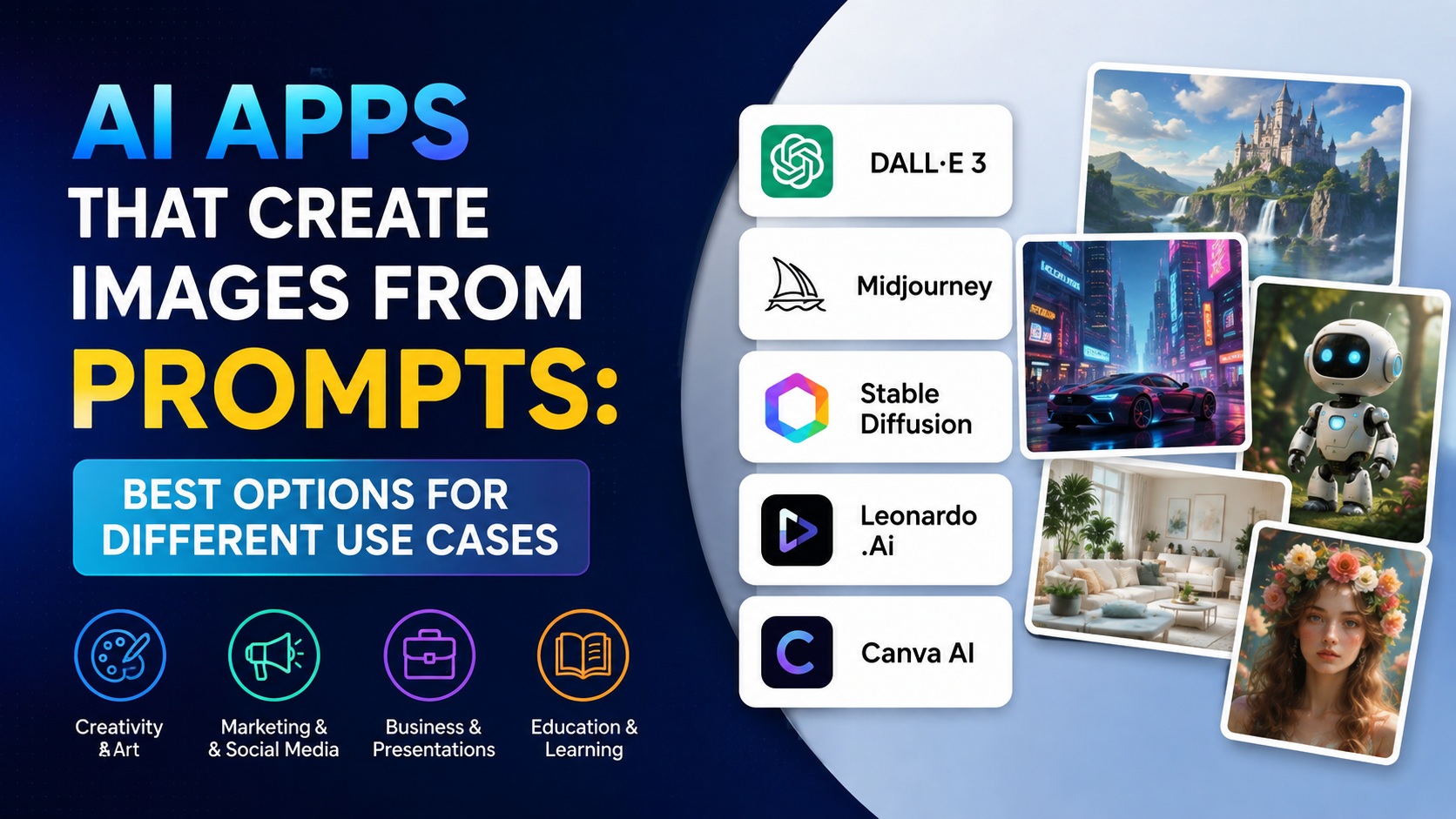
That said, there is no single best tool for every purpose. Adobe Firefly is a stronger fit for design workflows and Adobe users, Midjourney is popular for highly stylised visual exploration, and Google Gemini is convenient for people already using Google's AI ecosystem. The right choice depends on whether you need social-media graphics, product concepts, marketing assets, illustrations, or polished creative experiments.
Key Takeaways
- ChatGPT is the best all-round option for beginners and iterative image editing from a text conversation.
- Adobe Firefly is well suited to designers who need Generative Fill, Expand, vectors, and Adobe app integration.
- Midjourney is a paid, creativity-focused choice with detailed controls and private-generation options on higher plans.
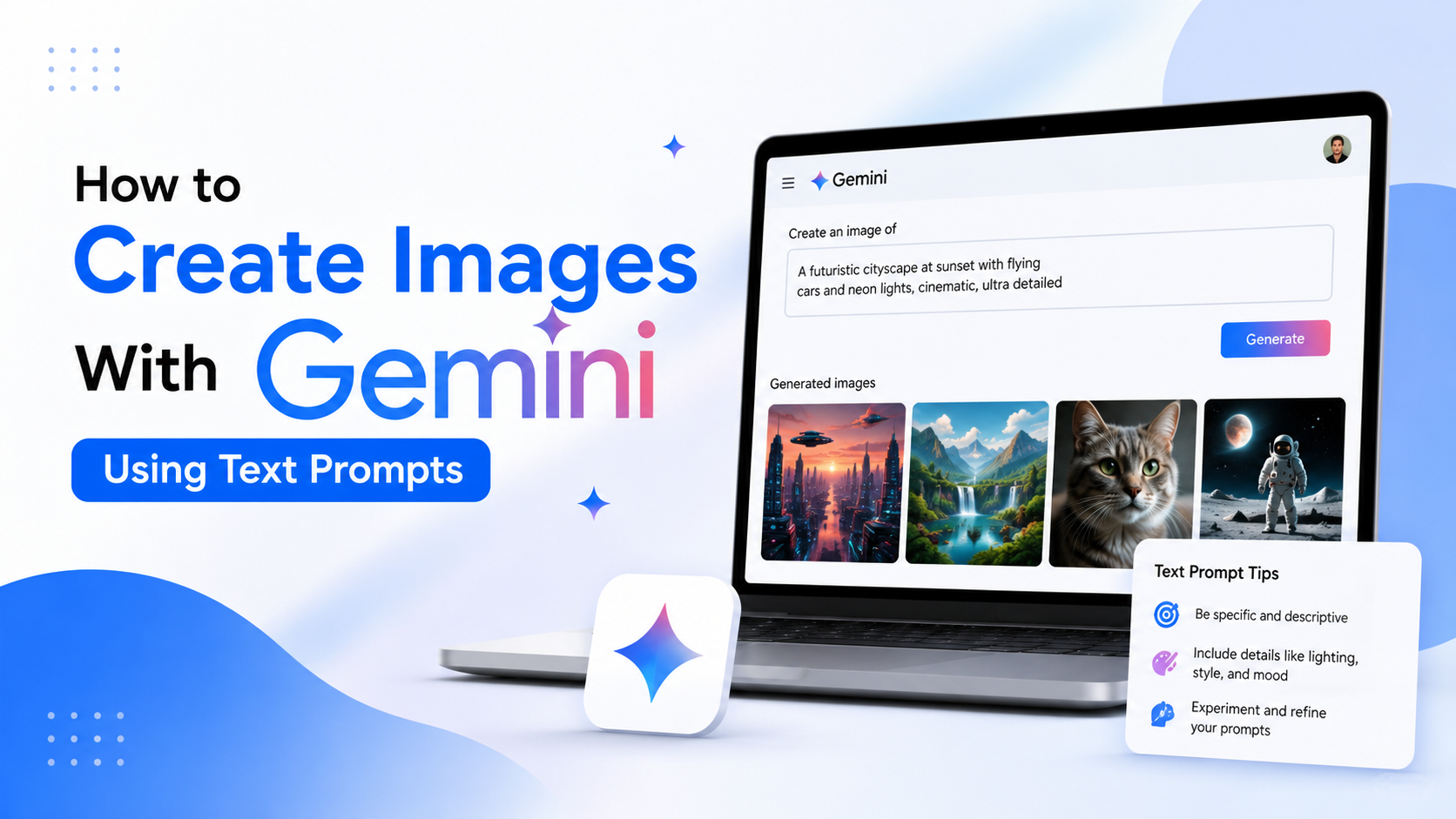
- Google Gemini offers a convenient route to image generation within Google's consumer AI experience.
- Never assume AI-generated content is automatically suitable for trademark, advertising, editorial, or client use; review the output and platform terms first.
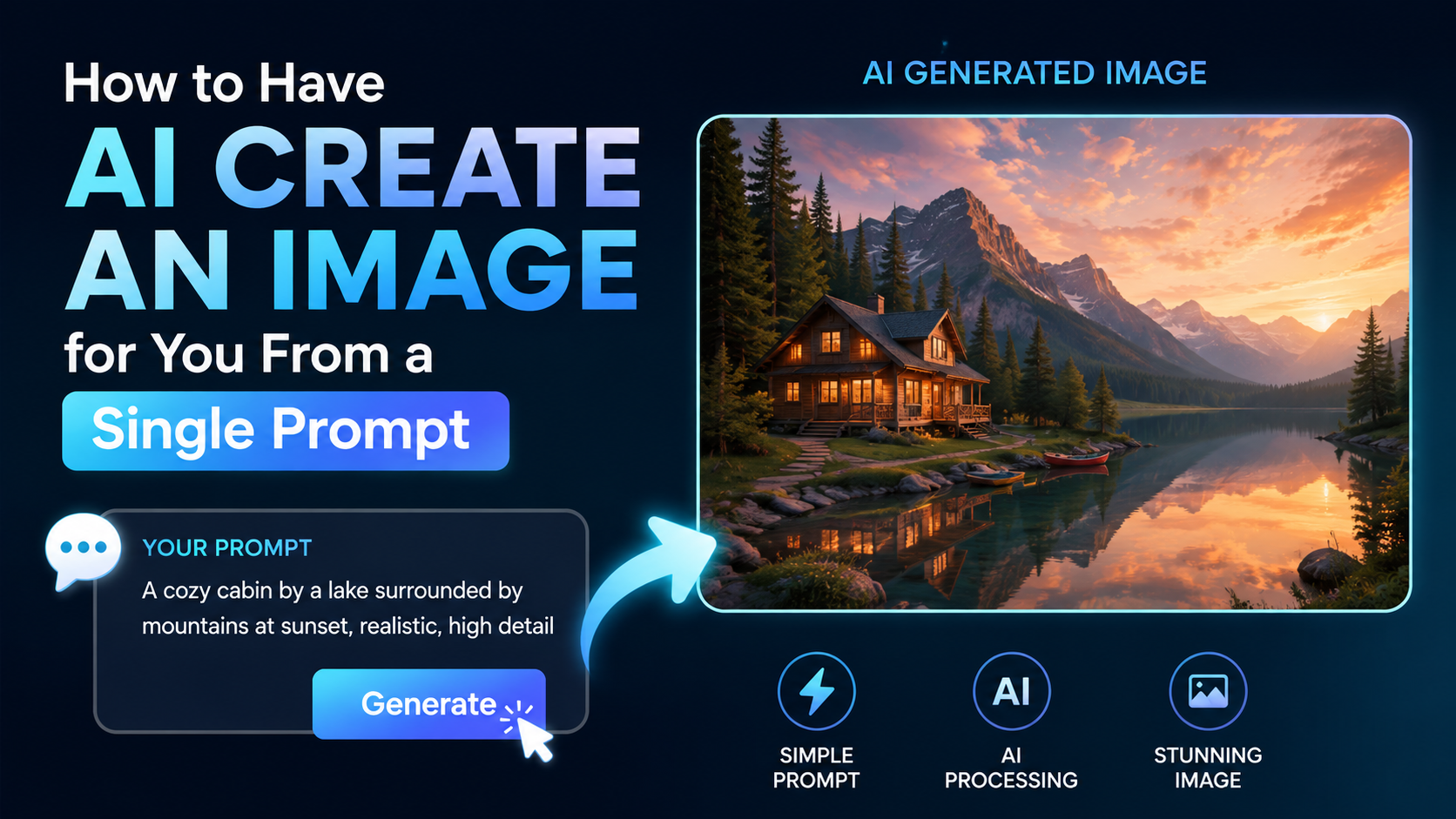
- Better results come from specific prompts that define the subject, setting, composition, lighting, format, and exclusions.
Why ChatGPT Is the Best Overall Choice
ChatGPT is the best AI app to create images for users who want a straightforward process rather than a technical image-generation workflow. Its main advantage is that image creation happens inside a conversation.
Instead of rewriting a long prompt after every imperfect output, you can give direct follow-up instructions such as:
- "Keep the same product package but change the background to a warm Indian kitchen."
- "Make the headline easier to read and remove the extra hand."
- "Turn this into a vertical Instagram Story format."
- "Use the uploaded logo only as a placement reference; do not alter it."
ChatGPT Images supports creating new images, editing uploaded images, adding details, adding text, and requesting transparent backgrounds. It is available on the web, iOS, and Android, although access levels and usage limits vary by account tier. OpenAI's Images in ChatGPT guide provides the current feature overview.
This conversational approach is especially useful for students, small businesses, marketers, and solo creators who may know the outcome they want but do not want to learn advanced prompt syntax immediately.
Why It Works Well for Indian Users
For Indian users, an app's payment and mobile availability matter as much as output quality. ChatGPT supports web, Android, and iOS access. OpenAI also states that INR is supported for web subscriptions and that UPI is available for ChatGPT Go and Plus subscriptions in India. Check the checkout page for the current price and plan availability, because these can change. OpenAI's billing guidance confirms the supported India payment options.
ChatGPT is also useful when a creative task begins as a business or learning question. For example, you can ask it to draft a poster concept for a tuition centre, generate the visual, then revise the wording and layout through follow-up instructions.
Quick Comparison of Leading Text-to-Image Apps
| App | Best for | Main strength | Important consideration |
|---|---|---|---|
| ChatGPT | Everyday creation, revisions, text-led concepts | Conversational generation and editing | Generation limits depend on the plan |
| Adobe Firefly | Designers and business creative workflows | Adobe integration, Generative Fill, Expand, and vector tools | Best value if you use Adobe tools regularly |
| Midjourney | Artistic, stylised, visually distinctive work | Strong creative controls and personalisation | Subscription required; privacy features are plan-dependent |
| Google Gemini | Google ecosystem users | Simple image creation within Gemini | Features and availability can vary by account and region |
The best AI image generator is therefore not simply the one that creates the most dramatic first image. It is the one that helps you reach a usable final visual quickly, responsibly, and within your budget.
When Adobe Firefly Is the Better Choice
Adobe Firefly deserves serious consideration if you create marketing materials, presentations, product visuals, or design assets that need further refinement.
Its advantage is workflow depth. Firefly includes tools such as Generate Image, Generative Fill, Generative Expand, and Text to Vector. These can help you create a starting visual and then place, extend, clean up, or adapt it for a campaign. Adobe states that its paid Firefly plans include unlimited standard image and vector generations, while generative credits apply to certain premium features and partner-model outputs. Adobe Firefly's India plans page lists the current plan structure and pricing.
Choose Firefly If You Need Production Editing
Firefly is often the better fit when you need to:
- Extend a landscape image to fit a wide website banner.
- Remove a distracting object from a product scene.
- Create editable vector-style graphics from a text prompt.
- Move from image generation into Adobe Express or Photoshop workflows.
- Maintain a repeatable process for a design team.
A useful distinction: ChatGPT is excellent for arriving at an idea through conversation; Firefly is especially useful when the image is one stage in a broader design-production process.
Do not treat any platform's general marketing language as legal clearance for every use. If an image will appear in a paid campaign, packaging, regulated industry, or client deliverable, review the applicable terms and complete your own brand, copyright, and approval checks.
When Midjourney Is Worth Paying For
Midjourney is a strong choice for creators who want expressive artwork, dramatic compositions, imaginative environments, and a more dedicated visual-generation environment.
Its web-based Create experience lets users enter prompts, adjust settings, and use image prompts to influence composition, colour, and style. Midjourney's getting-started guide explains the current workflow.
Midjourney's subscriptions are organised into Basic, Standard, Pro, and Mega plans. Its official plan comparison states that unlimited image generations in Relax Mode are available on Standard, Pro, and Mega plans, while Stealth Mode is limited to Pro and Mega. Midjourney's plan comparison should be consulted before subscribing because prices and plan features may change.
Choose Midjourney If You Prioritise Aesthetic Exploration
Use Midjourney when you want to produce:
- Album-cover concepts and editorial-style art.
- Cinematic travel or fantasy scenes.
- Fashion moodboards and experimental visuals.
- Distinctive visual directions before commissioning final artwork.
- Multiple stylistic interpretations of the same concept.
However, privacy is an important consideration for client work. If confidential images or campaign concepts are involved, understand exactly how the selected plan handles visibility before uploading references or generating work.
Where Google Gemini Fits In
Google Gemini is a practical choice for people who already use Google services and want a simple way to generate visuals alongside writing, brainstorming, or planning.
Google has described Imagen as the image-generation technology used in Gemini and has announced improvements focused on image quality, detail, and typography. Gemini's release updates are the most reliable place to check current feature announcements, since availability can differ by subscription, age requirement, country, and account type.
Gemini is worth trying if you want to generate a concept quickly while working in Google's AI environment. For intensive image editing or a professional Adobe workflow, ChatGPT or Firefly may be a better primary tool.
How to Write Text Prompts That Produce Better Images
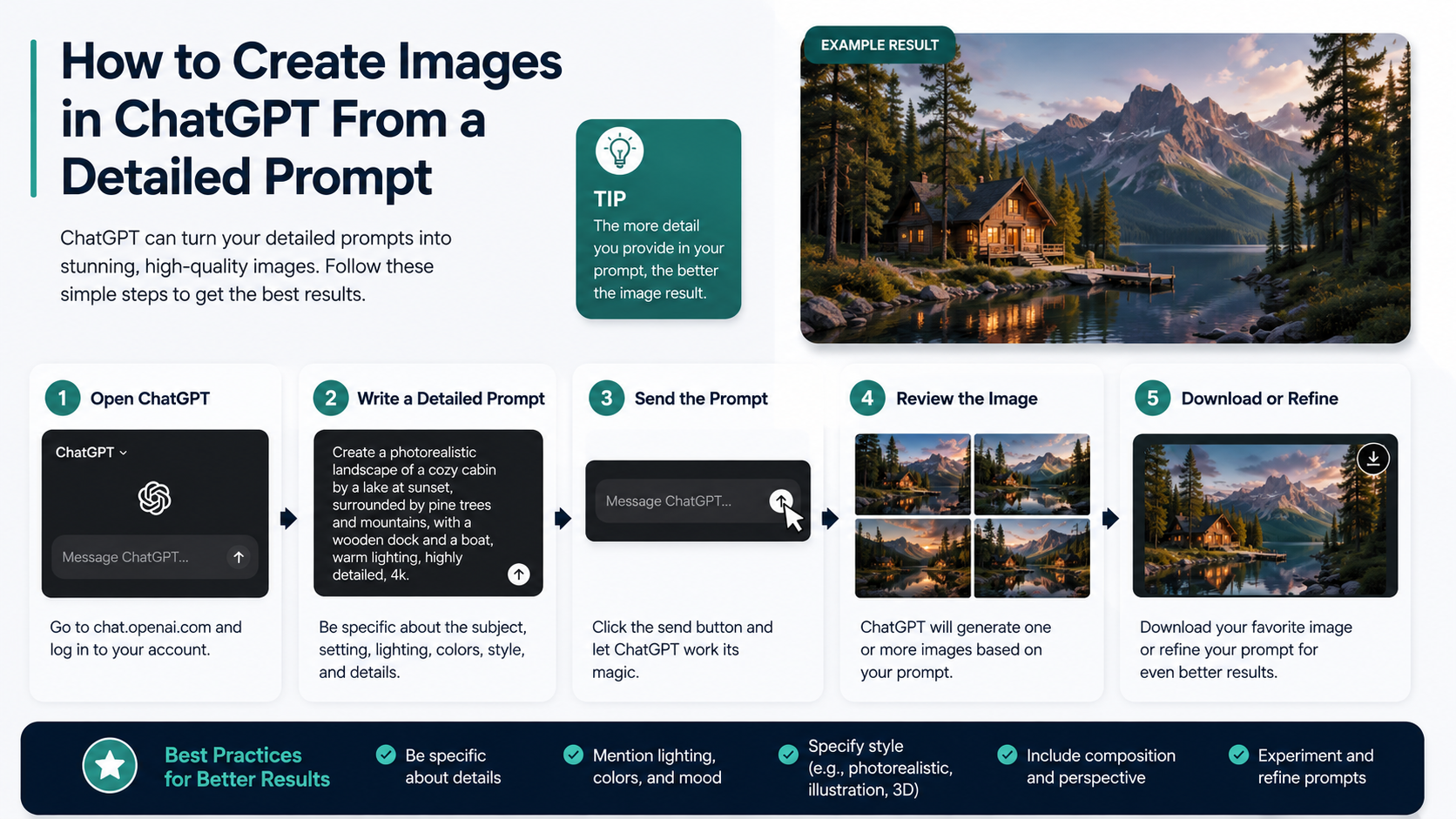
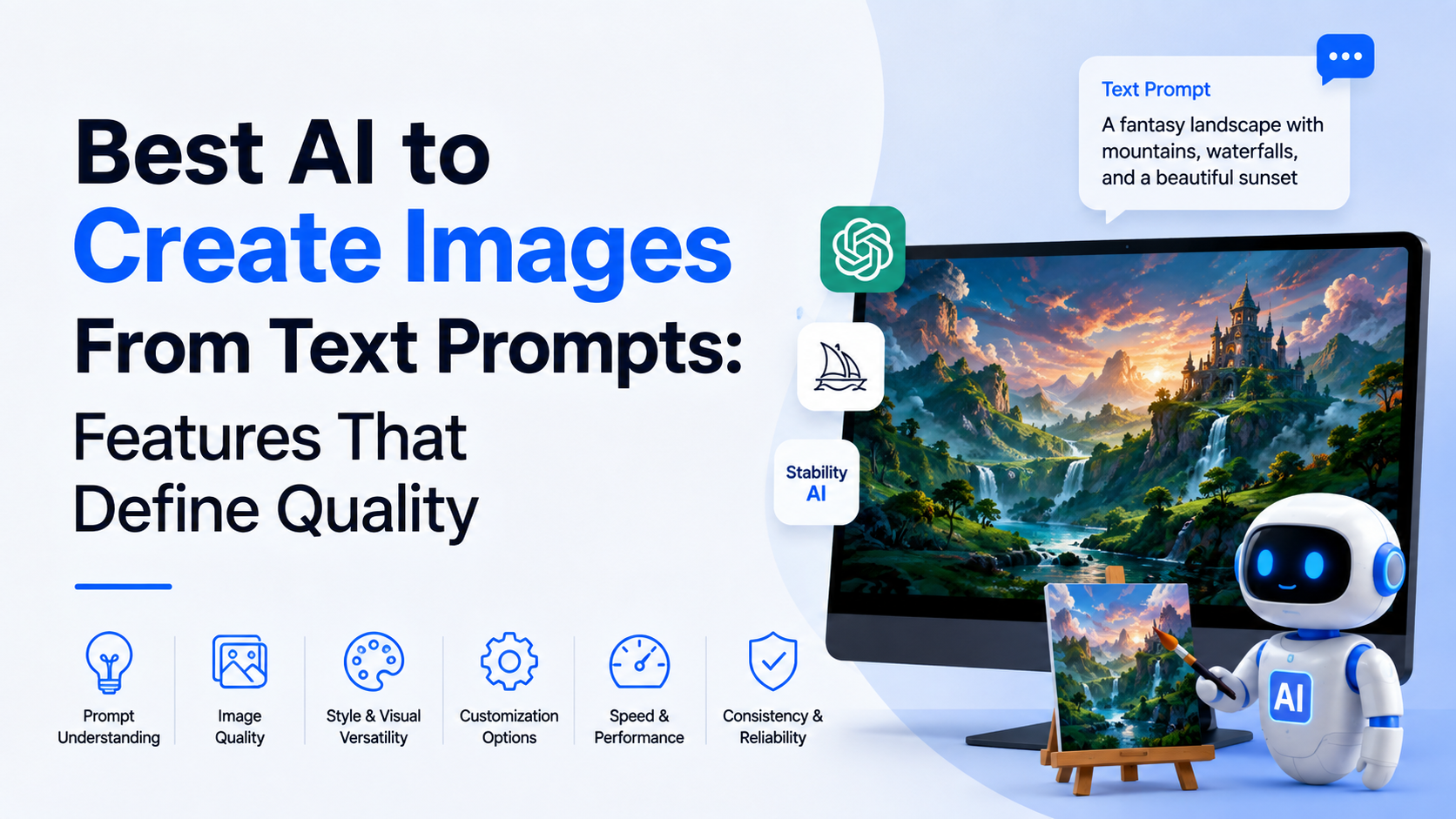
The app matters, but prompt quality matters more than most users expect. A short request such as "make a café poster" gives the model too much room to guess. A structured request reduces unnecessary revisions.
Use This Prompt Formula
Subject + action or purpose + setting + style + composition + lighting + format + exclusions
For example:
Create a clean promotional image for a Bengaluru speciality coffee shop. Show a ceramic cup of filter coffee on a wooden table beside a small brass filter, morning window light, warm natural colours, premium editorial food photography, vertical 4:5 composition, empty space at the top for a headline, no visible brand logos, no misspelled text.
This tells the model what to show, what mood to create, how to frame it, and what to avoid.
Add Details in Rounds
Do not overload the first prompt with every possible instruction. Use a simple three-step process:
- Generate the core visual concept.
- Select the closest result and request targeted corrections.
- Prepare a final version for the intended size and platform.
For example, after generating a product image, ask: "Retain the composition. Make the label blank, remove the second spoon, and create a 16:9 website-header version."
Be Careful With Text in Images
AI image tools have improved at rendering text, but small type, long paragraphs, prices, legal disclaimers, and brand names can still contain errors. Generate the visual first, then add essential copy in a design tool whenever accuracy matters.
This is particularly important for menus, event posters, offers, educational notices, and advertising creatives.
Practical Use Cases for Businesses and Creators in India
Text-to-image apps can speed up ideation and content production, but they work best when used for a clear business purpose.
| Use case | Effective approach |
|---|---|
| Social-media post | Generate a background or campaign concept, then add verified copy and branding separately |
| Local business promotion | Create lifestyle scenes relevant to the product, not fake claims or false testimonials |
| E-commerce concepting | Use AI for moodboards and scene ideas; use accurate product photography for the actual listing |
| Classroom material | Create illustrative visuals, diagrams, or story scenes and fact-check all educational labels |
| Presentation design | Generate a hero image that matches the topic, audience, and slide format |
| Blog illustration | Create a relevant feature image, then ensure it does not misrepresent a real event or person |
Avoid using generated images to imply that a real person endorsed a product, attended an event, or made a statement. Be particularly careful with public figures, children, health claims, financial promotions, and news-like images.
How to Choose the Right App Before You Subscribe
Start with the free or limited-access option where available and test one real task. Compare the tools using the same prompt rather than judging examples on marketing pages.
Ask these questions:
- Can it create the image sizes I use most often?
- Can I edit a generated image without starting again?
- Does it handle reference images and brand assets appropriately?
- Are its paid limits clear enough for my expected volume?
- Does it fit my existing workflow: ChatGPT, Adobe, Google, or a specialist creative tool?
- Is the privacy level appropriate for client or unreleased work?
For many users, the answer will be ChatGPT for daily image creation and revision, with Firefly or Midjourney used when a design workflow or distinctive visual style demands it.
Frequently Asked Questions
Is ChatGPT free for creating images?
ChatGPT offers limited image generation on its Free tier, while paid tiers provide expanded access. Exact limits can change, so review the current ChatGPT pricing page before relying on it for regular commercial work.
Which AI image app is best for beginners?
ChatGPT is usually the easiest for beginners because you can ask for an image in normal language and then request changes conversationally. You do not need to memorise special commands to get started.
Can I use AI-generated images for my business?
Potentially, but do not assume every output is automatically risk-free. Review the tool's current terms, avoid infringing logos or protected characters, verify all written claims, and obtain professional legal advice for high-value or sensitive commercial use.
Which app is best for posters with text?
ChatGPT and Gemini can be useful for generating a visual concept with simple text, but critical copy should be added or corrected in a design application. This gives you control over spelling, pricing, disclaimers, typography, and brand consistency.
Is Midjourney better than ChatGPT for images?
Not universally. Midjourney can be preferable for highly stylised artistic exploration and detailed visual controls. ChatGPT is generally more convenient when you need to discuss, create, edit, and revise an image in one conversation.
Conclusion
The best AI app to create images from text prompts is ChatGPT for most users, particularly if you value ease of use, natural-language revisions, and image editing in the same place. Choose Adobe Firefly when your work depends on Adobe's production tools, Midjourney when distinctive artistic output is the priority, and Gemini when you want a simple option within Google's AI ecosystem.
Try your most common real-world prompt in two or three tools, then select the one that gives you the cleanest usable result with the fewest revisions.