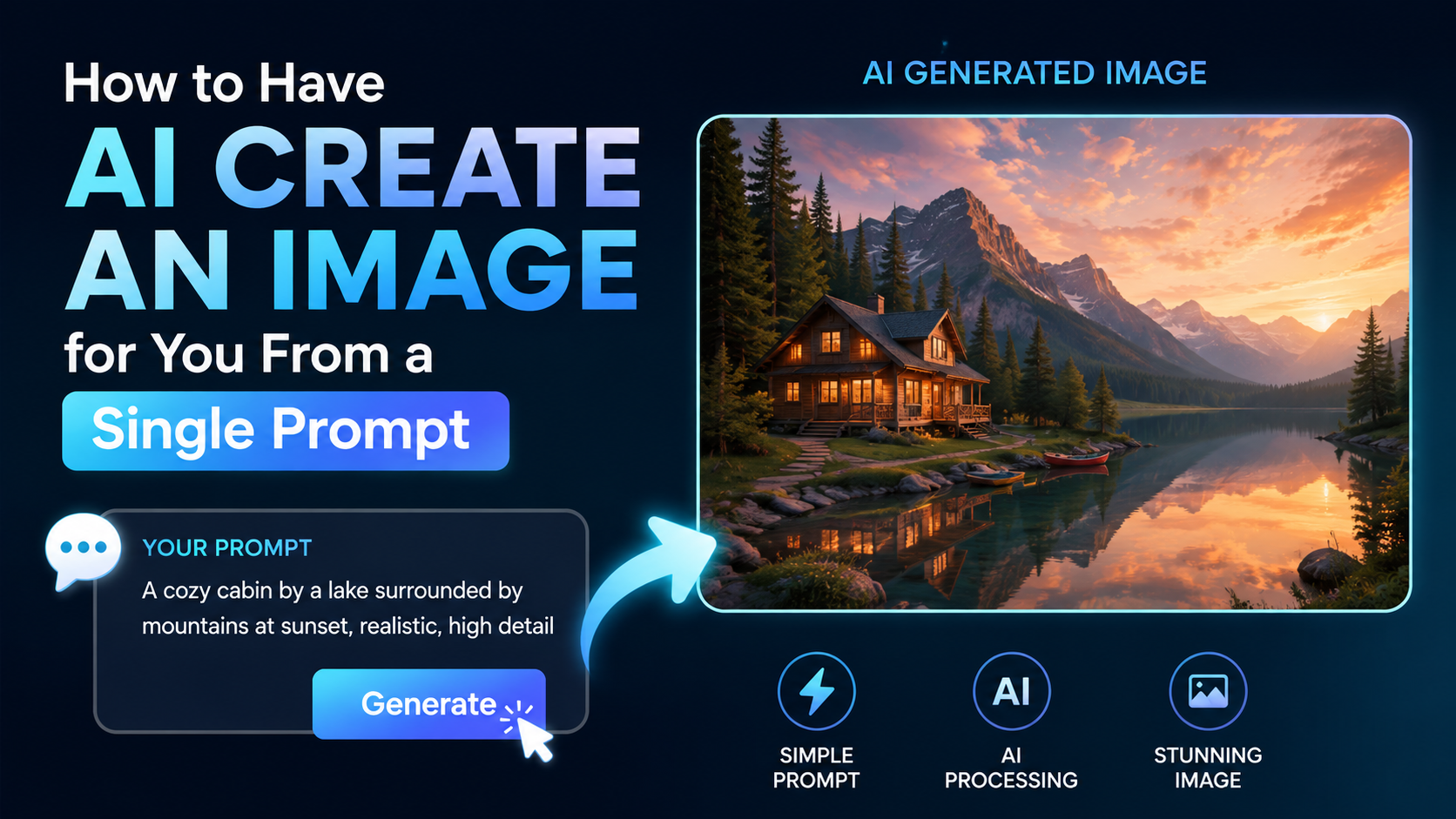
If you are searching for "have AI create an image for me," the process is simpler than learning design software: describe what you want in plain language, generate the result, then refine it if needed. The quality of that first image, however, depends heavily on how clearly you communicate the subject, setting, style, composition, and intended use.
AI image generators can help students make presentation visuals, small businesses create social-media concepts, marketers brainstorm campaign artwork, and creators turn ideas into illustrations. A single well-written prompt can produce a strong starting point—but it is still important to review the output for accuracy, text errors, privacy concerns, and suitability before publishing.
Key Takeaways
- A useful image prompt states the subject, action, setting, visual style, lighting, composition, and format.
- Start with one clear idea instead of combining too many unrelated requests.
- Use follow-up prompts to adjust only what needs changing, such as the background, colours, clothing, or framing.
- Choose the image shape for its destination: square for many social posts, vertical for stories, and wide for banners.
- Do not treat AI-generated visuals as automatically accurate, original, or safe to publish without review.
- Avoid uploading confidential documents, private photos, or other people's images without appropriate permission.
What It Means to Ask AI to Create an Image
An AI image generator interprets written instructions—called a prompt—and produces an image based on those instructions. You do not need technical design vocabulary to begin. A request such as "Create a warm illustration of a neighbourhood tea stall during monsoon evening" is enough to generate an initial concept.
Most modern tools also support editing after generation. For example, ChatGPT Images lets users create an image from a conversation, request edits, choose an aspect ratio, and save the result. Gemini Apps similarly recommends describing the subject, action, background, and desired style.
The important shift is this: do not think of AI as a mind reader. Treat it like a creative assistant that needs a concise visual brief. The more relevant decisions you include, the less guesswork it must do.
Choose an Image Tool That Fits Your Task
You can use several established AI services to turn text into images. Rather than choosing based only on popularity, select a tool according to where you already work and what you need to make.
| Need | What to look for |
|---|---|
| Quick concepts and conversational edits | A chat-based image generator that accepts follow-up instructions |
| Social-media creative | Templates, resizing options, and simple text/layout tools |
| Product mock-ups or campaign visuals | Higher-resolution downloads and editing controls |
| Presentation illustrations | Easy export or copy options for documents and slides |
| An edit of an existing image | Upload support and area-specific editing tools |
For a first attempt, use a tool with an interface you understand and read its current terms, usage limits, and content rules before relying on it for regular work. Features, access, free quotas, export resolution, and eligibility can change by plan, country, account type, and age.
If you use ChatGPT, you can ask for an image directly in a chat or choose the Images option where available. If you use Gemini, Google's official guidance says to enter a prompt in Gemini Apps and describes the desired style, subject, action, and setting. The exact buttons may differ between web and mobile versions, so follow the controls shown in your account.
Write a Single Prompt That Produces Better Results
A single prompt need not be long. It should be specific in the places that affect the final image.
A reliable structure is:
Create [subject] [doing what] in [setting], in [style], with [lighting/colour], composed as [framing], for [intended format].
This format prevents the common problem of asking only for a broad topic and receiving a generic visual.
The six building blocks of a strong prompt
| Prompt element | What to specify | Example |
|---|---|---|
| Subject | The main person, object, or scene | A young entrepreneur |
| Action | What is happening | Reviewing handmade products |
| Setting | Where the scene takes place | A bright home studio in Jaipur |
| Style | The visual treatment | Editorial lifestyle photography |
| Mood and light | The feeling and illumination | Calm, optimistic, soft morning light |
| Composition | Camera view and layout | Vertical portrait, subject on the right, blank space on the left |
A weak prompt versus a useful one
Weak prompt:
Make an image of an Indian businesswoman.
Better single prompt:
Create an editorial-style vertical image of an Indian woman entrepreneur in her early thirties packaging sustainable skincare products at a clean home studio in Bengaluru, soft natural window light, warm neutral colours, realistic photography, subject positioned on the right with uncluttered space on the left for a headline.
The second version gives the generator a clear subject, activity, location context, visual direction, and usable layout. It is also more likely to suit a website banner or social post without excessive cropping.
Copy-and-Adapt Prompt Examples
The following examples are intentionally specific, but you can replace the city, product, colour palette, audience, or format to make them your own.
For a local business social post
Create a square, cheerful food photograph of masala dosa served on a banana leaf with coconut chutney and sambar, close-up composition, natural restaurant lighting, rich but realistic colours, clean background, no text or logos.
For a student presentation
Create a clean flat-vector illustration explaining rooftop rainwater harvesting in an Indian urban home: rain falling on a roof, gutters leading to a storage tank, labelled visual zones left blank for later text, blue and green colour palette, landscape slide format.
For diagrams, add the labels yourself in a presentation or design tool after generating the image. AI-generated text can be misspelled, incomplete, or visually inconsistent.
For an e-commerce concept image
Create a premium product photograph of a plain unbranded stainless-steel water bottle on a pale stone surface, soft studio shadows, minimal composition, vertical 4:5 format, space above the bottle for a promotional headline, no visible brand name.
For a festival campaign concept
Create a respectful, contemporary illustration of a family decorating their home with diyas for Diwali, warm golden evening light, elegant Indian textile details, inclusive family scene, refined digital-painting style, horizontal banner format, no words.
Use cultural details thoughtfully. If a campaign involves a specific community, ceremony, region, or religious practice, have someone familiar with that context review the final image before publishing it.
Set Format, Composition, and Text Expectations
A visually attractive image can still be unusable if it has the wrong dimensions or leaves no space for your message. Include the destination in your initial prompt.
| Destination | Prompt direction |
|---|---|
| Instagram feed post | "Square composition" or "vertical 4:5 composition" |
| Instagram or WhatsApp Status | "Vertical full-screen composition" |
| YouTube thumbnail concept | "Wide landscape composition with clear space for title text" |
| Website hero image | "Wide banner, subject on one side, negative space for headline" |
| Presentation slide | "Landscape illustration with a simple, uncluttered layout" |
| Print flyer concept | "High-detail vertical poster composition with empty space for copy" |
Avoid asking the generator to place crucial headlines, prices, phone numbers, offers, or legal wording directly into the artwork. Even when a tool handles text well, verify every character. For business material, add final text in Canva, PowerPoint, Adobe Express, Figma, or another layout tool where you control spelling, fonts, alignment, and accessibility.
Also be realistic about output size. An image may look good on a phone but not hold up for a large print. Check the downloaded file's dimensions and test it at the actual intended size before sending it to print.
Improve the Result Without Starting Over
The first generation is a draft. The fastest way to improve it is to issue a focused follow-up instruction instead of repeating the full prompt.
Try requests such as:
- "Keep everything else the same; change the background to a modern co-working space."
- "Make the lighting brighter and reduce the dramatic shadows."
- "Use a wider camera view and leave more empty space at the top."
- "Remove the extra objects from the table."
- "Make the illustration less cartoon-like and more suitable for a corporate report."
- "Replace the generic city skyline with a monsoon street scene in Mumbai, without readable shop signs."
If the tool supports image editing, describe the exact area to alter. ChatGPT's official documentation notes that selection-based edits may not be perfectly precise and can extend beyond the highlighted area. Save a version you like before making substantial changes, so you can return to it if a later edit changes too much.
A helpful refinement sequence is:
- Generate the overall scene.
- Correct the subject and composition.
- Adjust lighting, colour, and style.
- Remove unwanted details.
- Add final copy and branding outside the AI generator.
- Review before export and publication.
Check Quality, Rights, Privacy, and Accuracy Before Publishing
AI can create convincing but imperfect visuals. A quick review protects your credibility.
Check visual quality
Zoom in and inspect:
- Hands, fingers, teeth, jewellery, and eyeglasses
- Product shapes, packaging, and labels
- Background objects and repeated patterns
- Any maps, charts, signage, uniforms, or text
- Whether people, places, and cultural elements are depicted respectfully
Do not use an AI image as evidence of a real event, real person, real product performance, news event, medical outcome, or location unless it is clearly labelled as an illustration and does not mislead the audience.
Protect privacy
Do not upload sensitive personal information, confidential business material, medical records, client documents, government IDs, or private photographs unless you have a legitimate reason, the necessary permissions, and understand the service's data controls.
Be especially cautious with images of children and with photographs of customers, employees, or members of the public. Consent for a photograph does not automatically mean consent to transform it with AI or use the result in advertising.
Respect intellectual property and platform rules
Do not ask a generator to copy a living artist's exact signature style, recreate trademarked packaging, imitate a celebrity for deceptive purposes, or reproduce another business's promotional artwork. Avoid assuming that an AI output is automatically exclusive, copyright-protected, or cleared for every commercial use.
Read the service's current terms and the terms of the platform where you plan to publish. Google's Gemini guidance specifically advises users to respect copyright and privacy rights and to use discretion before relying on or publishing generated content.
Some AI images may carry provenance information. OpenAI states that images created in ChatGPT include C2PA provenance metadata. This can help communicate origin, but it does not replace transparent labelling or careful review.
Common Prompt Mistakes to Avoid
The most common mistake is using vague language: "Make a professional image." Professional means different things for a law firm, a bakery, a coaching centre, and a fashion brand.
Instead, name the details that define "professional" for your use case: realistic photography or illustration, studio or natural light, restrained colours, clean background, subject placement, and output format.
Other avoidable problems include:
- Too many ideas in one prompt: Split a complex campaign into separate images.
- Conflicting instructions: "Minimalist," "busy," and "lots of decorative details" pull in different directions.
- No format instruction: The result may be difficult to crop later.
- Leaving text to the generator: Add important copy yourself.
- Using stereotypes as shortcuts: Describe actual clothing, location, work, and mood rather than relying on broad assumptions about people or regions.
- Publishing without disclosure or review: Be transparent when an image could reasonably be mistaken for a real photograph or event.
Frequently Asked Questions
Can I have AI create an image for me for free?
Some services offer image creation with free access or limited free usage, but availability and limits can change. For example, OpenAI's current free-tier help information lists image creation among available tools, while noting that tools have separate usage limits. Check the current plan screen in the tool you choose rather than relying on old pricing articles or social posts.
What is the best first prompt for an AI image generator?
Start with a complete but simple brief: subject, action, setting, style, lighting, and format. For example: "Create a realistic vertical photograph of a florist arranging marigolds in a small Indian flower shop, warm morning light, clean background, space at the top for a headline."
Can I use an AI-generated image for my business?
Potentially, but review the tool's current terms, avoid trademarks and copyrighted material, confirm that the image does not misrepresent your product or service, and add any required disclosure. For important advertising, packaging, or legal claims, obtain appropriate professional review.
Why does AI generate incorrect words or strange details?
Image generators create visual patterns rather than verifying facts as a designer or editor would. Small text, hands, diagrams, packaging, and precise factual visuals may contain errors. Add important text manually and fact-check every claim represented in the image.
Should I upload my own photo to edit with AI?
Only if you have the right to use it and are comfortable with the service's privacy terms and settings. Do not upload a client's, colleague's, or family member's image for commercial or public use without appropriate permission.
Conclusion
To have AI create an image for you from a single prompt, give it a focused visual brief: who or what appears, what is happening, where it happens, how it should look, and where the image will be used. Generate the first version, refine it with specific follow-up instructions, and add critical text or branding in a separate design tool.
Before publishing, inspect the image closely, protect personal information, respect rights, and ensure it does not present an invented visual as a real event or fact. Start with one of the prompt templates above, adapt it to your audience, and treat the output as a creative draft that deserves a final human review.