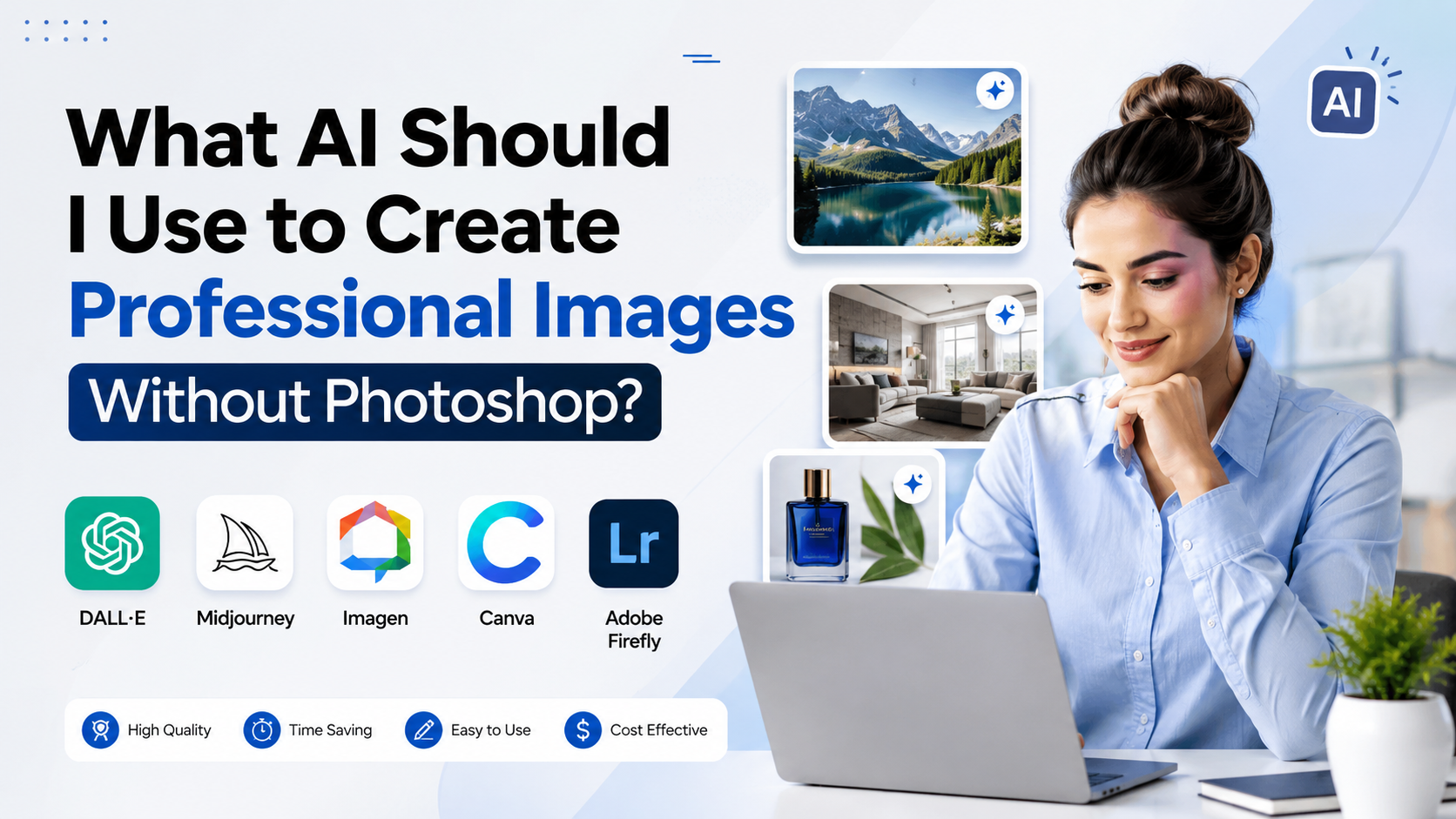
If you are asking, "what AI should I use to create images?" the best answer depends on the finished asset—not simply on which generator makes the most dramatic picture. For an Instagram post, presentation, product banner or local-business advertisement, you need an AI tool that also handles layout, resizing and brand consistency. For a realistic campaign visual, you need stronger generation and editing controls.
For most people in India who want professional-looking results without learning Photoshop, Canva is the easiest all-round starting point. Adobe Firefly is a strong choice for commercial marketing workflows, while ChatGPT Images is particularly useful when you want to describe revisions conversationally. Midjourney remains useful for highly stylised visual concepts, but its public-sharing defaults require attention.
Key Takeaways
- Choose Canva for fast social posts, posters, presentations and designs that need text and layouts.
- Choose Adobe Firefly for business-oriented image generation and AI-assisted edits with commercial projects in mind.
- Choose ChatGPT Images when you want to create, upload and refine visuals through plain-language instructions.
- Choose Midjourney for imaginative, art-directed visuals; review its usage and privacy terms before client work.
- Do not rely on AI to produce final logo text, legal claims, prices or product specifications without manual review.
- A professional result usually comes from a repeatable workflow: generate, edit, add verified copy, resize and quality-check.
Start With the Image You Actually Need
AI image tools are not interchangeable. A visually impressive image may still be unsuitable for a website banner, restaurant menu or e-commerce listing. Before choosing a tool, define four things:
- Purpose: social media post, ad creative, product mock-up, presentation, blog header or print material.
- Format: square post, vertical Reel cover, landscape website banner or A4 flyer.
- Brand requirements: logo placement, colours, fonts, product packaging and local language copy.
- Usage: personal project, client work, paid advertising or product sales.
For example, an Ahmedabad café promoting a monsoon menu may need a vertical Instagram Story with a clear offer and accurate Gujarati or English text. A Mumbai architecture studio may instead need a polished concept visual for a pitch deck. The café benefits more from a design tool; the studio may prioritise image realism and creative control.
The Best AI Tools for Professional Images
| Tool | Best for | Why it works without Photoshop | Important consideration |
|---|---|---|---|
| Canva | Social content, posters, presentations, simple ads | Combines AI generation with templates, text, layouts and resizing | Review AI-generated text before publishing |
| Adobe Firefly | Marketing visuals, background changes and creative edits | Built for generating and editing assets within Adobe's creative ecosystem | Check the status and terms of the specific feature you use |
| ChatGPT Images | Conversational generation and iterative edits | You can upload an image, request changes and refine the result in chat | Inspect details closely before using commercially |
| Midjourney | Stylised concepts, moodboards and high-impact art direction | Strong for exploring visual directions from detailed prompts | Public creations can be visible and remixable under its terms |
| Microsoft Designer | Personal designs, invitations and quick image edits | Provides AI creation, background removal, upscaling and design tools | Microsoft licenses the personal version for non-commercial use |
Canva: Best for Everyday Business Design
Canva is the most practical choice when the final output needs a complete design rather than an image alone. Its Magic Media feature can generate images, graphics and videos from text prompts, with style and size options. You can then place the result inside a post, presentation, flyer or banner without moving between multiple applications. Canva's help guidance explains how to generate images directly from the editor.
Use Canva when you need:
- Instagram and LinkedIn posts
- Event posters and festive creatives
- YouTube thumbnails
- Pitch decks and reports
- Simple product promotions
- Multiple size variations for campaigns
For an Indian SME, Canva's real advantage is speed: create a background image with AI, then add verified price, contact number, logo and CTA manually. That last step matters because image models can still render letters, numerals and small details inaccurately.
Adobe Firefly: Best for Marketing-Focused Generation and Editing
Adobe Firefly is a strong option for professionals who want to generate visuals or make controlled edits such as extending an image, replacing a background or adding objects. Adobe states that Firefly outputs from features without a beta label can be used in commercial projects; beta-feature use remains subject to the feature's stated terms. Adobe's Firefly FAQ also explains its approach to generated output and commercial use.
Choose Firefly when:
- You are producing brand campaign artwork
- You need to modify an existing approved photograph
- Your team already uses Adobe Express or Creative Cloud
- You want a more controlled alternative to starting every visual from scratch
Commercial usability is not the same as a guarantee that every output is risk-free. Avoid prompting for protected characters, a competitor's logo, a living artist's distinctive style or recognisable people without permission. Keep records of prompts, source images and approvals for important campaigns.
ChatGPT Images: Best for Natural-Language Revisions
ChatGPT Images is useful for people who prefer describing what they want in a conversation. It can generate new images, accept uploaded images for editing, add or remove details, make backgrounds transparent and adjust aspect ratios. Its editor also lets you select a region and describe the change you want. OpenAI's official guide documents these generation and editing options.
This makes it particularly useful for iterative work, such as:
- "Keep the product unchanged; replace the background with a clean Indian home interior."
- "Make the lighting warmer, remove the extra cup and leave empty space for headline text."
- "Turn this horizontal concept into a vertical 9:16 visual with the subject in the lower third."
Treat AI as the visual-production assistant, not the final proofreader. Add names, offers, discount percentages, addresses and compliance text in a design editor after generation.
Midjourney: Best for Art Direction and Visual Exploration
Midjourney is worth considering when your goal is a distinctive visual direction: cinematic hospitality imagery, fashion concepts, editorial illustrations or moodboards. Its subscription documentation lists multiple plans and notes that Stealth Mode is available only on Pro and Mega plans. Midjourney's plan comparison is the right place to review current plan details.
For commercial work, pay attention to ownership and visibility. Midjourney says subscribers may generally use images and videos they create, while businesses with more than US$1 million in annual gross revenue require a Pro or Mega plan for commercial use. It also notes that public creations may be used and remixed by others. Review the current commercial-use guidance before using it for sensitive client material.
A Simple Professional Workflow Without Photoshop
Professional quality comes from process, not one perfect prompt.
1. Write a production brief
Include the subject, audience, purpose, style, composition, lighting, colours and empty space for text.
Instead of:
Create a bakery image.
Write:
Create a warm, premium food photograph for an independent bakery in Bengaluru: fresh sourdough on a wooden counter, early-morning window light, cream and terracotta palette, realistic photography, vertical 4:5 composition, clear empty space in the upper left for a headline, no text or logos.
This prompt gives the model a job, audience, composition and constraints.
2. Generate Variations Before Editing
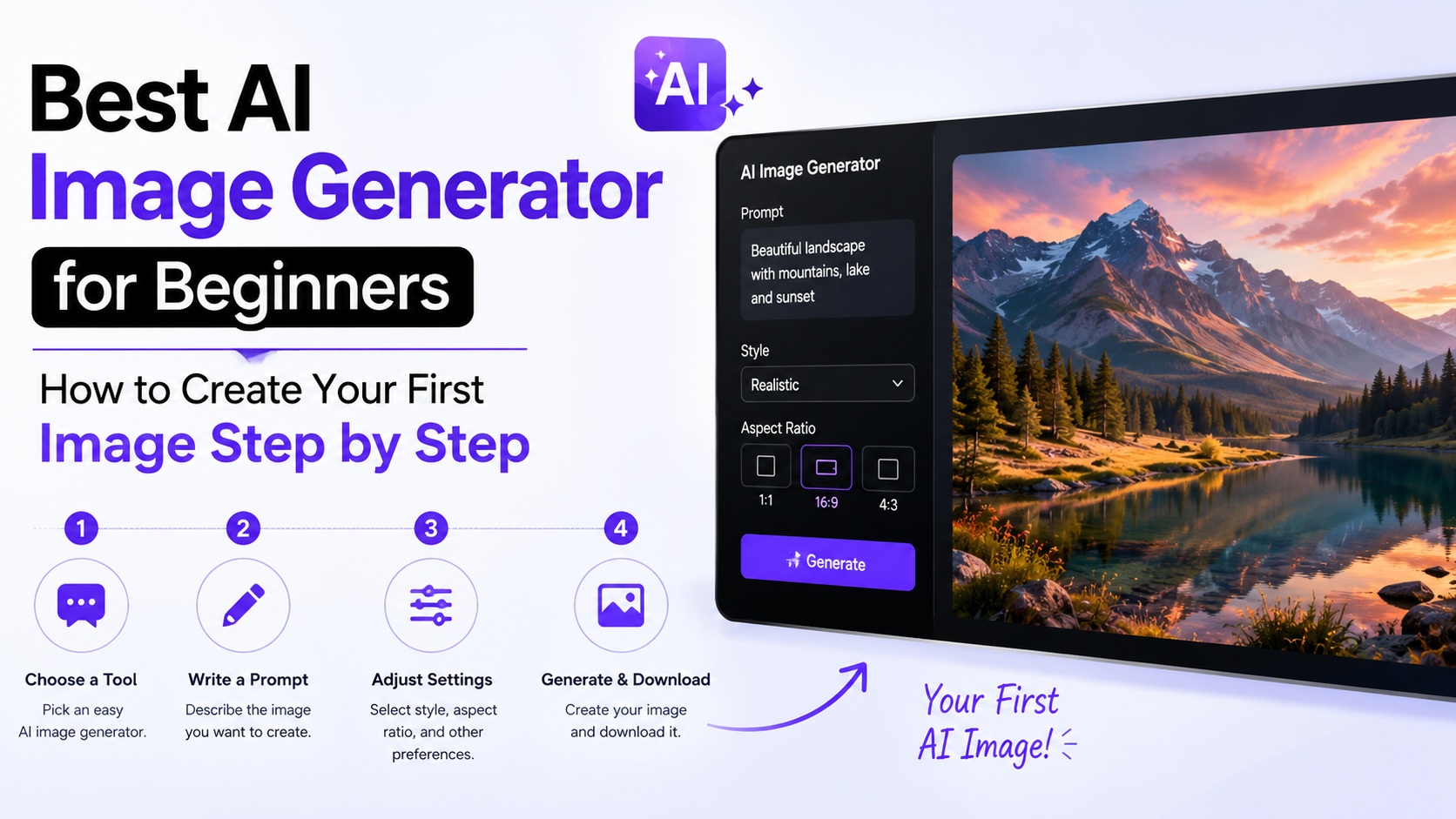
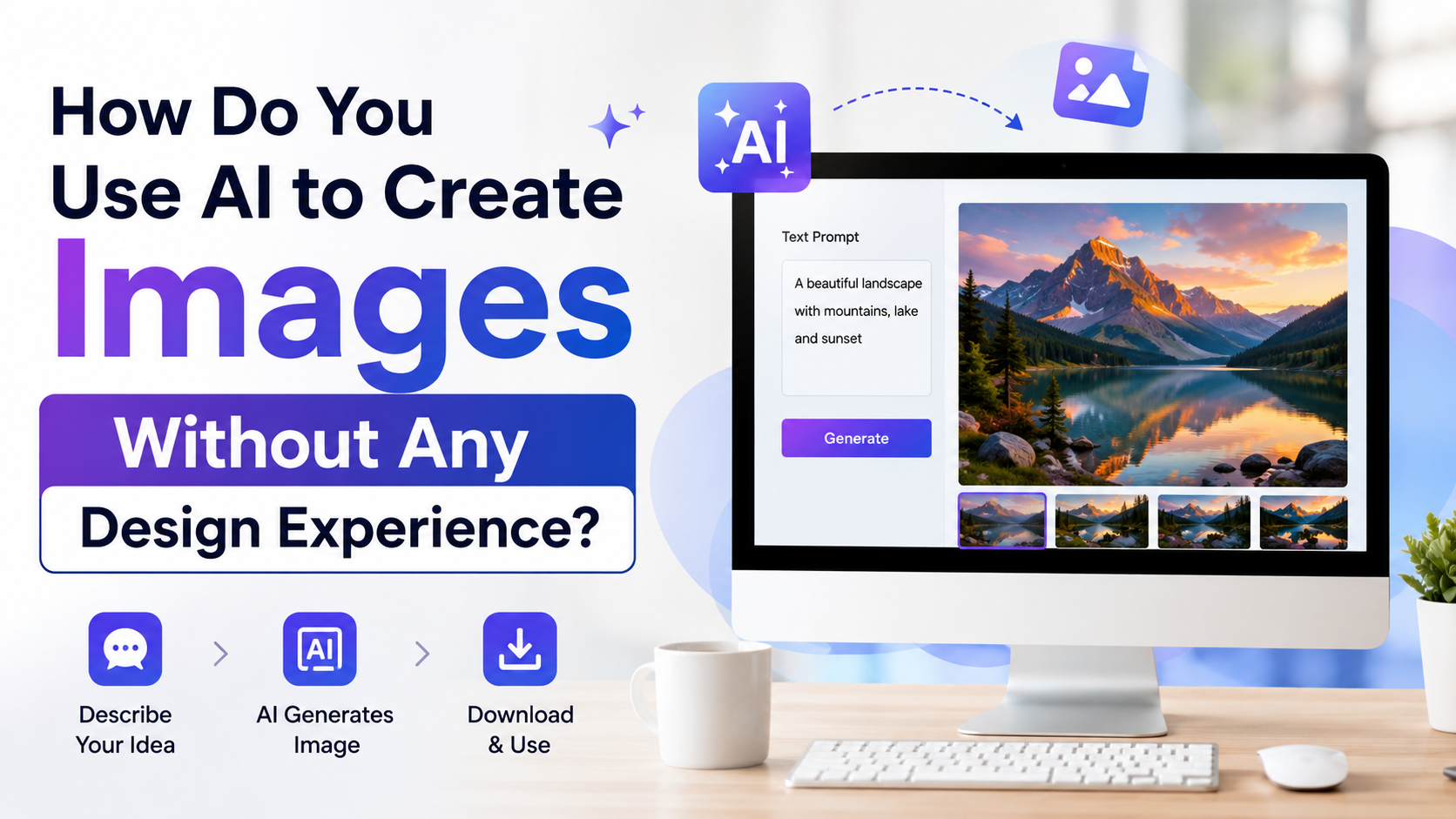
Create several options rather than forcing every idea into one image. Compare them for:
- Realistic hands, faces and objects
- Correct product shape and packaging
- Useful negative space for copy
- Consistent light direction and shadows
- A composition that still works on a mobile screen
Save the strongest direction, then request targeted edits. Changing one element at a time usually produces more predictable results than rewriting the full concept.
3. Add Brand Elements Separately
Do not ask the model to recreate your exact logo or a complex slogan. Instead:
- Generate the background or hero visual.
- Upload it to Canva, Adobe Express or another layout tool.
- Add your real logo, approved fonts and verified copy.
- Export the required format.
This protects brand accuracy and makes updates easier when an offer, price or phone number changes.
4. Prepare Multiple Formats
A single image rarely works everywhere. Create deliberate variants for:
- 1:1 for many feed posts
- 4:5 for taller social-feed creatives
- 9:16 for Stories, Reels and short-video covers
- 16:9 for presentations, YouTube and website hero areas
Keep the main subject away from edges and leave room for interface overlays on vertical social formats.
How to Write Better AI Image Prompts
A reliable prompt uses a simple structure:
Subject + setting + visual style + composition + lighting + constraints
Here is a reusable template:
Create a [type of image] for [audience or use]. Show [main subject] in [setting]. Use [style], [colour palette] and [lighting]. Compose it for [aspect ratio], with [placement of subject] and [negative space]. Avoid [unwanted elements]. Do not include text, logos or watermarks.
Prompt Examples for Indian Businesses
Salon promotion
Create an elegant beauty campaign image for a salon in Pune: a confident Indian woman with natural makeup in a bright modern salon, clean editorial photography, soft beige and gold palette, vertical 4:5 format, subject on the right with empty space on the left, no text or logos.
Real-estate presentation
Create a realistic architectural exterior visual of a contemporary apartment development in Hyderabad at sunset, landscaped entrance, warm interior lights, premium but believable materials, wide 16:9 composition, no signage, no text, no people close to camera.
Educational blog header
Create a clean editorial illustration for an article about online learning in India: a young adult studying on a laptop at home, subtle blue and orange palette, modern flat illustration, landscape 16:9 layout, clear space for a headline, no words or logos.
Quality, Copyright and Trust Checks Before Publishing
AI-generated images should pass a human review before they represent your business.
Check the following:
- Truthfulness: Do not depict features, locations, products or results you cannot actually provide.
- Product accuracy: Use real product photography when a buyer must see exact colour, size, packaging or finish.
- People and consent: Do not imply that an AI-generated person is a real customer, employee or expert.
- Trademark risk: Avoid logos, branded products and lookalike characters unless you have rights to use them.
- Language accuracy: Verify every word in English, Hindi or a regional language manually.
- Cultural fit: Review clothing, festivals, religious settings and regional cues with a knowledgeable human editor.
- Disclosure and provenance: Some services attach content credentials or provenance metadata. Microsoft, for example, says images created with Designer's AI features include Content Credentials metadata. Microsoft's FAQ also cautions that generated text can contain spelling errors.
If an image will be used in a major campaign, regulated sector, endorsement or high-value client project, involve your legal or compliance reviewer. AI tools can support production, but they do not replace clearance, consent or substantiation.
Frequently Asked Questions
What AI should I use to create images for Instagram without Photoshop?
Start with Canva if you need a finished Instagram post, because it combines image generation with templates, text placement and resizing. Use Firefly, ChatGPT Images or Midjourney to create a more specialised visual first, then finish the post in Canva or Adobe Express.
Can AI create professional images for a small business?
Yes. AI can produce useful backgrounds, concept visuals, social-media creatives and illustrative assets quickly. For professional results, add your authentic logo, correct business details and approved marketing copy manually, then review the final image at mobile size.
Which AI is best for commercial images?
Adobe Firefly is a sensible starting point for commercial marketing workflows because Adobe provides explicit commercial-use guidance for applicable Firefly features. However, every business should review the relevant terms, avoid infringing prompts and independently assess whether an output is suitable for its intended use.
Can I use AI-generated images for product listings?
Use caution. AI is helpful for lifestyle scenes, backgrounds and conceptual visuals, but the actual product should be photographed accurately when customers need to judge its appearance, packaging, material or specifications. Never use an AI image that misrepresents what a customer will receive.
Why does AI-generated text often look wrong?
Image models create visual approximations of letters rather than functioning typesetting. While text rendering has improved, small copy, local-language script, prices and legal information still require manual proofreading and layout in a proper design tool.
Conclusion
For most users seeking a professional alternative to Photoshop, Canva is the best place to begin because it turns AI imagery into complete, publishable designs. Choose Adobe Firefly for commercially oriented creative workflows, ChatGPT Images for conversational creation and edits, and Midjourney for distinctive visual exploration.
Start with one real business use case, write a detailed prompt, generate several options and finish the asset with verified brand elements. That workflow will produce more trustworthy, professional images than relying on any AI tool to do everything in one click.