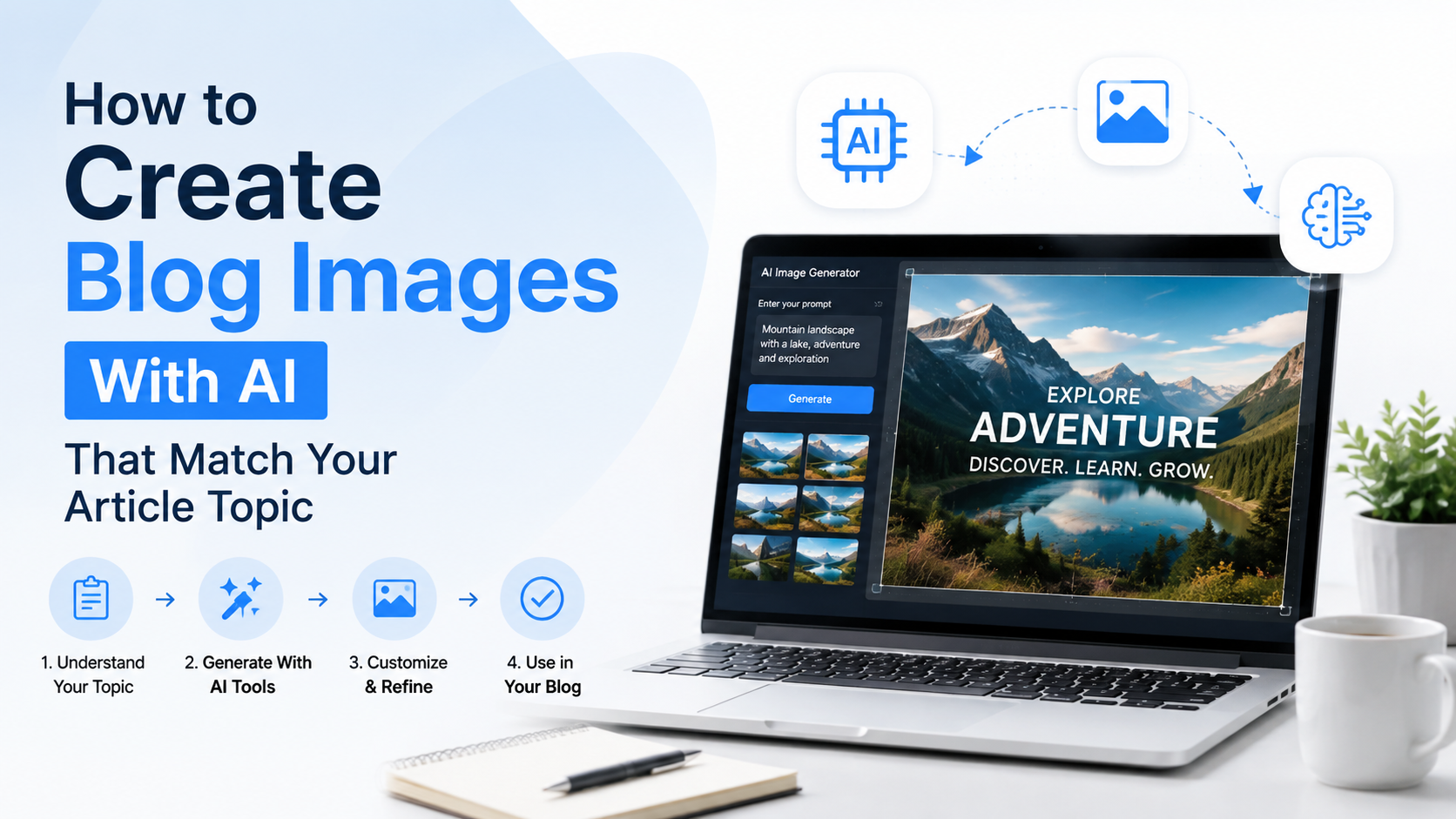
A strong blog image should do more than fill space above a heading. It should help readers understand the article's promise before they begin reading. An AI image generator for blog images can make this process faster, but only when you give it a clear editorial brief instead of a vague request.
For Indian bloggers, publishers, agencies, and small businesses, AI visuals can be useful for creating topic-specific featured images, section illustrations, and social-media previews without relying on generic stock photography. The key is to ensure the image reflects the article accurately, respects your brand, and does not mislead readers.
This guide explains how to turn an article topic into an effective image brief, write better prompts, refine outputs, and publish AI-assisted visuals responsibly.
Key Takeaways
- Start with the article's reader promise, not a random visual idea.
- Build prompts around subject, action, setting, style, composition, and exclusions.
- Use Indian context only when it genuinely improves relevance and accuracy.
- Create images for a defined placement, such as a featured image, inline visual, or social preview.
- Review AI images carefully for factual errors, distorted text, stereotypes, and misleading details.
- Edit and optimise every final image before publishing it on your blog.
Begin With the Article's Visual Message
Before opening an AI image tool, identify the one idea readers should understand from the image. This is the difference between an attractive illustration and an image that supports your content.
For example, an article titled "How Small Businesses Can Improve Their Google Business Profile" is not really about a laptop or a shop exterior. Its visual message may be: "A local business owner is improving how customers find the business online."
That message gives you more useful visual directions:
- A shop owner reviewing a local-search listing on a laptop
- A clean illustration of a business profile, map pin, and customer reviews
- A mobile-first scene showing a local business owner managing an online presence
Avoid trying to illustrate every point from the article in one image. A blog image is usually strongest when it communicates one clear concept.
Use This Pre-Prompt Checklist
Write short answers to these questions:
| Question | Example answer |
|---|---|
| What is the article about? | Saving money while grocery shopping online |
| Who is it for? | Budget-conscious urban households in India |
| What outcome does it promise? | Better planning and lower spending |
| What visual idea supports it? | A person comparing a grocery list and prices |
| Where will the image appear? | Featured image and social preview |
| What should it avoid? | Brand logos, unreadable text, unrealistic currency details |
This planning step prevents a common mistake: generating a visually impressive image that has little connection to the article.
Choose the Right Type of AI Blog Image
Not every article needs the same visual format. Selecting the image type first makes prompting easier and creates a more consistent publication.
Featured Images
A featured image appears at the top of the article and often becomes the thumbnail when the link is shared. It should be simple, relevant, and easy to understand at a small size.
Use a featured image for:
- How-to articles
- Opinion pieces
- Product-category explainers
- Career and education content
- Business and marketing blogs
Keep the focal point clear. If a reader sees the image on a mobile feed, they should still understand the general topic.
Inline Illustrations
Inline visuals support a specific section, explain a process, or add a visual pause in long articles. They can be more detailed than a featured image because readers see them beside relevant text.
Good uses include:
- A visual representation of a workflow
- A scene showing a use case
- A conceptual illustration for a difficult idea
- A before-and-after comparison, where clearly labelled and factually accurate
Conceptual Images
Some topics are hard to photograph directly. Cybersecurity, tax planning, digital marketing, AI, data privacy, and financial literacy often benefit from conceptual imagery.
For instance, an article on data backup could use an organised illustration of encrypted files moving from a computer to secure cloud storage. It is more informative than a generic image of binary code.
Data-Driven Graphics
Use a design tool rather than relying entirely on generative imagery when an image contains exact facts, charts, calculations, timelines, pricing, or legal information. AI-generated text and numerical details can still be inaccurate or distorted.
Generate a background or supporting illustration if useful, but manually add verified labels, figures, and branding.
Turn Your Article Into a Clear Image Prompt
Effective prompts are not necessarily long. They are specific about what matters. OpenAI's image-generation guidance recommends grounding prompts in the purpose, main subject, action, setting, and visual style; composition and lighting can be added when important.
A practical prompt structure is:
Purpose + subject + action + setting + style + composition + constraints
Here is how that works in practice.
Weak prompt:
Create an image for an article about digital marketing.
Better prompt:
Create a clean editorial illustration for a blog article about digital marketing for small businesses in India. Show a business owner reviewing website traffic and campaign performance on a laptop in a modern workspace. Use a professional blue, white, and warm orange palette, minimal background, optimistic mood, landscape composition with open space on the left for a headline. No logos, no readable text, no watermarks.
The second prompt gives the AI a job, a subject, a setting, and boundaries.
Add Context Without Using Stereotypes
If your audience is in India, local context can make an image more relatable. However, it should be purposeful, not decorative or stereotyped.
Useful contextual details may include:
- A realistic Indian workplace, home office, retail shop, classroom, or neighbourhood
- Appropriate clothing for the scenario
- Indian currency only when it is essential to the article
- Mobile-first behaviour for topics involving digital payments, delivery, or local commerce
- A diverse group of people when the article serves a broad audience
Avoid assumptions that reduce India to a single visual identity. India has varied regions, languages, work environments, and lifestyles. A finance article for Bengaluru professionals and a farming article for rural entrepreneurs may need very different visual contexts.
Create Better Results Through Iteration
The first generated image is a draft, not automatically the final asset. Treat image generation like editing written content: review what works, identify the problem, and make a precise revision.
Instead of saying, "Make it better," give targeted feedback:
- "Keep the same composition, but simplify the background."
- "Make the subject appear more confident and reduce the number of objects."
- "Use a flatter editorial illustration style instead of photorealism."
- "Move the main subject to the right third of the image."
- "Remove all visible text and interface labels."
- "Use softer lighting and a more trustworthy tone."
Small, focused adjustments usually preserve the parts you like while improving the weaker details.
Use Reference Material Carefully
Many AI image tools allow you to upload images to guide generation or editing. This is useful when you want to follow your existing visual identity.
You might provide:
- Your brand colour palette
- A previous blog illustration
- A product photo you own
- A layout mock-up
- A style reference created or licensed for your use
Explain exactly how the references should be used. For example:
Use the first image only for the colour palette and the second image only for the clean flat-illustration style. Create a new original composition for a blog article about online learning.
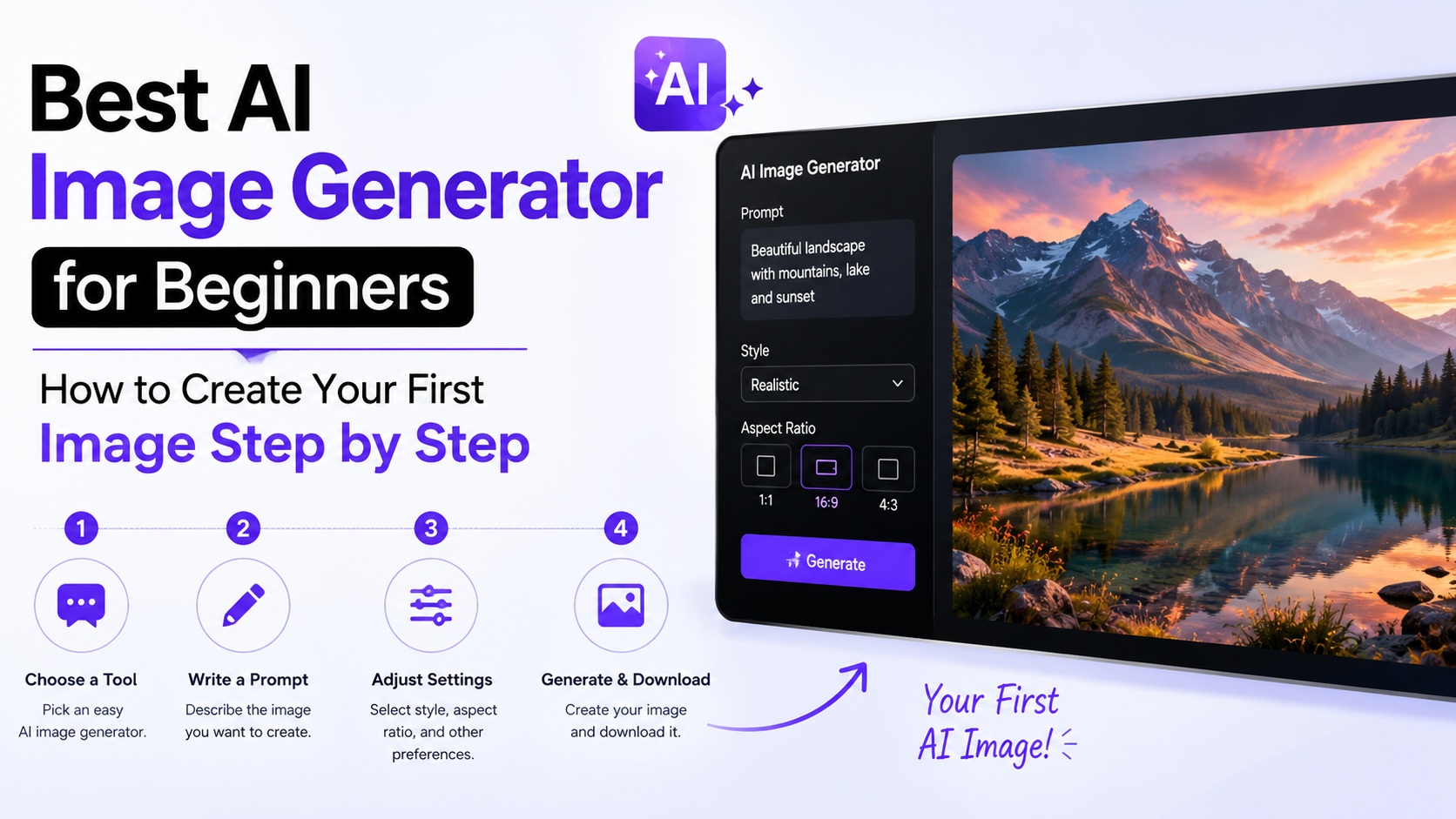
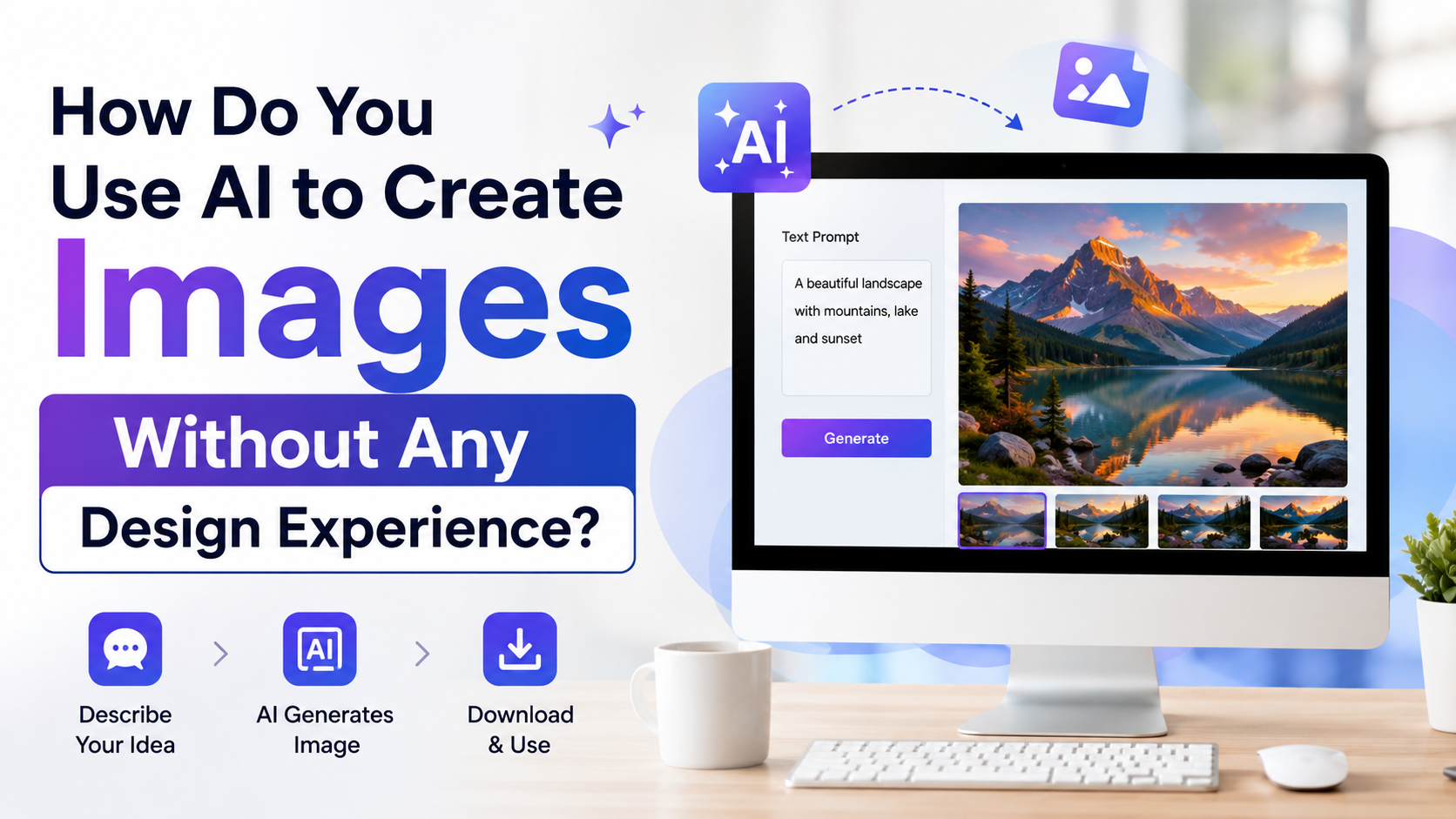
Do not upload confidential client documents, personal photographs, or copyrighted material unless you have the required rights and your chosen tool's terms allow that use.
Match Composition to Where the Image Will Appear
An image can be technically good and still fail because it was created for the wrong placement.
For a featured image, use a wide landscape layout with a clear focal point. Leave enough negative space if your website template overlays a headline or category label.
For a social-media preview, make sure the subject is large enough to remain visible in a cropped thumbnail. Avoid placing important details close to the edges.
For an inline image, a square or portrait layout may work well, especially on mobile screens.
Add composition directions directly to your prompt:
Wide editorial blog-header image, main subject on the right side, uncluttered negative space on the left, no important objects near the edges.
Do Not Depend on AI for Important In-Image Text
If the image needs a title, statistic, product name, chart label, or call to action, generate the visual first and add the text manually in a design editor. This gives you control over spelling, readability, font licensing, brand consistency, and accessibility.
Some image-generation systems can render short text when instructed precisely, but blog publishing requires accuracy. Manual finishing remains the safer workflow for important text.
Maintain Brand Consistency Across Your Blog
A blog looks more credible when its images feel like they belong together. You do not need identical visuals for every post, but you do need a repeatable visual system.
Create a simple image style guide that includes:
- Primary and secondary brand colours
- Preferred image style: photography, 3D, flat illustration, collage, or minimal editorial art
- Typical level of detail
- Preferred lighting or mood
- Common aspect ratios
- Rules for people, icons, text, and logos
- A short list of things to avoid
Then build a reusable prompt prefix:
Use our clean, modern editorial illustration style: deep navy, teal, off-white, and subtle saffron accents; minimal geometric background; approachable professional mood; no logos or embedded text.
Add the article-specific prompt after this prefix. Over time, this reduces prompt-writing effort and makes your content library feel more intentional.
Review Images for Accuracy, Ethics, and Trust
AI-generated images can contain visual mistakes even when they look polished. Before publishing, inspect every image at full size.
Check for Visual Errors
Look for:
- Incorrect hands, facial features, or body proportions
- Nonsensical device screens or interface elements
- Distorted text, numbers, maps, or currency
- Objects that do not fit the scenario
- Inconsistent lighting or shadows
- Inaccurate professional equipment, uniforms, or settings
Do not use an AI illustration as evidence of a real event, location, person, medical outcome, financial result, or product feature unless it is clearly presented as an illustration and does not create a false impression.
Protect People and Brands
Avoid generating images that imply endorsement by a real person, company, institution, or government body. Be especially careful with public figures, customers, employees, and sensitive subjects such as health, law, finance, children, disasters, or crime.
If you use a real person's photograph as a reference, obtain permission where appropriate. OpenAI's current guidance also advises using reference photos for likeness accuracy only when you have permission to use that likeness.
Consider Transparency
Transparency can strengthen reader trust, particularly where a visual may otherwise appear to be a documentary photograph. A brief note such as "Illustration created with AI and edited by our team" can be appropriate for editorial illustrations, depending on your publication policy.
Content provenance technologies, including C2PA Content Credentials and digital watermarking systems such as SynthID, are increasingly used to provide context about how media was created or edited. However, metadata may not always remain attached after downloading, editing, or reposting. Editorial judgement and clear labelling are still important.
Optimise AI Images for Blog SEO and Performance
An AI-generated image does not automatically improve SEO. It needs the same care as any other visual asset.
Use Descriptive File Names and Alt Text
Name the file according to its real content, not just the keyword.
Poor file name:
ai-image-001.png
Better file name:
small-business-owner-reviewing-digital-marketing-dashboard.webp
Alt text should describe the image for readers using screen readers. It should not be a place to force keywords.
Poor alt text:
ai image generator for blog images best AI blog image SEO India
Better alt text:
Illustration of a small business owner reviewing digital marketing data on a laptop.
If the image is purely decorative and adds no information, use an empty alt attribute according to your website's accessibility workflow.
Compress Without Making the Image Unclear
Large images can slow a page, particularly for readers on mobile connections. Export images at an appropriate size for your website's layout, compress them, and use a modern web format where your publishing system supports it.
Before publishing, check:
- Is the image sharp at its displayed size?
- Does it load quickly on mobile?
- Is the file larger than necessary?
- Is the crop still effective on smaller screens?
- Does the image have a meaningful filename and alt text?
Frequently Asked Questions
Which AI image generator is best for blog images?
The best choice depends on your workflow, budget, editing needs, commercial-use terms, and ability to maintain a consistent visual style. Choose a tool that lets you revise images precisely, work from references where permitted, and export files suitable for your website. Review the tool's current terms before using images commercially.
How do I make an AI image match my article exactly?
Start with a concise editorial brief: the article's key promise, intended reader, visual concept, placement, style, and exclusions. Include the subject, action, setting, composition, and desired mood in the prompt. Then improve the output with specific revisions rather than starting from scratch each time.
Can I use AI-generated images on a commercial blog?
This depends on the image tool's current terms, your input materials, and the intended use. You should also avoid infringing content, misleading depictions, unapproved likenesses, and unverified claims. For high-value commercial campaigns or legal-sensitive content, seek professional legal guidance for your specific situation.
Should I put keywords inside AI-generated images?
Usually, no. Avoid putting SEO keywords inside the image itself. Use a descriptive filename, relevant surrounding content, a helpful caption where needed, and accurate alt text. Add visible headlines manually if your design requires them.
Are AI blog images suitable for every topic?
No. They are best for conceptual illustrations, general scenarios, and branded editorial visuals. Use authentic photographs, original graphics, official screenshots, or verified charts when readers need documentary evidence, exact product details, real locations, or factual data.
Conclusion
An AI image generator for blog images works best when it is part of an editorial workflow, not a shortcut for random visuals. Begin with the article's central message, choose an image type that fits the placement, write a structured prompt, and refine the result with deliberate feedback.
Before publishing, check relevance, accuracy, inclusivity, rights, image quality, accessibility, and page performance. Build a reusable visual style guide, and your AI-assisted images can become a consistent, useful part of a professional blog rather than a distraction from the content.