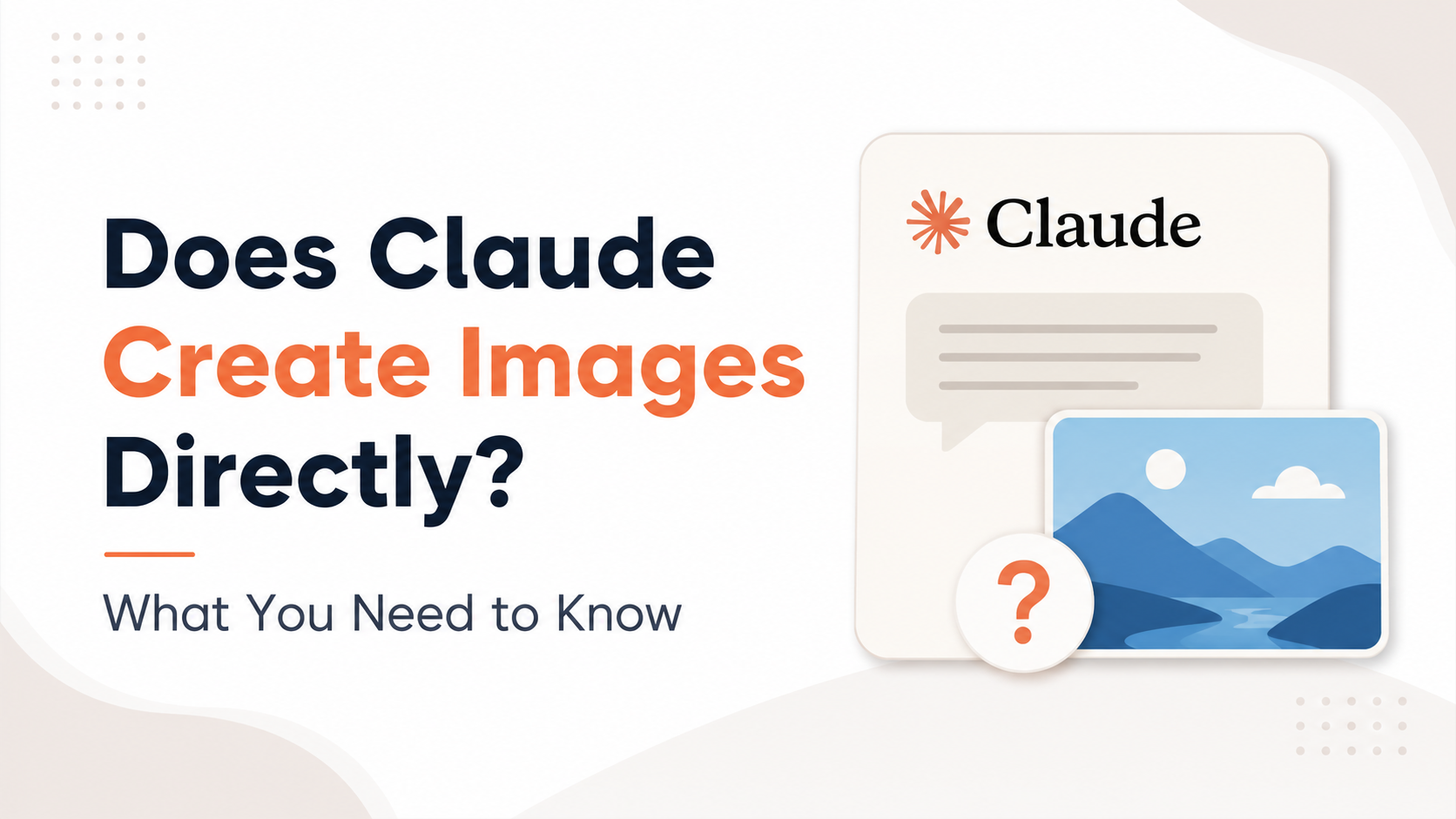
The short answer to does Claude create images is: not directly in a normal Claude chat. Anthropic's official help centre states that Claude is limited to text-based chat output, although you can upload images for it to work with. In other words, Claude can understand, describe, compare and help plan visuals, but it does not return a newly generated PNG, JPG or illustration from a text prompt in the way a dedicated AI image generator does.
That distinction matters for students, marketers, designers, business owners and developers in India. Claude can still be a valuable part of an image workflow—especially for prompt writing, creative direction, image analysis, accessibility text and code-based visual assets. This guide explains where its capabilities begin and end, and how to use it effectively.
Key Takeaways
- Claude does not directly generate standalone raster images in its regular chat interface.
- You can upload images to Claude for analysis, feedback, extraction and explanation.
- Claude can create text, code, structured prompts and interactive visual artifacts that support design work.
- Claude Design can create design-oriented visual work and prototypes, but this is different from a general-purpose image-generation model.
- For posters, product images or illustrations, use Claude to prepare the brief and a specialised image tool to produce the final bitmap.
- Always review AI analysis and generated visual content before using it in academic, commercial or high-stakes settings.
The Direct Answer: Can Claude Generate an Image From a Prompt?
No—not as a direct image-generation feature in the standard Claude chat experience. If you type a request such as, "Create a photorealistic image of Mumbai at monsoon sunset," Claude can help with the concept, composition and an effective prompt, but it will not normally return the requested image file itself.
Anthropic's own support guidance makes the position clear: Claude is text-output based in chat, while users can upload images for Claude to work with. Anthropic Help Center
This does not mean Claude is "text-only" in every practical sense. It has visual-input capabilities: it can process images and generate text or code based on what it sees. Anthropic describes this capability as vision—processing and analysing visual input rather than creating a fresh image output. Anthropic's developer documentation
Image Understanding and Image Generation Are Different
It is easy to confuse these two functions because both involve images. However, they solve different problems.
| Capability | What it means | Can Claude do it directly? |
|---|---|---|
| Image understanding | Examine an uploaded image and respond in text | Yes |
| Image description | Explain visible objects, layout, text or style | Yes, with limitations |
| OCR support | Help extract or interpret readable text in an image | Yes, where the text is clear |
| Image generation | Create a new JPG, PNG or illustration from a prompt | No in standard chat |
| Image editing | Alter pixels in an existing image and export the result | No as a native standard-chat output |
| Code-based graphics | Write HTML, CSS, SVG or code for a visual | Yes |
For example, you can upload a restaurant menu photo and ask Claude to turn it into a structured list, identify unclear wording or suggest a cleaner layout. But if you ask it to redesign the menu as a polished print-ready poster image, Claude can propose the copy, visual hierarchy and a generation prompt; a separate design or image-generation tool is needed to render the finished visual.
What Claude Can Do With Uploaded Images
Claude's image-input capability can be useful well beyond simple descriptions. On Claude.ai, images can be uploaded into a conversation; developers can also send images to compatible Claude models through the API. Anthropic's vision documentation lists common supported image formats including JPEG, PNG, GIF and WebP. Vision capabilities documentation
Analyse charts, screenshots and documents
Claude can help interpret:
- Screenshots of websites or apps
- Tables, charts and graphs
- Product labels and packaging
- Presentation slides
- Handwritten notes when legible
- Social-media creatives
- Basic UI wireframes
For an Indian small business, this could mean uploading an Instagram post and asking Claude to identify the main message, assess whether the call to action is clear, and suggest better Hindi-English or regional-language copy.
Extract ideas from a reference image
A useful prompt is not "copy this image." Instead, ask Claude to identify transferable design qualities:
Analyse this product-banner image. List its layout, colour relationships, typography hierarchy, mood and likely target audience. Then create an original creative brief for a different skincare brand.
This approach is better for original work because it focuses on high-level design principles rather than reproducing someone else's asset.
Write accessibility text
Claude can draft alt text for an uploaded image. Ask for concise, factual descriptions that match the page's purpose. For example:
Write alt text for this image for an Indian e-commerce product page. Mention only the visual details needed to understand the product.
A human should still check the final alt text, particularly when a product's material, label or colour is important to a purchasing decision.
Important Limits When Claude Analyses Images
Vision capability does not guarantee perfect visual interpretation. Anthropic cautions that Claude can make errors with low-quality, rotated or very small images, and that it has limitations in tasks involving exact spatial positioning and counting many objects. It also should not be relied on to determine whether an image is AI-generated. Anthropic's vision limitations
Use extra care in these situations:
- Medical images: Claude is not a substitute for a qualified clinician or diagnostic review.
- Legal or financial documents: Verify figures, dates and clauses against the original document.
- Identity-related requests: Do not depend on Claude to identify people in an image.
- Product compliance: Check packaging claims, ingredient lists and regulatory details manually.
- Exams and academic work: Treat extracted answers or explanations as a starting point, not an authority.
Image quality affects results. Upload the clearest available version, avoid excessive compression, and include context in your prompt. Instead of asking "What is this?", say what outcome you need: "Extract the invoice number, GSTIN, date and total into a table. Mark any field you cannot read clearly."
Where Claude Design Fits In
Anthropic has also introduced Claude Design, an Anthropic Labs product for collaborating on visual work such as designs, prototypes, slides and one-pagers. It can begin from a text prompt, uploaded files or a codebase, and users can refine the work through conversation and direct edits. Anthropic's Claude Design announcement
This is an important nuance. Claude Design can help create and iterate on visual design work, but it should not be confused with a general-purpose, prompt-to-bitmap image generator. Its focus is design workflows, prototypes and exportable visual work.
Availability may vary by subscription type, organisation settings and rollout status. If you are considering it for work in India, check the current availability and terms in your own Claude account rather than assuming every Claude plan includes the same features.
A Practical Workflow for Creating Visuals With Claude
If your goal is a social post, presentation visual, poster or product banner, Claude can make the creative process faster even though it is not the final image engine.
Step 1: Give Claude a clear brief

Provide the audience, platform, language, dimensions, brand constraints and call to action.
Example:
Create a creative brief for a 1080 × 1350 Instagram post promoting an Ahmedabad café's monsoon coffee offer. Target young professionals. Use warm, premium language in English with a short Gujarati-friendly headline option. Avoid discount-heavy wording.
Step 2: Ask for an image-generation prompt
Ask Claude to convert the brief into a detailed, tool-agnostic prompt. Include negative constraints where relevant.
Turn this brief into a detailed prompt for an AI image generator. Specify composition, lighting, focal point, colour palette and empty space for headline text. Do not include logos or readable text inside the generated image.
This is often more effective than writing a vague one-line prompt yourself.
Step 3: Generate the visual in a suitable tool
Use a dedicated image-generation or design application that fits your organisation's budget, licensing needs and delivery format. Choose a tool that can export the resolution and file type you require.
For commercial work, keep records of the tool's current usage terms and review whether the output is appropriate for your intended use.
Step 4: Bring the result back to Claude for review
Upload the draft image and ask for specific feedback:
Review this Instagram creative for mobile readability. Check visual hierarchy, headline placement, contrast, cultural relevance for an Indian audience and clarity of the offer. Give only actionable changes.
Claude can also create alternative captions, hashtags, ad-copy variations, landing-page copy and accessibility text around the final visual.
How Developers Can Use Claude in Image Workflows
For developers, Claude can be the reasoning and orchestration layer around an image system. It can write code that sends a prompt to a separate image API, stores the returned asset, generates metadata and places the image in a webpage or campaign template.
Claude can also create:
- SVG icons and simple vector illustrations
- HTML/CSS banner layouts
- React components for image galleries
- Image-upload validation logic
- Alt-text generation pipelines
- Structured creative briefs in JSON
- QA checklists for marketing assets
Be precise about the boundary: Claude may write the code or prompt that calls another image service, but that does not mean Claude itself generated the image. In a product description or client communication, name the actual generation tool accurately.
Common Mistakes to Avoid
Assuming image input equals image output
Uploading an image lets Claude analyse it; it does not turn Claude into an image editor or prompt-to-image generator. Keep input and output capabilities separate when planning a workflow.
Asking for text inside generated visuals
Even with specialist image generators, embedded text can be inconsistent. A better workflow is to create a background visual, then add final text, prices, dates and logos in a design editor where you control spelling and alignment.
Using unreviewed AI output in public material
Check facts, cultural references, text accuracy, product details and visual suitability before publishing. This is particularly important for multilingual campaigns, educational materials and regulated industries.
Ignoring rights and privacy
Do not upload confidential client designs, personal documents or photographs without appropriate permission and a review of your organisation's policies. Avoid treating an AI-generated concept as proof that you have exclusive rights to a finished campaign asset.
Frequently Asked Questions
Does Claude create images directly from text?
No. In standard Claude chat, Claude does not directly generate a new image file from a text prompt. It can help write a prompt, creative brief or code for another image-generation tool.
Can Claude edit an image I upload?
Claude can analyse an uploaded image and suggest edits, but it does not natively perform pixel-level image editing and return an edited bitmap as standard chat output. You would need a separate image editor or design tool for the actual edit.
Can Claude read text from a screenshot or photo?
It can help interpret visible text in uploaded images, especially if the image is clear and the text is large enough to read. Review critical names, numbers, dates and legal or financial information against the original image.
Can Claude make logos or illustrations?
Claude can create concepts, logo briefs, naming directions, SVG or code-based graphics, and prompts for a dedicated visual tool. It does not directly return a finished raster logo or illustration from standard chat.
Is Claude Design the same as an AI image generator?
No. Claude Design is focused on collaborative visual work such as designs, prototypes, slides and one-pagers. It is a separate design-oriented experience and should not be assumed to provide the same function as a general text-to-image model.
Conclusion
So, does Claude create images? Not directly through normal Claude chat. Its strength is in understanding uploaded visuals and supporting the work around image creation: developing concepts, improving prompts, analysing drafts, writing code and preparing polished text.
For the strongest workflow, let Claude handle the thinking and refinement, use an appropriate visual-generation or design tool for the final asset, and review the result before publishing.