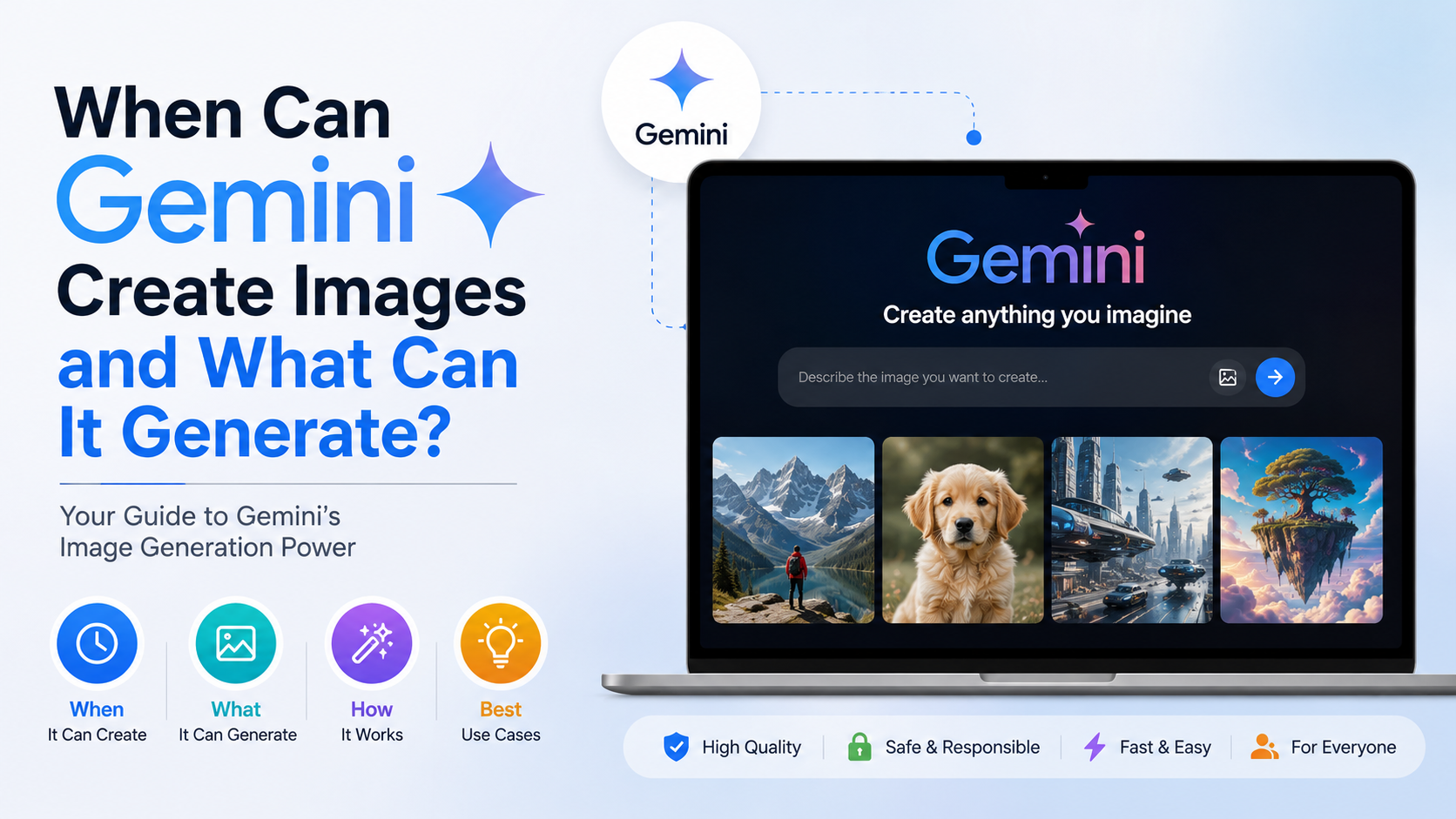
If you are wondering when can Gemini create images, the short answer is: Gemini can generate images whenever image generation is available in your Gemini Apps account, country, language and model access. In India, Gemini is available on the web and through its mobile apps, and Google lists India among supported locations for both services. Image generation is available through a text prompt, while image editing can use one or more uploaded reference images.
This guide explains how to create images in Gemini, what types of visuals it can produce, how Nano Banana models affect results, and what Indian users should know about access, usage limits, copyright and privacy.
Key Takeaways
- Gemini can create images from text prompts such as "Create a realistic image of a Kerala backwater at sunrise."
- You can edit a generated image, upload an existing image for changes, or combine multiple reference images.
- Google's current Gemini image family includes Nano Banana 2 models and Nano Banana Pro for higher-end, complex work.
- India is listed as a supported country for the Gemini web app and mobile app; language and account eligibility still apply.
- Usage limits are dynamic and vary by plan, model, prompt complexity and demand.
- Generated or edited media includes invisible SynthID watermarking and Content Credentials for provenance.
When Can Gemini Create Images?
Gemini can create an image when you submit a prompt that clearly requests visual output. Google's official instructions recommend starting with action words such as "create," "generate" or "draw." For example:
Create a colourful editorial illustration of a Diwali celebration in Jaipur, with lanterns, traditional clothing and warm evening lighting.
Gemini then returns an image in the conversation. You can ask follow-up questions to refine it, such as:
- "Make the lighting softer."
- "Change the background to a busy Mumbai street."
- "Use a square format for Instagram."
- "Remove the text from the signboard."
- "Make the people look natural and keep the same clothing."
Image creation is available through the Gemini web app at gemini.google.com and the Gemini mobile app, subject to Google's feature availability rules. Google's web-app availability page lists India as a supported country and includes several Indian languages, including Hindi, Bengali, Gujarati, Kannada, Malayalam, Marathi, Tamil, Telugu and Urdu.
Google's mobile-app availability guidance also lists India. However, a feature can vary by language, device, account type or rollout stage. Work and school accounts may have different permissions from personal accounts.
How to Create an Image in Gemini
On the web
- Open gemini.google.com in a supported browser.
- Sign in with an eligible Google Account.
- Enter a detailed prompt beginning with "Create," "Generate" or "Draw."
- Submit the prompt and wait for the image to appear.
- Ask for revisions in the same chat.
- Use the download option to save the full-size image.
Google's official image-generation help page confirms that you can generate an image directly from a prompt and download the result.
On Android or iPhone
Open the Gemini app, type your prompt and send it. Depending on your app version and account, you can also use voice input, upload a photo or take a picture with your camera before requesting an edit.
For example:
Use this uploaded photo as a reference. Replace the background with a clean studio wall, keep the product unchanged and create a professional catalogue image.
If the image option does not appear, check that the app is updated, you are signed in, your language is supported and your account is eligible. Google says image-generation availability can differ across countries and supported languages.
What Can Gemini Generate?
Gemini is designed for conversational image generation, so it can produce many visual categories rather than only simple illustrations.
| Category | Example prompt |
|---|---|
| Photorealistic scenes | "Create a realistic photo of a monsoon morning in Bengaluru." |
| Illustrations | "Draw a children's book illustration of a tiger visiting Kaziranga." |
| Product concepts | "Generate a premium packaging concept for an organic masala brand." |
| Marketing visuals | "Create a clean banner for a Chennai coding workshop." |
| Posters and social graphics | "Design a poster for a college cultural fest in Pune." |
| Infographics | "Create an infographic explaining India's water cycle for Class 7 students." |
| Character concepts | "Design a friendly robot mascot for an Indian ed-tech app." |
| Architecture and interiors | "Visualise a compact, climate-friendly home in Kerala." |
| Food imagery | "Create a close-up food photograph of a South Indian thali." |
| Maps and diagrams | "Draw a simple labelled diagram of the monsoon system." |
Google's developer documentation for Gemini image generation says current Gemini 3 image models support high-resolution output, advanced text rendering and complex, multi-turn creation and editing workflows. The exact model and options exposed in the consumer Gemini app can change over time.
Text inside images
Gemini can attempt readable text in menus, labels, diagrams, posters and advertisements. For better results, put the exact wording in quotation marks and specify where it should appear:
Create a vertical event poster. Add the exact headline "Bengaluru Design Meetup" at the top, the date "12 September 2026" below it and leave space for a QR code.
Always proofread the result. Image models can still misspell words, alter numbers or produce inconsistent lettering, especially in Indian-language scripts or dense layouts.
Editing Existing Images with Gemini
Gemini can edit images in several ways:
- Edit an image it generated earlier.
- Upload a photograph and request changes.
- Upload multiple images and ask Gemini to combine them.
- Preserve selected elements while changing the background, lighting, clothing or composition.
Google refers to its image editing and generation experience as Nano Banana in Gemini Apps. A useful editing prompt identifies what must remain unchanged:
Keep the person's face, pose and blue kurta unchanged. Replace the background with a professional office, improve the lighting and remove the objects on the table.
For multiple images:
Combine the uploaded product photo and the uploaded lifestyle background. Place the product naturally on the table, match the shadows and do not change the logo.
Editing works best when the instruction is specific about identity, position, colours and exclusions. Avoid uploading sensitive documents, private medical images or another person's photograph without permission.
Gemini Image Models: Nano Banana 2 and Nano Banana Pro
Google's current developer documentation describes several Gemini image models:
- Gemini 3.1 Flash Image (Nano Banana 2): intended as an all-purpose option balancing speed, quality and cost.
- Gemini 3.1 Flash Lite Image: designed for efficient, lower-latency generation.
- Gemini 3 Pro Image (Nano Banana Pro): aimed at professional asset production, complex instructions and higher-resolution output.
- Gemini 2.5 Flash Image: optimised for speed and generates 1,024-pixel images in the API documentation.
Google says Gemini 3 image models can generate 1K and 2K images, while supported models can produce 4K output; Gemini 3.1 Flash Image also supports a smaller 512-pixel option. These API capabilities should not be assumed to appear identically in the consumer app.
In Gemini Apps, Google's limits and upgrades page currently lists Nano Banana 2 image generation for users without a Google AI plan as well as subscribers. Nano Banana Pro image redo access is shown as a paid-plan feature. Google warns that model names, availability and limits may change.
How to Write Better Gemini Image Prompts
A reliable prompt contains five elements:
- Subject: What should be shown?
- Action: What is happening?
- Setting: Where does it take place?
- Style: Photorealistic, watercolour, 3D render or another aesthetic.
- Technical details: Aspect ratio, camera angle, lighting, colour palette and text.
A basic prompt:
Create an image of a woman selling flowers.
A stronger prompt:
Create a documentary-style photograph of a flower seller at a Bengaluru roadside market at dawn. Show jasmine garlands, soft natural light, realistic skin texture, a 35 mm camera perspective and a calm, respectful mood. Use a 4:5 portrait composition and no visible brand logos.
For Indian audiences, add culturally precise details where relevant: regional clothing, architecture, food presentation, script, festival decoration, climate and location. If you need Devanagari or another script, provide the exact text and ask Gemini to keep spelling unchanged.
Important Limitations and Safety Warnings
Availability and age
Google states that image generation in Gemini Apps is limited by supported countries and languages and is currently unavailable to users under 18 on the image-generation help page. Account type and administrator settings can also affect access.
Changing usage limits
There is no dependable universal "images per day" number. Google uses compute-based limits influenced by your plan, model, prompt complexity, conversation length and system demand. Limits can change, and the app displays a notification when you approach a limit. Paid Google AI plans generally provide higher limits or access to additional features, but they do not guarantee unlimited generation.
Accuracy
Gemini can produce incorrect visual details, distorted hands, unreadable text, inaccurate uniforms, altered logos or culturally inappropriate depictions. Check every image before publishing, printing or using it in a business campaign.
Copyright, privacy and consent
Google's Generative AI Prohibited Use Policy prohibits illegal content and misuse of personal data, biometrics, privacy and intellectual-property rights. Do not ask Gemini to reproduce copyrighted artwork too closely, impersonate a real person deceptively or edit someone's photograph without consent.
Watermarks and provenance
Google says Gemini-generated or edited media includes an invisible SynthID watermark. Gemini Apps can also include Content Credentials metadata describing origin and editing history. The visible watermark setting, where available, does not remove the invisible SynthID watermark. You can upload an image to Gemini and ask whether Google AI created or edited it, as explained in Google's verification guide.
Practical Uses for Indian Students, Creators and Businesses
Students can create visual aids for science projects, geography assignments and presentations, then verify facts and labels independently. Teachers can request age-appropriate diagrams or bilingual classroom illustrations.
Small businesses can prototype packaging, restaurant menus, festival promotions and social-media concepts before paying for a professional photo shoot. Freelancers can create mood boards and pitch visuals, while designers can use Gemini for rapid concept exploration.
For commercial work, keep the original prompt, downloaded file and any edits in a project folder. Confirm that the final design does not contain accidental text, unlicensed logos or misleading representations.
Frequently Asked Questions
Can Gemini create images for free in India?
Google currently lists Nano Banana 2 image generation for users without a Google AI plan. Access and limits can change, and free users may encounter lower or more variable quotas during high demand.
Can Gemini generate images in Hindi?
Hindi is listed among the supported languages for Gemini web and mobile availability. Image quality, especially for text rendered inside an image, may vary, so review Hindi lettering carefully.
Can I use my own photo in Gemini?
Yes. Gemini Apps supports uploading an image and asking for edits, subject to account, feature and file restrictions. Obtain consent before using another person's photograph and avoid uploading confidential information.
Why did Gemini refuse my image prompt?
A refusal can result from Google's safety systems detecting possible violations involving illegal activity, sexual exploitation, violence, privacy, impersonation or intellectual property. Rephrase the request for a lawful, non-sensitive purpose.
Does Gemini make 4K images?
Google's Gemini API documentation says selected Gemini 3 image models support 4K output. The consumer Gemini app may expose different resolutions or controls depending on the model, plan and rollout.
Conclusion
Gemini can create images whenever image generation is enabled for your account and region. For users in India, Google lists the Gemini web app and mobile app as available, with multiple Indian languages supported. You can generate scenes, illustrations, marketing graphics, diagrams and product concepts, then refine them conversationally or edit uploaded images with Nano Banana models.
Start with a precise prompt, specify the visual style and composition, and inspect every result for errors. Keep copyright and consent in mind, and remember that usage limits and model access can change. Open Gemini, describe the image you need and refine it step by step until the result is suitable for your personal, academic or professional purpose.