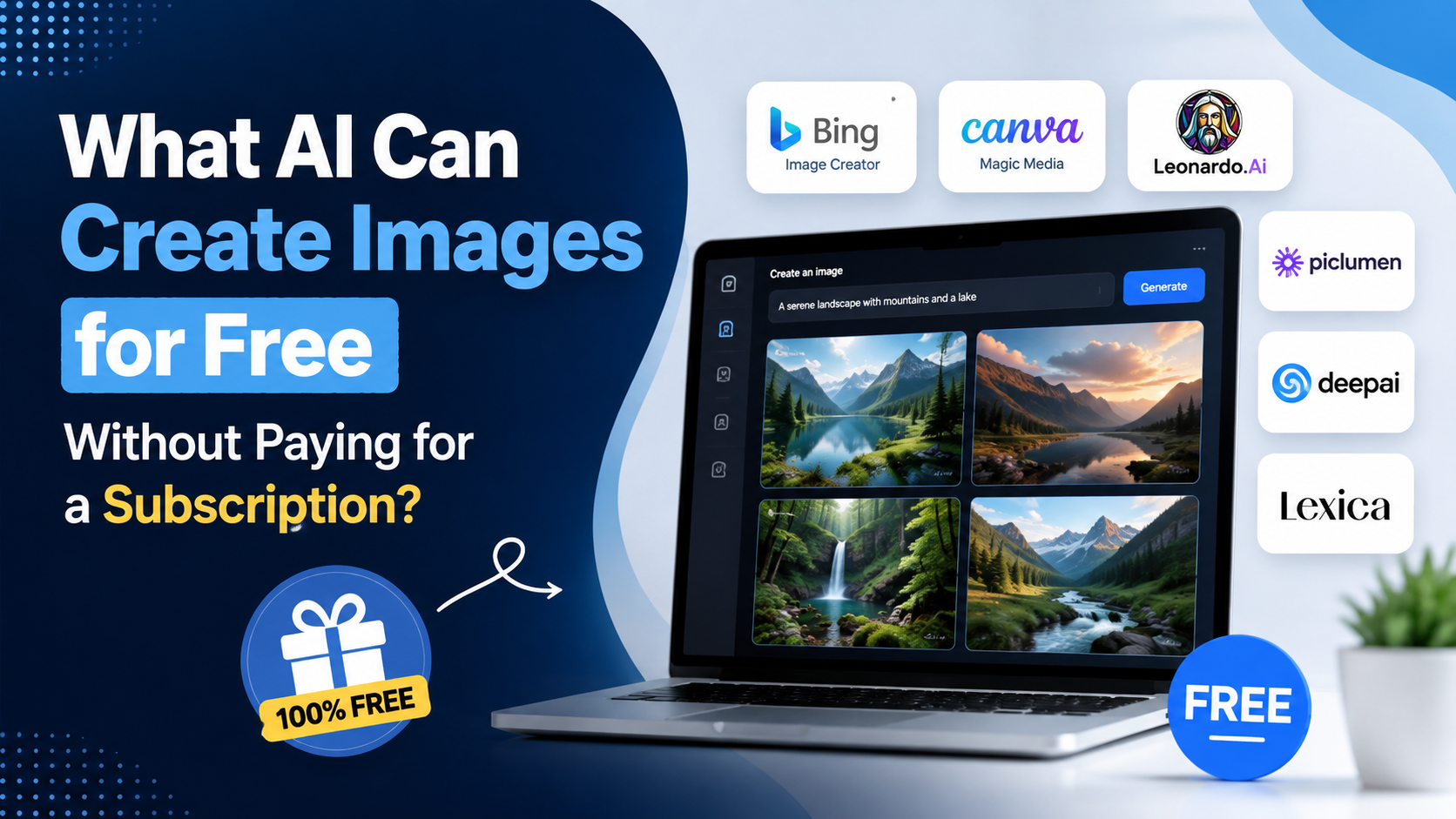
If you are looking for an ai that can create images for free, several reputable tools let you turn text prompts into illustrations, product concepts, social-media visuals, posters and more without paying for a subscription. The important detail is that "free" rarely means unlimited: most platforms apply daily, weekly or credit-based limits, and features can vary by country, account type and demand.
For users in India, the most practical starting points are Google Gemini and ChatGPT for conversational image creation, Adobe Firefly for design-oriented work, Ideogram for images containing text, and Canva for creating images directly inside a design workflow. This guide explains what each option offers, how to choose one, and how to create better results without wasting your free allowance.
Key Takeaways
- Google Gemini supports free image generation and editing for signed-in eligible users, with usage limits that can change.
- ChatGPT's Free tier can create images, but image generation has separate limits from text-chat limits.
- Adobe Firefly offers a free plan with limited generative credits rather than unlimited generations.
- Ideogram's free plan provides 10 slow credits each week, but free generations are public.
- Canva is useful when you want to generate an image and immediately place it in a poster, presentation or social post.
- Always review a platform's current terms before using AI images in client work, advertising or products for sale.
What Does "Free AI Image Generator" Actually Mean?
A free AI image generator is a service that produces an image from a written description without requiring a paid subscription. You may still need to create a free account, sign in with Google, Apple, Microsoft or email, and accept the service's terms.
There are three common free-access models:
| Free model | How it works | Best for |
|---|---|---|
| Daily limit | A set or variable number of image requests resets regularly | Frequent casual use |
| Weekly allowance | A small number of credits renew each week | Testing prompts and styles |
| Monthly credits | Generations consume credits that reset monthly | Occasional design tasks |
| Feature-limited free tier | Basic creation is available, but speed, privacy or advanced editing is restricted | Learning and experimentation |
Do not assume that a tool advertised as free gives unlimited output, private generations or unrestricted commercial use. Free limits can be adjusted when services face high demand.
Best AI That Can Create Images for Free
Google Gemini: Best for everyday prompting and image edits
Google Gemini is one of the simplest options for people who prefer a chat-style interface. Google's help documentation confirms that signed-in users can generate images from text, download them and edit generated or uploaded images through Gemini Apps.
Google's current Gemini limits page states that people using Gemini without a Google AI plan can generate and edit up to 100 images per day with Nano Banana. Google also notes that image-generation limits are in high demand, may change frequently and reset daily. Availability depends on supported countries, languages and account eligibility. Image generation is not currently available to users under 18, according to Google's image-generation help page.
How to use it:
- Open gemini.google.com and sign in with a personal Google Account.
- Describe the image clearly.
- Add a follow-up instruction to refine it, such as changing the background, clothing, lighting or composition.
- Hover over the completed image and choose the download option.
Example prompt:
Create a realistic overhead photograph of a masala chai stall in Mumbai during monsoon season, warm shop lights, rain reflections on the street, no text, square format.
Gemini is particularly useful for iterative work because you can keep the conversation going: "Make the stall less crowded," "change the scene to Kolkata," or "use a watercolour style."
ChatGPT: Best for conversational creation and revisions
ChatGPT is another strong choice for creating images through natural language. OpenAI's current help documentation states that the ChatGPT Free tier includes image creation, while image generation has its own usage limits. The exact limit is shown in the product and can change over time.
OpenAI also states that ChatGPT Images is available on all tiers and can create new images or edit uploaded images. You can ask for a new composition, select an area to modify in the editor, or describe the edit in chat. The feature is available on the web, iOS and Android.
How to use it:
- Sign in to ChatGPT.
- Start a new conversation or select Images where available.
- Write a detailed prompt, including format and intended use.
- Download the result or ask for a revision.
Useful prompt structure:
Create a [style] image of [subject], with [composition], [lighting], [background], [colour palette], in [aspect ratio]. Avoid [unwanted elements].
For example:
Create a clean flat-vector illustration of a young Indian entrepreneur working from a home office, navy and saffron colour palette, ample blank space on the left for headline text, 16:9 aspect ratio. Avoid logos and readable text.
ChatGPT is a good option when you need the AI to help formulate the prompt as well. You can first explain your campaign or design idea, then ask it to turn that brief into an image prompt.
Adobe Firefly: Best for design-focused experimentation
Adobe Firefly is designed for generative creative work, including image generation, text effects, vector work and editing features. It is a practical choice for marketers, students and creators who may later move their work into Adobe Express, Photoshop or other Adobe tools.
Adobe's current generative-credits FAQ lists a Firefly Free plan with limited credits. Standard image and vector features deduct from the free allocation, and the number of credits does not roll over to the next month. Adobe says its credit rules and feature access can vary depending on the feature and plan, so check your account's available balance before starting a larger batch.
How to use it:
- Visit Adobe Firefly and sign in or create an Adobe account.
- Select Generate Image.
- Enter your text prompt.
- Choose options such as aspect ratio, visual style or composition where available.
- Generate, refine and download the preferred variation.
Firefly is worth considering when visual controls matter. Instead of writing every design preference in one long prompt, you can often use the interface to select a style or format and reserve the prompt for the subject and scene.
Ideogram: Best for posters and images with text
Ideogram is particularly useful when your design needs visible words, such as a poster concept, book cover, menu graphic or social-media quote card. AI-generated text can still contain spelling or layout errors, so proofread every output carefully.
Ideogram's official pricing page currently lists an always-free plan with 10 slow credits per week. It also says free generations are public and limited, with one concurrent generation. This makes it suitable for personal experiments and non-confidential concepts, but it may not be appropriate for unreleased client work or sensitive business material.
How to use it:
- Go to Ideogram and sign in.
- Write the image description and include the exact text you want displayed.
- Generate options and inspect spelling, line breaks and visual hierarchy.
- Regenerate or revise the prompt if the text is inaccurate.
Example:
Modern café poster in cream, forest green and terracotta. Large, clear headline: "MONSOON BREW FEST". Include a steaming cup of filter coffee and subtle rain illustrations. Premium editorial layout.
For critical public-facing text, use Ideogram to create the visual direction, then add final copy manually in Canva, Adobe Express or another design editor.
Canva: Best for generating images inside finished designs
Canva is not only an AI image generator; it is also a design platform for Instagram posts, YouTube thumbnails, presentations, resumes, flyers and business documents. Its Magic Media feature can generate images from text within the Canva editor.
Canva's official Magic Media help page explains that you can describe an image, choose styles such as photography, digital art or fine art, and use a reference image where available. AI generation counts toward your account's AI usage allowance, so free access is limited and the available amount can vary.
How to use it:
- Create a Canva design in the desired size.
- In the editor, open Magic Media from the side panel or Apps area.
- Choose the Images tab.
- Enter a prompt and choose a style.
- Place the result in your design, then add brand colours, text and elements.
For many small businesses, Canva is the easiest route from idea to publishable social post because the generated visual is already inside the layout you will export.
How to Choose the Right Free AI Image Tool
Your best option depends less on the "best AI model" and more on the task.
| If you need… | Start with… | Why |
|---|---|---|
| Fast conversational prompts and edits | Gemini or ChatGPT | Easy follow-up instructions |
| A poster or image with prominent wording | Ideogram | Designed for text-heavy visual concepts |
| A social post, banner or presentation | Canva | Generation and layout in one place |
| More design-oriented visual controls | Adobe Firefly | Creative workflow and generative tools |
| Private or confidential client concepts | Check each plan carefully | Some free tiers make generations public |
For occasional use, choose the tool that matches the final format. A café owner making an Instagram post may get more value from Canva than from a standalone generator. A student creating a visual concept may prefer Gemini or ChatGPT because revisions are easy to describe.
How to Write Prompts That Produce Better Images
The quality of a free AI image generator depends heavily on the prompt. Avoid vague requests such as "make a nice business image." Instead, include visual decisions that a designer would need.
A strong prompt usually covers:
- Subject: What should be in the image?
- Setting: Where is the scene taking place?
- Action: What is happening?
- Style: Photograph, 3D render, watercolour, vector, editorial illustration or another look.
- Composition: Close-up, aerial shot, wide scene, product centred, empty space for text.
- Lighting and colour: Soft daylight, cinematic lighting, pastel palette, bold contrast.
- Format: Square, portrait, landscape, 16:9 or 9:16.
- Exclusions: What should not appear?
Compare these examples:
Weak prompt:
Create an image of an Indian shop.
Improved prompt:
Photorealistic street-level image of a small independent stationery shop in Pune, early morning light, colourful notebooks displayed near the entrance, friendly shopkeeper arranging products, realistic details, vertical 4:5 composition, no brand logos and no readable signage.
If the first output is close but imperfect, do not start from scratch immediately. Ask for one targeted change at a time, such as "keep everything the same but use a cleaner background" or "move the subject to the right and leave room for text on the left."
Important Limits, Privacy and Copyright Considerations
Free AI image tools are valuable, but they should not replace judgement.
Free limits can change
Google, OpenAI, Adobe, Ideogram and Canva all apply limits or allowances to free image creation. These can change due to product updates, capacity or account conditions. Check the limit displayed in your account rather than relying on an old blog post or video tutorial.
Do not upload sensitive material casually
Avoid uploading confidential business documents, customer data, private photographs or unreleased product designs unless you understand the platform's privacy settings and applicable terms. This is especially important for client work, healthcare, financial information and internal company assets.
Review images before publishing
AI images may contain distorted hands, inaccurate text, incorrect cultural details, unintended logos or misleading visual claims. Review every final image at full size, particularly if it will be used in an advertisement, educational resource or news-related post.
Respect people, brands and intellectual property
Do not use AI to impersonate real people, fabricate endorsements, create misleading political imagery or reproduce protected brand assets. If you are creating paid client work or selling a product, read the relevant service terms and obtain professional legal advice when the usage is high-risk.
Frequently Asked Questions
Is there an AI that can create images for free with no subscription?
Yes. Google Gemini, ChatGPT, Adobe Firefly, Ideogram and Canva all offer ways to generate images without buying a subscription. However, they generally require an account and impose limits such as daily usage caps, weekly credits or monthly generative credits.
Is ChatGPT free for AI image generation?
ChatGPT's Free tier can create images. OpenAI states that image creation has separate usage limits from normal text chats, and the service will notify you when you reach the applicable limit.
Which free AI image generator is best for India?
For most users in India, Gemini is an excellent first option because it works through a Google Account and supports both generation and editing. ChatGPT is also useful for conversational revisions. Canva is often the most convenient choice when the final output is an Instagram post, presentation or promotional design.
Can I use free AI-generated images for my business?
Possibly, but do not assume every free plan grants the same usage rights. Read the current terms of the specific tool, avoid using protected logos or copyrighted characters, and ensure the final image does not make false claims or infringe another person's rights.
Why does a free AI image generator ask me to pay after a few images?
Free tiers often provide limited compute access. You may have reached a daily request limit, used your weekly credits or exhausted monthly generative credits. Wait for the allowance to reset, use another eligible free tool or upgrade only if your regular workload justifies it.
Conclusion
The best ai that can create images for free depends on what you want to make. Gemini and ChatGPT are excellent for quick prompt-based creation and revisions; Adobe Firefly supports a creative workflow with limited free credits; Ideogram is useful for text-heavy visual concepts; and Canva helps turn AI images into finished social posts and marketing designs.
Start with one tool, use a precise prompt, inspect the result carefully and keep your free-tier limits in mind. Before publishing or using images commercially, review the platform's current terms and make sure the final visual is accurate, original and appropriate for your audience.