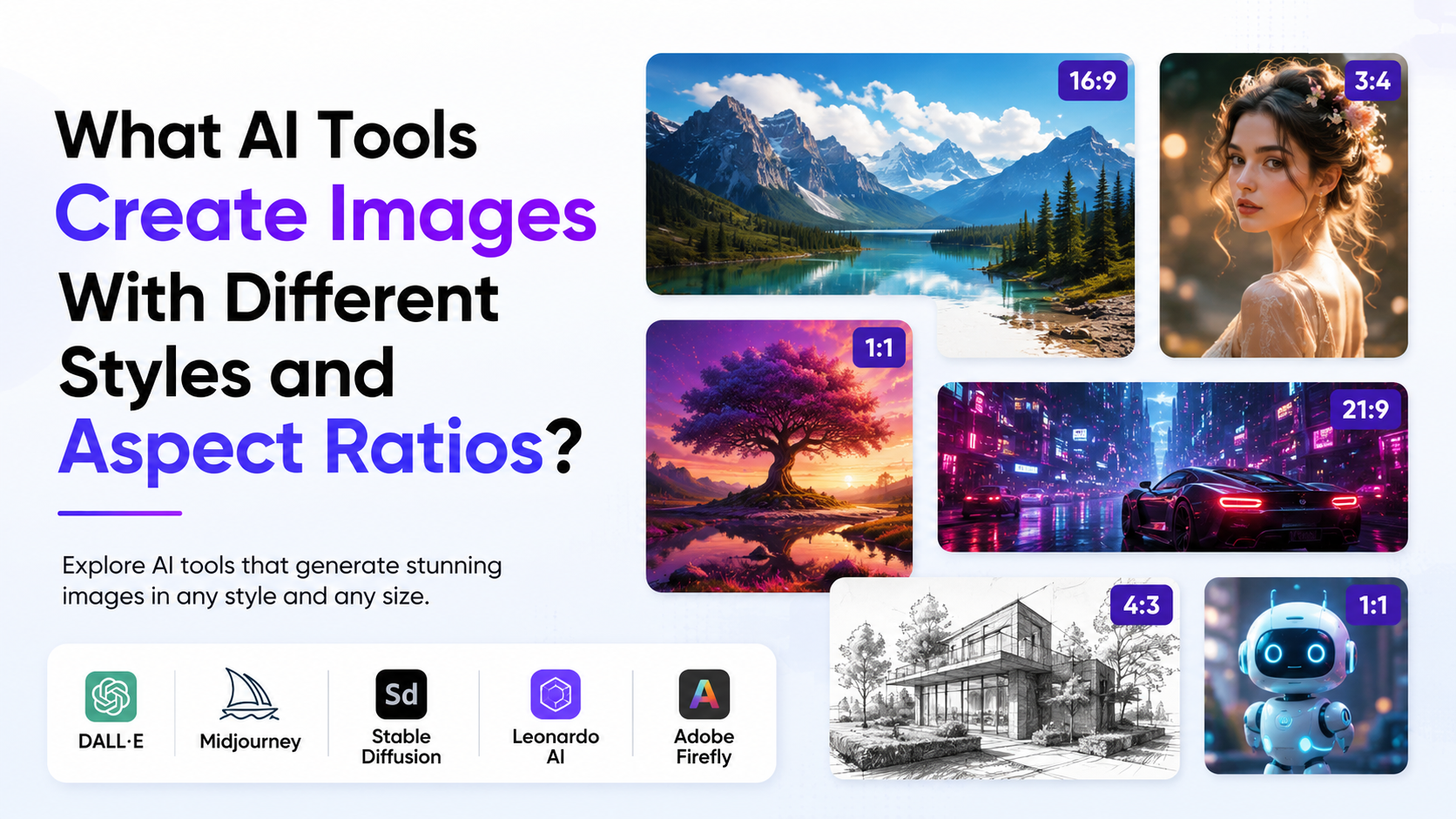
AI tools that create images can turn a written brief into social-media creatives, product visuals, presentation graphics, illustrations and concept art. The right choice depends less on finding a single "best" generator and more on matching a tool's controls to the job: style consistency, image editing, reference images, text handling and the aspect ratio required for publication.
For Indian creators, marketers, small businesses and students, this matters because one campaign may need a square Instagram post, a vertical Reel cover, a YouTube thumbnail and a website banner. Generating in the intended frame from the start usually produces a stronger composition than cropping a square image afterwards.
Key Takeaways
- ChatGPT Images, Adobe Firefly and Midjourney all support generating images in different shapes and visual styles.
- Choose the aspect ratio before generating whenever possible; it gives the model room to compose for the final platform.
- Adobe Firefly offers guided style controls such as content type, effects, colour, lighting and style references.
- Midjourney offers detailed aspect-ratio parameters and strong style-reference controls for consistent visual direction.
- Use reference images only when you have permission to use them, and review outputs before publishing.
- AI-generated images are drafts, not automatic proof of factual accuracy, correct spelling or legal clearance.
Understanding Style and Aspect Ratio in AI Image Generation
An AI image generator interprets a prompt—such as "handcrafted masala chai in a ceramic cup, warm morning light"—and creates a new image based on that description. "Style" controls the visual treatment: photorealistic, watercolour, minimalist vector, editorial illustration, anime, cinematic or retro poster.
"Aspect ratio" describes the relationship between width and height, not the exact pixel dimensions. A 16:9 image is wide; a 9:16 image is tall. The same concept can look entirely different when the frame changes:
| Aspect ratio | Suitable uses | Composition tip |
|---|---|---|
| 1:1 | Instagram feed posts, catalogue tiles, profile visuals | Keep the key subject central with breathing room |
| 4:5 | Portrait feed posts | Leave margin above and below the subject |
| 16:9 | Website hero images, presentations, YouTube thumbnails | Place the main subject to one side if text will sit on the other |
| 9:16 | Reels, Stories, Shorts and mobile-first ads | Keep faces and essential text away from top and bottom interface areas |
| 3:4 or 2:3 | Posters, editorial images and print-oriented layouts | Use vertical lines and layered foregrounds to add depth |
A ratio is not a guarantee that the output is ready for every platform. Each platform has its own placement and safe-area requirements, so check the final creative inside the publishing tool before launching a campaign.
The Best AI Tools for Images in Different Styles and Shapes
ChatGPT Images: Conversational creation and iterative editing
ChatGPT Images is useful when you want to describe an idea in plain language, revise it through conversation and edit an existing image. OpenAI states that users can create or upload an image, request edits, use a selection tool for a specific area and choose or request a different aspect ratio. It can also follow instructions to add text or make a background transparent. OpenAI's ChatGPT Images guide
This makes it a practical option for a business owner who needs several iterations without learning a parameter-based interface. For example:
Create a clean 4:5 product advertisement for a natural skincare brand. Show an amber glass bottle on a sandstone surface, soft morning shadows, premium editorial photography. Leave clear negative space in the upper third for headline text. No logos or unreadable label text.
After generation, ask for specific changes rather than starting over:
- "Keep the bottle unchanged; replace the background with a subtle sage-green wall."
- "Regenerate this as 9:16, preserving the product at the lower centre."
- "Make the background transparent and retain the shadow."
- "Replace the placeholder label with a blank, readable cream label."
The final request is deliberately cautious: AI may produce inaccurate or distorted text. Add final packaging copy, prices and legal claims in a design editor.
Adobe Firefly: Guided style controls and design-oriented workflow
Adobe Firefly is suited to creators who want visible controls as well as text prompting. Adobe documents standard ratios including landscape 4:3, portrait 3:4, square 1:1 and widescreen 16:9; vertical 9:16 is available with Firefly Image 4 and Firefly Image 4 Ultra. Adobe's aspect-ratio documentation
Its image-generation workflow lets users choose a model, define an aspect ratio and choose a content type such as Art, Photo or Auto. Adobe's text-to-image guide Firefly's mobile guidance also lists controls for effects, colour, lighting, camera angle, composition and style references. Adobe Firefly mobile guide
Use Firefly when the brief needs a controlled, repeatable look. A local café, for instance, could create an illustrated festive campaign by selecting an art-oriented content type, applying a warm palette, then using the same style reference across multiple images.
A structured Firefly prompt could be:
Illustrated festive gifting hamper with tea, sweets and marigold flowers, refined Indian contemporary illustration, deep indigo and saffron palette, soft paper texture, premium retail campaign, 1:1 composition, clear centre space for a brand mark.
Avoid using a living artist's name as a shortcut for style. Describe visual characteristics instead: medium, palette, line quality, lighting, period and mood.
Midjourney: Flexible aspect-ratio commands and style references
Midjourney is especially useful for visual exploration, concept art and stylised campaign imagery. Its official documentation explains that images start square by default and that the --ar or --aspect parameter changes the proportion. For example, --ar 16:9 creates a widescreen composition and --ar 9:16 creates a vertical one. Midjourney's aspect-ratio guide
A prompt can be written as:
Modern Indian bookstore interior, monsoon afternoon, warm practical lights, editorial architectural photography, inviting reading corners, space on left for copy --ar 16:9
Midjourney warns that aspect ratio is not the same as final image dimensions and that extremely wide or tall ratios can be unpredictable. Its editor also supports changing a composition with preset or custom aspect ratios. Midjourney Editor documentation
For consistency, Midjourney's Style Reference feature can capture the overall visual feel of an image—such as colour, medium, texture or lighting—without copying its objects or people. Style References work with Midjourney versions 6 and later, and the --sw setting controls their influence. Midjourney Style Reference documentation
That makes it useful for a series: establish a visual direction for a travel campaign, then reuse it for Jaipur, Kochi and Ladakh visuals while changing the subject matter.
How to Choose the Right Tool
Choose based on the production task, not just the first attractive output.
| Need | A practical choice | Why |
|---|---|---|
| Fast ideation and conversational revisions | ChatGPT Images | Create, edit and refine with natural-language instructions |
| Guided styling and design controls | Adobe Firefly | Offers selectable ratios and multiple visual-control settings |
| Fine-grained creative exploration | Midjourney | Supports prompt parameters, custom ratios and style references |
| Reframing an existing image | ChatGPT Images or Midjourney Editor | Both document image-editing and aspect-ratio adjustment workflows |
| A series with a shared aesthetic | Firefly or Midjourney | Use consistent style controls or reference images across prompts |
Do not select a tool solely because it creates realistic images. For a paid campaign, assess whether you can reproduce the result, edit it efficiently and meet your organisation's brand, privacy and legal requirements.
A Reliable Workflow for Better Results
1. Write a production brief before the prompt
Define the following first:
- Purpose: ad, blog header, presentation, product mock-up or social post
- Audience: for example, urban Indian working professionals, students or wedding shoppers
- Platform and aspect ratio
- Subject and setting
- Visual style and colour palette
- Space required for copy, logo or call-to-action
- Elements to avoid
This prevents vague prompts such as "make a nice Indian business image," which leave too many decisions to the model.
2. Use a prompt structure
A useful formula is:
Subject + setting + visual style + lighting/colour + composition + aspect ratio + exclusions
Example for a vertical social creative:
Young entrepreneur working from a bright Bengaluru co-working space, realistic editorial photography, natural window light, muted teal and warm wood palette, subject in lower middle, clean space in upper third for text, vertical 9:16, no visible logos, no unreadable text.
The composition instruction is essential. It tells the model where not to place important objects.
3. Generate variations, then refine one direction
Do not try to solve every detail in a single giant prompt. Generate several options, pick the most suitable composition and make targeted edits:
- Correct the subject, setting and frame.
- Adjust visual style, colour or lighting.
- Fix local details through selective editing where available.
- Add final brand text, prices, dates and disclosures outside the AI generator.
- Export and inspect at the target platform's display size.
4. Build a reusable prompt library
Save successful prompts with the intended ratio, reference images, brand palette and notes about what changed. A simple spreadsheet can include campaign name, tool, prompt, aspect ratio, output link and approval status. This saves time when a campaign needs multiple language versions or resized assets.
Practical Style Ideas for Indian Campaigns
AI images work best when the cultural and regional context is specific but respectful. Instead of relying on broad labels, describe real visual details.
- Food and hospitality: "South Indian filter coffee on a brass tray, early sunlight, editorial food photography, 4:5."
- Fashion: "Contemporary handloom-inspired clothing in a minimal studio, textured neutral backdrop, catalogue photography, 3:4."
- Education: "Indian university students collaborating around a laptop, bright classroom, candid documentary style, 16:9."
- Festive retail: "Modern Diwali home décor with diyas and warm layered lighting, elegant premium product photography, 1:1."
- Travel: "Kerala backwaters at dawn, calm cinematic landscape, room for title on right, 16:9."
Specify details only when they are relevant to the brief. Review hands, signage, architecture, clothing and religious or cultural symbols carefully; generative tools can make visual errors or combine elements inaccurately.
Important Limitations and Responsible Use
AI image generators can produce compelling visuals, but they can also create distorted anatomy, invented locations, incorrect text and misleading scenes. Treat every image as a creative draft requiring human review.
Be especially careful with:
- Text and numbers: Add final prices, offer dates, addresses, product ingredients and legal statements in a conventional design tool.
- People and identity: Do not imply that a generated person is a real customer, employee, doctor, public figure or endorser.
- Reference material: Use only images, logos, characters and designs you have permission to upload or reuse.
- Sensitive representation: Avoid stereotypes and check that cultural details are appropriate to the campaign.
- News or evidence: Never use a generated image as proof that an event occurred.
- Brand consistency: Use approved colours, typefaces and logos after generation rather than relying on the model to reproduce them accurately.
Frequently Asked Questions
Which AI tool is best for making Instagram and Reel images?
Use a tool that lets you select the frame before generating. For a feed post, 1:1 or 4:5 is commonly useful; for Reels and Stories, use 9:16. Adobe Firefly documents these standard options, while ChatGPT Images and Midjourney support changing or specifying aspect ratio. Choose the tool based on your need for editing, guided style controls or advanced creative control.
Can AI tools create the same image in multiple sizes?
They can create related versions, but they may not produce identical compositions across ratios. Start with the most important format, then regenerate or expand the image for other ratios. Keep the same prompt, reference image, palette and subject description, but adjust the composition instruction for each frame.
How do I keep a consistent visual style across campaign images?
Use a written style guide: palette, lighting, lens or illustration treatment, negative space and reference images. Midjourney's Style Reference feature is designed to apply the visual feel of a reference image to new creations. In Firefly, use the same style and composition references and retain the same settings where possible.
Should I include the aspect ratio in the prompt?
Yes, especially if the tool supports it. In Midjourney, use --ar at the end of the prompt. In ChatGPT Images, select an aspect ratio or state it in the prompt. In Firefly, choose it in the generation settings. Also state where the subject and empty space should appear.
Can I publish AI-generated product advertisements directly?
Only after review. Check visual accuracy, text, claims, logo placement, permissions and platform requirements. If an image depicts a product, verify that its packaging, features and colours do not mislead customers. Add all final factual copy manually.
Conclusion
The most useful AI tools that create images are those that give you control over both style and framing. ChatGPT Images is strong for conversational creation and edits, Adobe Firefly provides guided creative controls, and Midjourney offers flexible parameters and style references. Start with the destination format, write a clear composition-focused prompt, generate variations and apply human review before publication. Build a small prompt library from approved work so each new campaign becomes faster, more consistent and easier to scale.