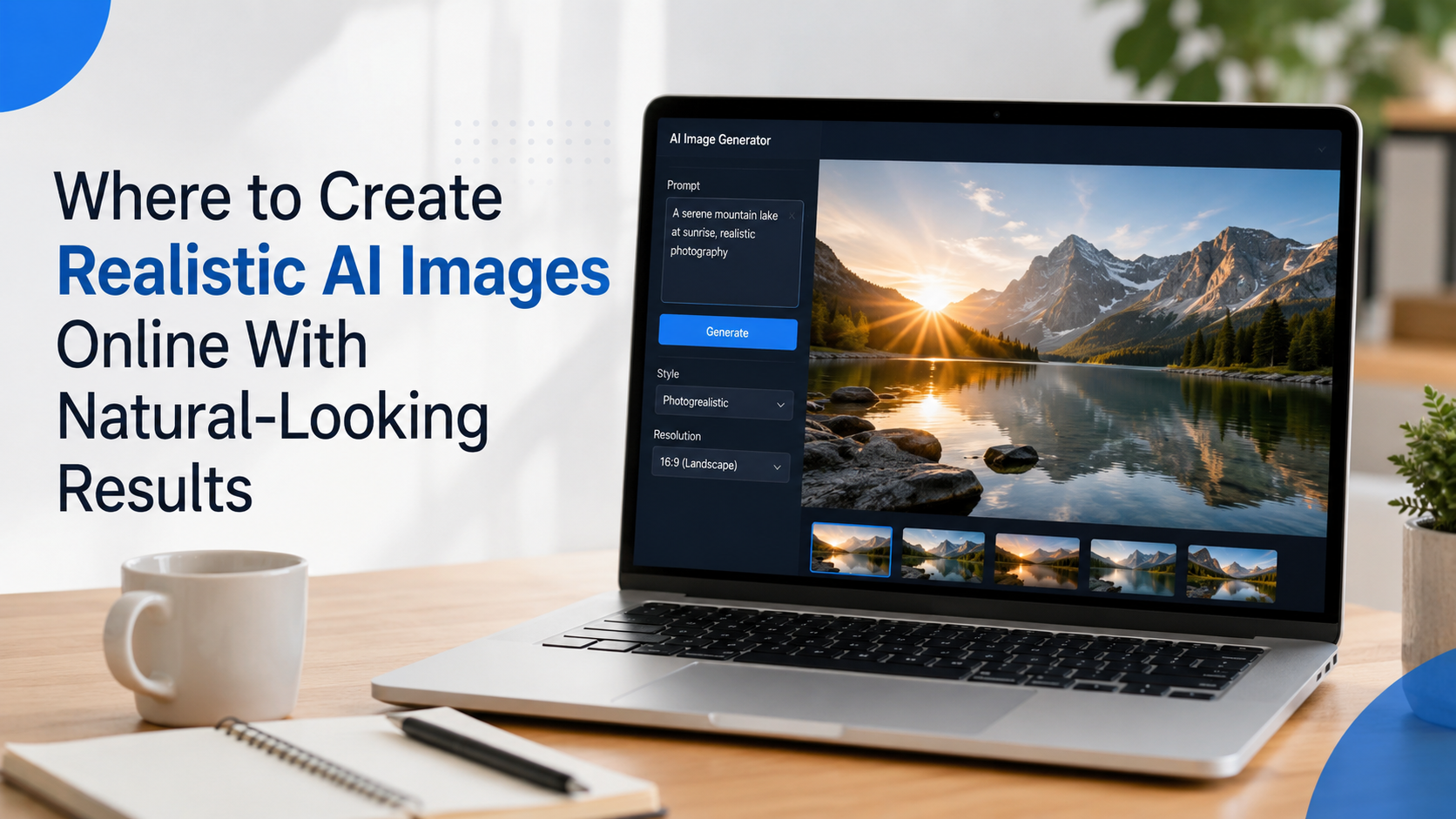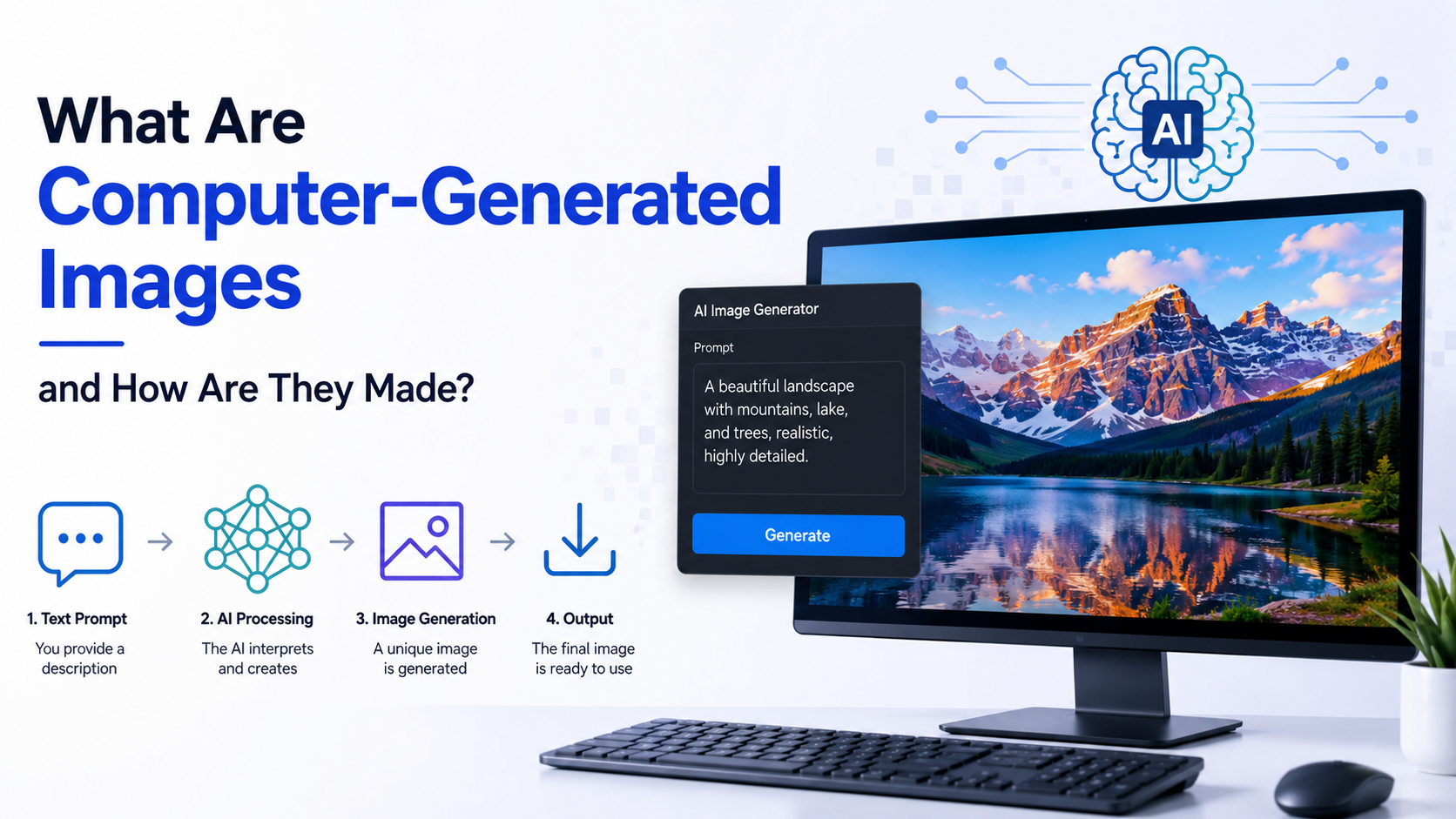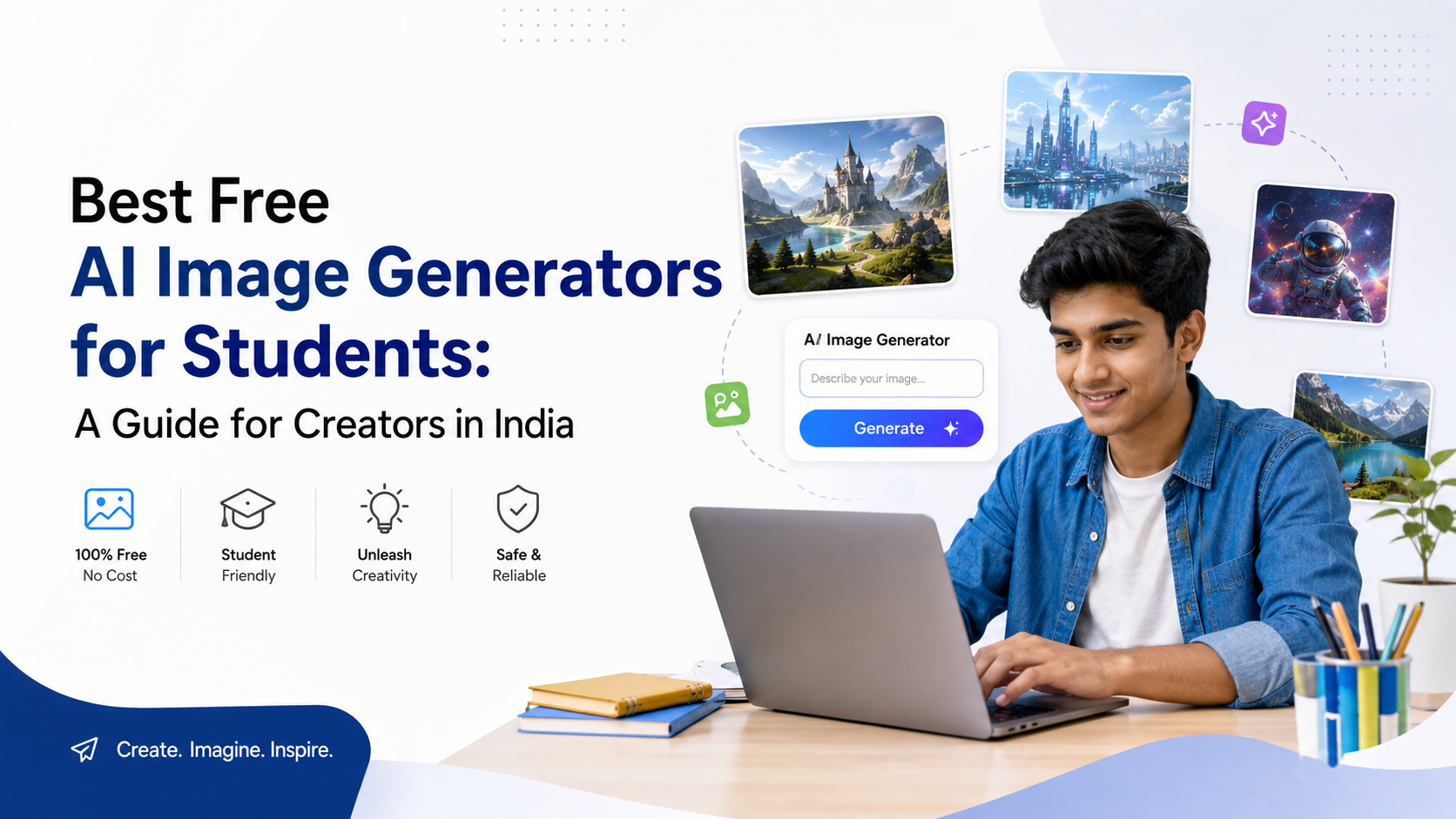
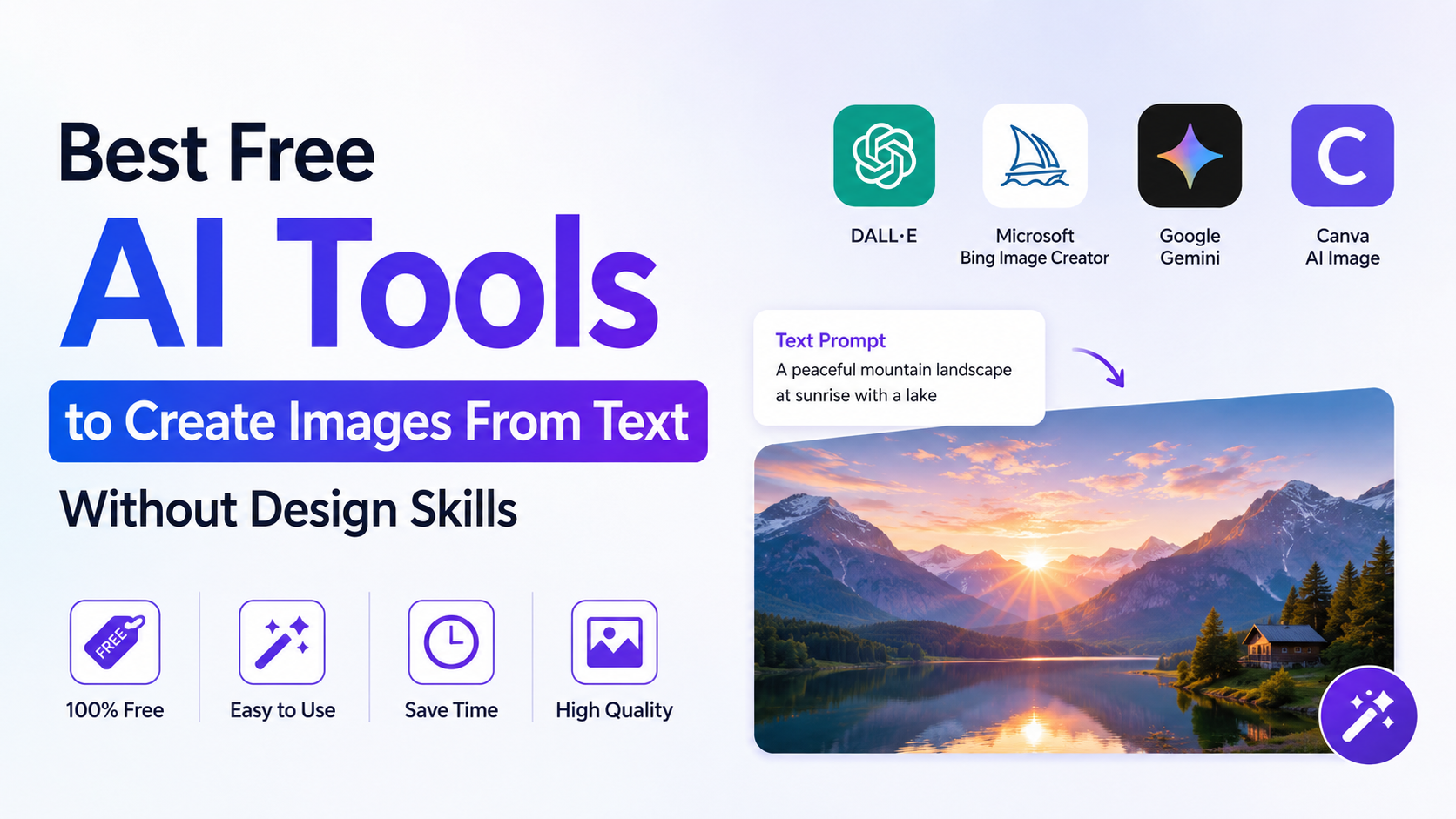
Students no longer need advanced illustration skills or expensive software to create a presentation cover, concept diagram, campaign mock-up, or portfolio visual. Free AI image generators can turn a clear text prompt into original visuals in minutes. For student Creators in India, the best choice depends less on hype and more on the task: designing slides, exploring visual ideas, editing an existing image, or building a creative portfolio.
The important qualifier is "free." Most leading tools provide free access with usage limits, credits, or daily allowances—not unlimited generation. Those limits and features can change, so check the relevant plan page before starting a large project.
Key Takeaways
- Canva is especially useful when an image needs to become a finished poster, presentation, or social-media design.
- Adobe Firefly offers free daily generations and strong in-browser editing options.
- Leonardo.Ai provides 150 free tokens daily, making it useful for experimenting with multiple visual styles.
- Microsoft Designer is a practical option for quickly turning AI images into polished layouts.
- Gemini can generate and refine images from a conversational prompt, but availability and account restrictions apply.
- AI visuals should support learning—not replace research, attribution, or academic integrity.
Why AI Image Generators Matter for Student Creators
Visual communication is part of everyday academic work. A biology presentation may need a conceptual illustration; an entrepreneurship project may need a product mock-up; a college-club post may need a campaign graphic. AI image generators help students move from a rough idea to a visual starting point quickly.
They are most valuable when used for:
- Presentation covers and section visuals
- Storyboards for films, animations, and advertisements
- Mood boards for design, architecture, fashion, or interior projects
- Concept art for games, comics, and creative-writing projects
- Social-media creatives for college societies and events
- Original illustrative visuals where stock photography does not fit
However, "generated" does not mean "automatically correct." AI can produce inaccurate scientific details, unreadable text, distorted maps, and misleading historical imagery. Treat its output as a design asset that needs review, not as evidence or a source of facts.
Quick Comparison of Free AI Image Tools
| Tool | Best for | Free-access approach | Useful student advantage |
|---|---|---|---|
| Canva | Posters, slides, social posts | Free plan with AI allowance | Generate and arrange visuals in one editor |
| Adobe Firefly | Polished concepts and image editing | Limited free daily generations | Built-in generative image and editing tools |
| Leonardo.Ai | Style exploration and concept art | 150 daily tokens for free users | Control-oriented image-generation workflow |
| Microsoft Designer | Fast graphics and layouts | Free credits; paid plans add more | AI images plus ready-to-edit designs |
| Google Gemini | Conversational generation and refinements | Available through signed-in Gemini Apps, subject to eligibility and availability | Ask for revisions in plain language |
Free-plan limits, models, and availability may vary by account, country, age, and product updates. Use the tool's own dashboard as the final authority for your available allowance.
1. Canva: Best for Assignment Designs and College Creatives
Canva is a strong starting point for students who need a finished design rather than an image file alone. Its AI tools sit inside a drag-and-drop editor, so you can generate a visual and immediately place it into a presentation, flyer, infographic, Instagram post, or resume portfolio.
Canva's Magic Media lets users create images by describing the desired result and selecting a style and size. It can also work from a reference image. Canva's Magic Media guide explains this workflow. Canva also states that its Free plan includes a limited AI allowance, while paid plans offer more usage. Canva AI
When to choose Canva
Choose Canva when your real goal is a complete academic asset, such as:
- A cover slide for a seminar
- A poster for a college fest
- A visual timeline for a history project
- A social campaign for an NGO internship
- A simple portfolio page or case-study graphic
A practical workflow
- Create your presentation or poster in Canva first.
- Identify the one visual that would make the message clearer.
- Open Magic Media from the editor panel.
- Generate a relevant image in the required orientation.
- Add your own title, labels, and factual information manually.
- Export only after checking spelling, contrast, and image accuracy.
Do not ask an image generator to create a poster containing important text such as dates, registration details, or event rules. Add that text in Canva's normal text editor, where you can proofread it.
2. Adobe Firefly: Best for Clean Concepts and Image Editing
Adobe Firefly is useful for student Creators who want to generate a visual concept and refine it with creative tools. Adobe currently offers a free plan with limited daily generations for images and other supported media. Adobe Firefly plans
The platform includes standard image features such as image generation, Generative Fill, and Generative Expand. This is valuable when you already have a photo or design draft and need to extend a background, remove a distraction, or explore alternatives.
Good academic uses
- Creating a wide background image for a presentation
- Producing a concept illustration for a design brief
- Expanding a landscape photo to fit a slide format
- Creating visual references for a branding or advertising project
- Testing colour, lighting, or composition ideas before final production
Important usage note
Adobe distinguishes between its own Firefly models and partner models. Its plan information says that Adobe Firefly models are trained on licensed and public-domain content, while users remain responsible for deciding whether outputs from partner models suit their project. Adobe Firefly plans
That does not remove the need for careful use. Avoid generating a classmate's face, a teacher's likeness, copyrighted characters, or a brand logo for deceptive purposes.
3. Leonardo.Ai: Best for Art Styles and Portfolio Experiments
Leonardo.Ai is well suited to students who want to experiment with styles, scenes, characters, and visual direction. It is particularly helpful for illustration, game-art concepts, fantasy environments, product visualisation, and creative portfolio work.
Leonardo's official help centre states that free users receive 150 daily tokens. Token costs vary according to the model, image settings, output size, number of images, reference images, and other options. Unused free tokens do not carry forward. Leonardo token FAQ
How to use the free allowance wisely
A common beginner mistake is spending the allowance on random prompts. Instead:
- Start with one composition at a modest setting.
- Generate a small batch of options.
- Select the strongest output.
- Refine the prompt using specific changes.
- Save successful prompts for future projects.
For example, instead of entering:
"Make an image about education"
write:
"Editorial illustration of Indian college students collaborating around a solar-powered study table, warm afternoon light, modern flat-vector style, clean background, horizontal 16:9 composition, no text"
The second prompt provides a subject, setting, mood, style, composition, and a restriction.
4. Microsoft Designer: Best for Fast Social Posts and Layouts
Microsoft Designer combines AI-assisted graphic design and image editing. It is a practical choice for students creating event announcements, social posts, invitations, presentation visuals, or simple campaign graphics.
Microsoft describes Designer as an AI-powered graphic-design and image-editing app. Its official page notes that users can access free credits and can upgrade to Microsoft 365 Personal or Family for more credits. Microsoft Designer
Why it works for student projects
The advantage is speed. Rather than generating an image in one website and arranging it in another, you can work towards a usable design in the same place.
Try it for:
- Club recruitment posts
- Workshop announcements
- LinkedIn-style project updates
- Simple visual explainers
- Digital invitations
- Thumbnail concepts
As with every AI design tool, check every visible word before posting. AI-generated text inside images may be misspelled, incomplete, or visually distorted.
5. Google Gemini: Best for Conversational Image Ideas
Gemini can generate and edit images through a conversation. This is useful when you want to describe a concept, see an output, and then request changes such as "make the background simpler," "change this to a watercolour illustration," or "use a vertical layout."
Google's help documentation explains that users can generate images through Gemini Apps, download the result, and edit generated or uploaded images through follow-up prompts. Availability depends on supported countries, languages, account type, and age requirements. Generate and edit images with Gemini Apps
A good use case
Suppose you are building a presentation about sustainable transport in Indian cities. You could begin with:
"Create a clean editorial illustration of a metro station connected to cycle lanes and electric buses in an Indian city, optimistic colour palette, horizontal presentation background, no words or signage."
Then refine it:
"Keep the scene but reduce the number of people, leave open space on the left for a presentation title, and use a flatter illustration style."
Google advises users to consider copyright and privacy rights before publishing or relying on generated images. School and work accounts may also have different feature access. Gemini Apps Help
How to Write Prompts That Produce Better Images
The difference between an average and useful result is usually prompt quality. Give the tool enough direction to understand your goal without turning the prompt into a confusing paragraph.
Use this structure:
Subject + action + setting + visual style + composition + constraints
For example:
"A detailed isometric illustration of a rainwater-harvesting system on an Indian school building, labelled spaces left blank, educational textbook style, bright daylight, vertical A4 composition, no text."
Prompt improvements that matter
- Specify the format: square, vertical, landscape, 16:9, or A4.
- Specify the style: realistic photograph, flat vector, watercolour, editorial illustration, 3D render, or pencil sketch.
- Specify the purpose: slide background, poster visual, app mock-up, or cover image.
- Ask for empty space where you will add text later.
- State restrictions such as "no logo," "no watermark," "no text," or "no identifiable person."
Generate several variations before choosing one. A good output is not necessarily the first output.
Academic Integrity, Copyright, and Privacy
AI image generation can support original work, but it should not disguise copied work or replace required academic effort.
Use AI visuals responsibly
- Follow your school, college, university, or competition rules on AI use.
- Disclose AI assistance if your instructor, publication, or client requires it.
- Do not submit AI-generated work as hand-drawn or photographed work when that distinction matters.
- Do not use generated visuals as proof of a real event, person, experiment, location, or historical fact.
- Do not upload private documents, identity cards, classmates' images, medical records, or confidential project material.
- Check generated diagrams carefully against reliable textbooks, journals, and official sources.
For a research assignment, cite the actual sources behind your information—not the AI image generator. A decorative visual can improve communication, but it cannot validate a claim.
Frequently Asked Questions
Are free AI image generators really free for students?
They are generally free to start, but most use allowances, credits, or daily limits. For example, Adobe Firefly offers limited daily free generations, while Leonardo.Ai gives free users 150 daily tokens. Check the current plan terms before relying on a tool for a large project.
Which AI image generator is best for college presentations?
Canva is often the most convenient choice because it combines image generation with presentation and layout tools. Adobe Firefly is a strong alternative when you need image edits such as background expansion or generative fill.
Can I use AI-generated images in my student portfolio?
Usually, you can include them when the platform's terms allow the intended use and you represent the work honestly. State your role clearly—for example, "AI-assisted concept development, prompt direction, selection, and final layout by the creator."
Can AI-generated images contain incorrect information?
Yes. AI can create incorrect technical details, unreadable labels, unrealistic buildings, or inaccurate cultural and historical elements. Verify every factual visual element before using it in an academic context.
Should I use AI to generate text inside a poster or infographic?
It is better to generate the artwork without text and add all headings, labels, dates, and facts manually in a design editor. This gives you control over spelling, typography, and accuracy.
Conclusion
The best free AI image generator for student Creators in India is the one that matches the project. Use Canva for finished designs, Adobe Firefly for polished generation and edits, Leonardo.Ai for visual experimentation, Microsoft Designer for quick graphics, and Gemini for conversational refinement.
Start with one small project: write a precise prompt, generate a few versions, choose the clearest visual, and add verified information yourself. Used thoughtfully, these tools can make assignments, portfolios, and student campaigns more original, effective, and visually confident.