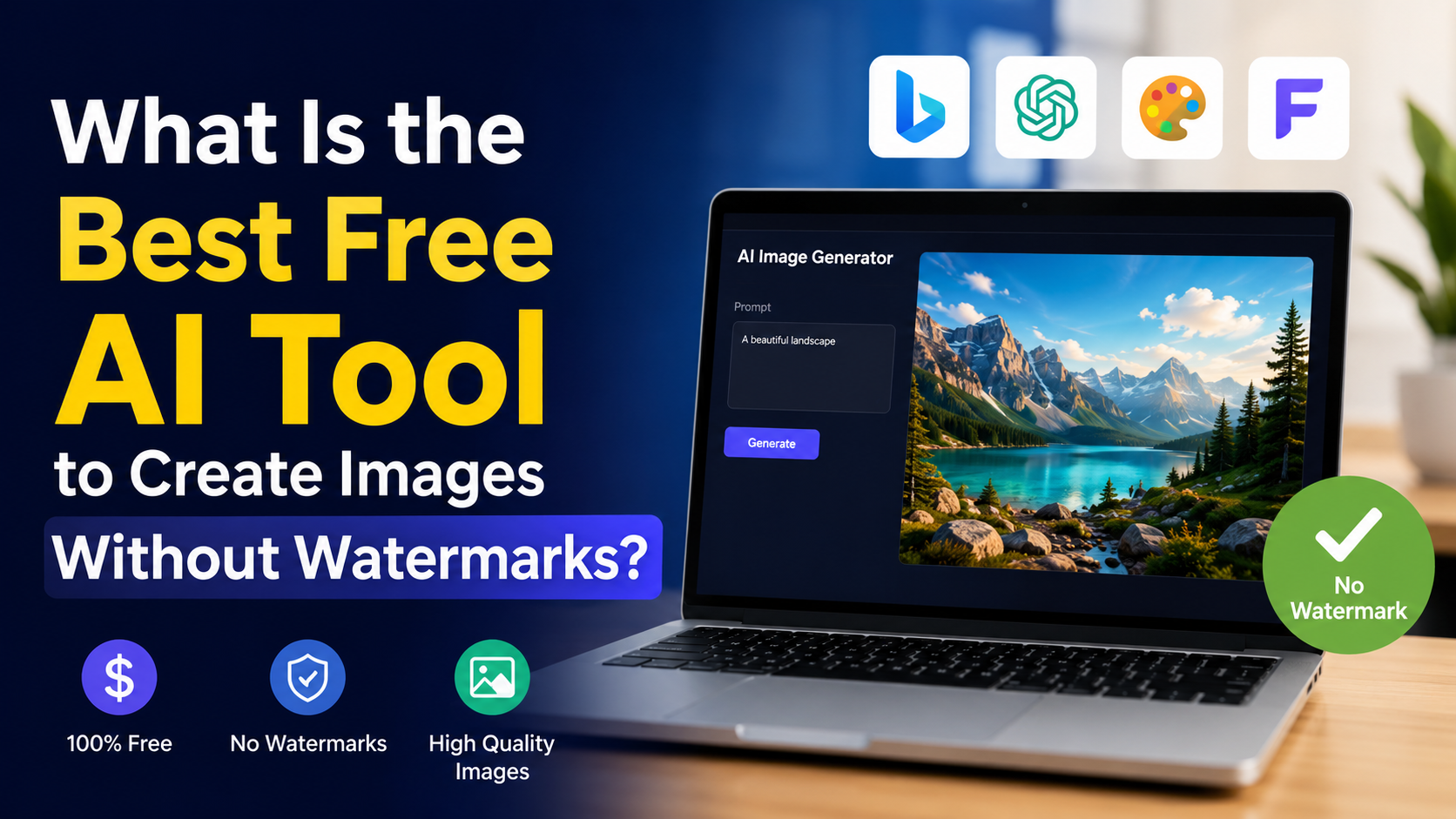
For most users in India, Google Gemini is the best free AI image generator when you want images without a visible watermark. It is accessible in India, works through the web and mobile app, and lets eligible signed-in users generate and edit images from natural-language prompts. Most importantly, Gemini Apps include a setting for visible media watermarks that users can turn off. Google lists India among supported Gemini app locations, and its help documentation explains how visible watermark settings work.
There is an important distinction: turning off a visible watermark does not make an image untraceable as AI-generated. Google says Gemini-generated or edited media still carries an invisible SynthID watermark and Content Credentials metadata. That is a transparency feature, not a logo or text stamped on the image. Google Gemini watermark settings confirm that the visible-watermark setting does not affect these provenance signals.
Key Takeaways
- Google Gemini is the strongest free option for clean-looking AI images without a visible logo or text watermark.
- In Gemini Apps, check the Media watermark setting before generating an image.
- All Gemini AI media retains invisible SynthID watermarking and Content Credentials metadata.
- Gemini image generation requires a signed-in account and is not available to users under 18.
- Do not use AI images to impersonate people, copy protected brands, or mislead viewers.
- For commercial work, review the platform's current terms and assess copyright, trademark, privacy, and client requirements.
Why "Without Watermarks" Needs a Clear Definition
The phrase "watermark-free" can mean two very different things.
A visible watermark is a logo, label, or text such as "AI Generated" placed directly on the image. This can interfere with a product mock-up, social post, blog banner, presentation, or thumbnail.
An invisible watermark is embedded information designed to help identify AI-generated content. It is not normally visible to viewers and does not affect the visual layout of the image.
Google states that all AI-generated or edited media made in Gemini Apps includes invisible SynthID watermarking. Gemini Apps also include Content Credentials, which provide origin information about the media. Google's verification guidance explains that a detected SynthID signal indicates that all or part of an image was created or edited by Google AI.
Therefore, the realistic goal is not "remove every provenance signal." The better goal is to create a professional image without an unwanted visible overlay while using the tool transparently and responsibly.
The Best Free AI Image Generator: Google Gemini
Google Gemini is the best overall choice for many Indian users because it combines image generation, conversational refinement, and image editing in one free-to-access interface.
Why Gemini stands out
Gemini is particularly useful when you need to improve an image through follow-up instructions rather than repeatedly starting from scratch. For example, you can ask it to:
- Generate a product-style visual for a local business.
- Change the background of an uploaded image.
- Make a social-media graphic more minimal.
- Alter colours to match a brand palette.
- Create an illustration for a Hindi or English blog article.
- Keep a subject consistent while making layout changes.
Google's image-generation help page confirms that users can generate and refine images in Gemini Apps, subject to supported-country, language, and account requirements. It also notes that users must be signed in and that the feature is currently unavailable to people under 18. Read Google's image-generation requirements.
The visible watermark advantage
Gemini gives users control over whether newly generated images receive a visible watermark. When the Media watermark setting is enabled, newly generated images receive a visible mark; when it is disabled, that visible overlay is not added.
This makes Gemini suitable for users who need a clean final image for:
- Instagram and LinkedIn posts
- YouTube thumbnails
- Blog feature images
- Pitch decks and college presentations
- Restaurant, salon, retail, or freelancer marketing creatives
- Basic e-commerce concept images
The watermark setting applies to Gemini Apps on the web and mobile app, not automatically to every AI feature in other Google products.
How to Create Images in Gemini Without a Visible Watermark
Before generating your first image, confirm the visible-watermark preference.
- Sign in to Gemini with an eligible personal Google Account.
- Open Gemini on the web or in the Gemini mobile app.
- Go to Settings.
- Find Media watermark.
- Turn the visible watermark setting off.
- Enter a detailed image prompt and generate the image.
- Review the result at full size before downloading or publishing it.
Google's settings guide says this control applies only to the visible watermark. SynthID and Content Credentials remain in place regardless of the setting. Manage watermark settings in Gemini Apps.
A practical prompt formula
Better prompts usually reduce the need for excessive editing. Use this structure:
Subject + setting + visual style + composition + lighting + exclusions + aspect ratio
For example:
Create a premium Indian masala chai product photograph: ceramic cup on a warm wooden table, soft morning window light, realistic food photography, clean beige background, space for headline text on the left, no logos, 4:5 vertical composition.
For a business banner:
Create a modern flat illustration of a small Indian business owner managing online orders on a laptop, blue and saffron colour palette, clean vector style, ample whitespace, no text, 16:9 landscape format.
Avoid vague prompts such as "make a nice poster." Tell the model what must appear, what must not appear, and where empty space is needed.
How to Get Better Results for Indian Audiences
AI image generators can produce generic or culturally inaccurate results if the prompt lacks context. Add specific, respectful details.
Specify regional context
Instead of asking for "an Indian festival image," explain the intended setting:
A family decorating a modern apartment in Pune for Diwali, warm diyas, rangoli near the entrance, contemporary clothing, realistic photography, no visible brand names.
For food content, mention the dish, serving style, region, and photography approach:
Editorial food photograph of Bengaluru-style masala dosa with sambar and coconut chutney on a banana-leaf-inspired serving plate, natural daylight, realistic texture.
Ask for clean layouts, not added text
AI-generated text inside images can still contain spelling errors or distorted letters. For advertisements, thumbnails, and posters, request:
- "No text"
- "No logo"
- "Clear area on the right for headline"
- "Minimal background"
- "Leave negative space at the top"
Then add final copy, prices, contact details, and brand logos in Canva, PowerPoint, Figma, or another design editor. This gives you far more control than asking an image generator to render Hindi, English, or regional-language text perfectly.
Gemini vs Other Free AI Image Tools
The best option depends on whether you mean "no visible watermark," free access, editing ability, or commercial suitability.
| Tool | Best use case | Watermark consideration | Important limitation |
|---|---|---|---|
| Google Gemini | General image creation and conversational edits | Visible watermark can be controlled in Gemini Apps; invisible SynthID remains | Feature availability and limits can vary by account and region |
| Bing Image Creator | Fast prompt-to-image exploration | Terms prohibit removing or altering content credentials or other provenance signals | Microsoft says outputs may not be unique and gives no non-infringement guarantee |
| Microsoft Designer | Layout-based visual creation | Watermark behaviour can depend on account and product settings | Check the exact product terms before commercial use |
| Free design-platform generators | Templates and quick social posts | Some free plans may restrict downloads, credits, or premium assets | Plan features can change frequently |
Bing Image Creator is a capable alternative, but it is not the clearest first recommendation for a user specifically seeking clean, watermark-free-looking images. Its current terms say users must not remove or alter content credentials, provenance methods, marks, or signals indicating that creations were generated by the service. Bing Image Creator Terms of Use were last updated in March 2026.
Responsible Use: Copyright, People, and Commercial Projects
A visually clean image is not automatically safe to publish commercially.
Before using an AI-generated image in an ad, product listing, book cover, paid campaign, or client project, check the following:
- People: Do not create deceptive images of real people, especially public figures, customers, or colleagues.
- Brands: Avoid trademarked logos, packaging, characters, and recognisable branded designs unless you have permission.
- Copyright: Do not assume an output is exclusive merely because you wrote the prompt.
- Client contracts: Some clients require disclosure of AI-assisted work or have rules about source files and licensing.
- High-stakes content: Do not use fabricated visuals for news, health claims, finance, legal advice, official documents, or identity-related purposes.
Google specifically advises users not to violate others' copyright or privacy rights and to use discretion before relying on or publishing generated content. Google's Gemini image guidance is a useful starting point, but it is not a substitute for legal advice on a particular campaign.
For transparency-sensitive work, consider disclosing that an illustration is AI-generated even if it does not display a visible watermark.
Common Problems and Fixes
The image has a visible watermark
Open Gemini settings and check whether Media watermark is enabled. Generate a new image after changing the setting; the setting affects newly generated images.
The image looks artificial
Use a more specific prompt. Describe lighting, camera angle, materials, composition, and subject details. Then ask for one focused revision, such as "reduce the glossy skin effect" or "make the background less busy."
The image contains incorrect text
Regenerate without text. Add the final wording in a dedicated design editor, where you can select the exact font, language, alignment, and spacing.
The output does not match an Indian setting
Add precise context: city, season, clothing style, interior type, food, festival elements, and visual mood. Avoid relying on a single broad word such as "Indian."
You need an image of a real person
Use a real photograph only with appropriate consent and permissions. AI-generated likenesses can create privacy, publicity, and reputational risks.
Frequently Asked Questions
Is Google Gemini free for AI image generation in India?
Gemini is available in India, and Google provides image-generation features in Gemini Apps for eligible signed-in users. Availability, usage limits, and features can differ by account type, age, location, and product updates. Check the Gemini interface for the capabilities available to your account.
Does Gemini create images without watermarks?
Gemini can create images without a visible watermark when the Media watermark setting is turned off. However, Google says Gemini-generated or edited media still includes an invisible SynthID watermark and Content Credentials metadata.
Can I remove an AI watermark from an existing image?
Do not attempt to remove, crop out, or bypass a watermark or provenance signal. Instead, use a tool's official settings before generation, or create a new image under the platform's permitted options.
Are Gemini AI images safe for commercial use?
There is no universal yes-or-no answer. The appropriate use depends on Google's current terms, the image content, applicable law, and whether it includes another party's trademark, likeness, copyrighted material, or confidential information. Review the terms and use professional legal advice for high-value commercial work.
What is the best prompt for a watermark-free image?
Use a descriptive prompt and include "no text" and "no logos" when appropriate. Do not ask a tool to evade its watermarking or provenance systems. A clean composition with designated empty space lets you add your own legitimate text later.
Conclusion
For Indian users who want the best free AI image generator without an intrusive visible watermark, Google Gemini is the most practical choice. It offers image generation and editing, is available in India, and provides a visible-watermark setting that can be turned off for new images.
Use detailed prompts, create text-free visuals, and add final branding in a design editor. Keep in mind that Gemini still preserves invisible AI provenance signals, and always review copyright, privacy, and commercial-use considerations before publishing.