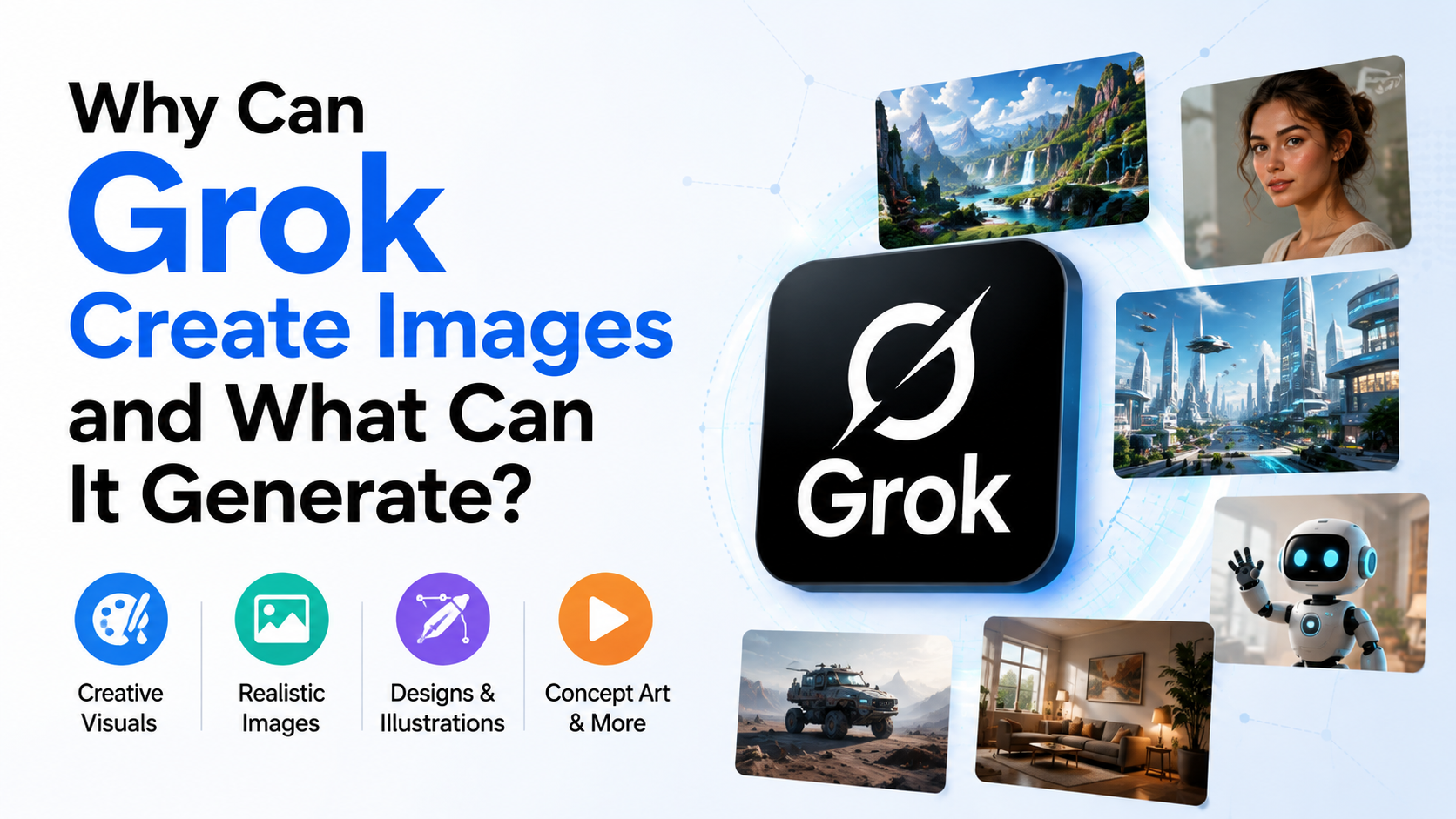
If you are asking why can Grok create images, the short answer is that Grok is a multimodal AI system connected to specialised image-generation models. It can interpret a text instruction, convert the meaning into visual structure, and render a new image. Current Grok Imagine models also support image editing, multiple reference images, configurable formats and video generation.
For users in India, Grok Imagine is available through the Grok web experience and mobile apps, while developers can access image and video models through xAI's API. Features, limits and access can vary by account, location and subscription, so always check the current Grok interface and official documentation.
Key Takeaways
- Grok creates images because xAI combines language understanding with dedicated multimodal image models.
- The original Aurora model was described by xAI as an autoregressive mixture-of-experts model trained on interleaved text and image data.
- Current Imagine tools generate images from text, edit existing images and combine up to three reference images.
- Grok can produce photorealistic scenes, illustrations, product mock-ups, posters, portraits, memes and other visual assets.
- Image 2.0 supports 1K and 2K output, multiple aspect ratios and up to 10 images per API request.
- Generated content still requires fact-checking, rights checks, consent and human review.
What Is Grok Imagine?
Grok Imagine is xAI's creative generation system for images and video. xAI's current documentation describes the Imagine API as supporting:
- Text-to-image generation
- Natural-language image editing
- Style transfer
- Multi-image compositing
- Text-to-video generation
- Image-to-video generation
- Video editing
The current image-generation model listed in xAI's documentation is grok-imagine-image-2.0. xAI announced its general availability as "Quality Mode" on Grok.com/imagine and in the iOS and Android apps on 7 August 2026. The same announcement highlights instruction following, typography, layout control and preservation of image details during edits (xAI's Image 2.0 announcement).
This is different from asking a conventional chatbot to describe a picture. Grok can return an actual raster image that you can view, download or use as a starting point for further edits.
Why Can Grok Create Images?
1. It is multimodal
A multimodal model works with more than text. Grok can process written prompts and image inputs, allowing it to connect words with visual concepts such as objects, people, lighting, perspective, colour and composition.
For example, a prompt such as:
"Create a realistic street-food stall in Bengaluru at dusk, with warm lights, stainless-steel counters and a monsoon atmosphere."
contains several visual instructions. The model interprets the subject, location cues, time of day, materials and mood before generating pixels.
2. xAI trained an image-generation model
In its December 2024 release, xAI described Aurora as an "autoregressive mixture-of-experts network" trained to predict the next token from interleaved text and image data. xAI said the model was trained on billions of internet examples and designed for photorealistic rendering and following text instructions (xAI's Aurora release).
The model name and product have since evolved. Aurora is useful for understanding the technical foundation, but users should follow the current Imagine model documentation rather than assume that the 2024 model is still the default.
3. Image generation is a specialised capability
Modern AI products often separate general conversation from specialised generation systems. Grok can understand your request in a chat-like way, while an image model handles visual synthesis. This division helps the system manage prompt interpretation, composition, resolution and image output more effectively.
4. It can use images as references
Grok Imagine is not limited to creating a picture from a blank prompt. xAI's documentation says users can provide one to three source images for editing, combining subjects, transferring styles or composing a new scene (Imagine API documentation).
That makes Grok useful for workflows such as:
- Changing a product's colour
- Converting a photograph into an illustration
- Replacing a background
- Combining a person, object and environment
- Creating several versions of the same design
What Types of Images Can Grok Generate?
xAI's official use-case material lists product mock-ups, illustrations, social-media graphics, concept art and marketing visuals. It also describes control over style, composition, lighting, mood, colour palette and aspect ratio (xAI image-generation use cases).
| Category | Examples |
|---|---|
| Photorealistic scenes | Travel views, interiors, food photography and lifestyle scenes |
| Product visuals | E-commerce thumbnails, packaging concepts and advertising mock-ups |
| Marketing graphics | Blog headers, campaign concepts and social-media creatives |
| Illustrations | Editorial art, children's-book concepts and explainer visuals |
| Concept art | Characters, environments, vehicles and game-world ideas |
| Posters and banners | Event posters, festival creatives and promotional layouts |
| Portraits | Stylised headshots, fictional characters and professional-photo concepts |
| Memes and comics | Panels, speech bubbles and humorous visual compositions |
| Abstract art | Geometric designs, surreal scenes and experimental textures |
For Indian creators, practical prompts could include a Diwali campaign concept, a regional food illustration, a Hindi-English social post or a tourism poster for Kerala. However, text rendered inside images should always be proofread. Even improved models can misspell names, transliterate incorrectly or distort small text.
Current Image and Video Capabilities
Text-to-image generation
You describe the subject and desired appearance in natural language. xAI recommends specifying details such as:
- Main subject
- Art style or photographic approach
- Camera angle
- Lighting
- Colour palette
- Background
- Mood
- Composition
- Intended placement
Image 2.0 supports 1K and 2K resolutions. The Imagine documentation also lists configurable aspect ratios, including square, portrait, landscape, widescreen and banner formats. The API can return up to 10 images in one request (Imagine overview).
Image editing
You can upload or provide an image and describe the change. Examples include:
- "Make this a watercolour painting."
- "Remove the background and use a plain cream backdrop."
- "Change the shirt to deep green."
- "Keep the person's pose but place them in a studio."
The system can preserve important parts of the source while modifying the requested elements. Results are not guaranteed to be pixel-perfect, particularly when hands, tiny lettering, jewellery or complex patterns are involved.
Multi-image compositing
With up to three reference images, you can ask Grok to create a composite scene. For example, one image could provide a product, another a model and a third a background. You should have permission to use every source image and avoid creating misleading depictions of real people.
Video generation
The Imagine platform also supports video from text or still images. xAI's documentation lists video resolutions of 480p, 720p and 1080p, with videos up to 15 seconds through the API. Video generation is asynchronous, meaning the request is submitted first and the result is retrieved after processing (xAI Imagine API).
How to Create an Image with Grok
Using Grok on the web or mobile app
- Open grok.com or the official Grok mobile app.
- Go to the Imagine image-generation experience.
- Describe the image in specific, visual language.
- Review the result and request targeted changes.
- Save or export the final version if the interface and your account allow it.
Instead of writing "make a nice poster," provide production details:
"Create a vertical 9:16 poster for a college technology fest in Pune. Use a modern blue-and-saffron palette, an abstract circuit pattern, clear empty space at the top for a title, and no logos."
Generate a clean background first, then add final text in Canva, Figma or another design tool when exact spelling matters.
Using the xAI API
Developers can create an API key in the xAI Console and use the official SDKs or REST endpoints. The documentation shows image-generation requests using the grok-imagine-image-2.0 model.
The separate grok-imagine-image model page lists API output pricing of $0.02 per image for that model, while the Imagine overview lists $0.04 per image for Image 2.0. These are different model entries, so do not treat them as one universal price. Check the live pricing page before budgeting, especially because currency conversion, taxes and account terms affect Indian users (model pricing, Imagine overview).
Practical Uses for Students, Creators and Businesses in India
Grok can support a range of visual tasks:
- Small businesses: Create product-scene concepts before arranging a photoshoot.
- E-commerce sellers: Produce consistent thumbnail backgrounds and campaign variations.
- Educators: Visualise science concepts, historical settings or classroom posters.
- Students: Develop presentation covers, diagrams and project illustrations.
- Content creators: Generate thumbnail concepts, storyboards and social-media drafts.
- Marketing teams: Test multiple layouts and moods before commissioning final artwork.
- Developers: Generate batches of themed assets through the API.
Treat AI output as a draft when accuracy, brand identity or legal compliance matters. A real product label, government emblem, celebrity likeness or medical diagram may need expert review.
Limitations, Safety and Responsible Use
Accuracy is not guaranteed
Grok generates plausible visuals, not verified evidence. It can produce incorrect uniforms, landmarks, maps, historical clothing, scientific details or product features. Never use an AI image as proof of a real event without independent confirmation.
Consent and likeness
Do not upload or transform someone's photograph without permission. Avoid deceptive edits, impersonation and sexualised depictions of real people. Such content can cause serious privacy and reputational harm and may violate platform rules or Indian law.
Copyright and trademarks
An image that resembles a known brand, character or artist may create rights issues. For commercial work, check ownership of source images, logos, fonts and likenesses. Keep records of your prompts and source materials.
Moderation and access can change
xAI states that generated images and videos pass through automatic content moderation and that policy-violating requests may be blocked (xAI API FAQ). Limits, subscription requirements and regional availability can change. Do not rely on old social-media posts claiming that a feature is free or unrestricted.
Privacy
Avoid uploading Aadhaar cards, PAN cards, customer records, confidential business documents or private photographs unless you understand the applicable data terms and have a legitimate reason. Remove unnecessary personal information before testing an image workflow.
Prompting Tips for Better Results
A useful prompt usually contains five parts:
- Subject: What should appear?
- Context: Where and when is it happening?
- Style: Photograph, 3D render, ink drawing or another approach.
- Composition: Portrait, close-up, overhead view or wide shot.
- Constraints: Colours, exclusions, aspect ratio and text requirements.
Example:
"Create a realistic 4:5 product photograph of a ceramic chai cup on a wooden table, morning window light, muted terracotta and cream colours, shallow depth of field, no people, no visible brand logos."
For revisions, change one variable at a time: "Keep the subject and lighting, but use a wider camera angle and remove the flowers." This makes it easier to identify what improved or degraded.
Frequently Asked Questions
Is Grok an image generator or only a chatbot?
Grok is a conversational AI product with image-generation capabilities. Grok Imagine provides the specialised tools for creating and editing images, while the chat interface helps interpret and refine instructions.
Can Grok edit my existing photo?
Yes. Current Imagine documentation supports natural-language image editing and up to three reference images. Upload only images you own or have permission to use.
Can Grok create images with Hindi text?
You can request Hindi or other Indian-language text, but generated lettering may contain spelling and layout errors. For publishing, create the visual background in Grok and add final text using a design application.
Is Grok image generation free in India?
Access and quotas depend on the current product, account and plan. xAI's official pages do not establish one permanent India-wide free allowance. Check the Grok app or website at the time you use it.
Can businesses use Grok images commercially?
Commercial use depends on xAI's current terms, your plan and the rights associated with source materials or recognizable content. Review the applicable terms and obtain legal advice for high-risk campaigns.
Conclusion
The reason Grok can create images is its multimodal design: language understanding is connected to specialised image-generation models trained on text-and-image relationships. Today, Grok Imagine can generate and edit visual content, combine reference images, produce multiple formats and extend still images into short videos.
For Indian users, the best results come from precise prompts, iterative edits and careful human review. Use Grok to explore ideas and accelerate production, but verify facts, respect consent and copyright, and confirm current access and pricing before relying on it for professional work.